
Adding another AI tool is easy. Removing one is harder.
That is how a productivity stack gradually turns into a collection of overlapping subscriptions, duplicate notes, half-used automations, and information stored in places nobody remembers. The problem is rarely that the individual tools are bad. More often, each one was added to solve a reasonable problem without checking what the rest of the stack was already doing.
Before your team adds another AI assistant, meeting recorder, workspace, or automation service, it is worth auditing the system you already have. The goal is not to minimize the number of apps at all costs. It is to make sure every tool has a clear job and that work can move between those jobs without unnecessary friction.
Start with jobs, not app names
A useful audit begins by ignoring the software for a moment. List the recurring jobs your team needs technology to handle: capturing information, drafting, storing knowledge, managing tasks, recording meetings, communicating, automating handoffs, and finding information later.
Then place the tools underneath those jobs. This exposes overlap quickly. If three products all summarize meetings, two products store project notes, and several AI assistants draft similar text, the team may be paying for capabilities rather than distinct roles.
Overlap is not automatically waste. Two tools can perform the same function while serving different workflows. The question is whether anyone can explain why both need to exist.
This job-based view builds on the four-layer approach in our guide to building an AI productivity stack without tool overload. That framework is useful when choosing a stack; an audit applies the same discipline after the stack has started growing.
Find the places where work changes hands
The biggest productivity costs often appear between tools rather than inside them. A meeting ends in one app, someone copies action items into another, supporting notes live somewhere else, and a colleague later asks where the final decision was recorded.
For each important workflow, trace what happens from beginning to end. A simple sequence might be: meeting → notes → decision → task → follow-up. Mark every point where a person has to copy, reformat, download, upload, or search manually.
Those handoffs deserve more attention than feature lists. A sophisticated AI feature that saves two minutes can be outweighed by a workflow that forces five people to hunt for the output afterward.
This is especially visible with meeting software. In our comparison of Notion AI Meeting Notes, Otter, Fireflies, and Fathom, the important distinction is not simply which service can generate a summary. It is where that summary goes next and whether it becomes part of the team’s actual working system.
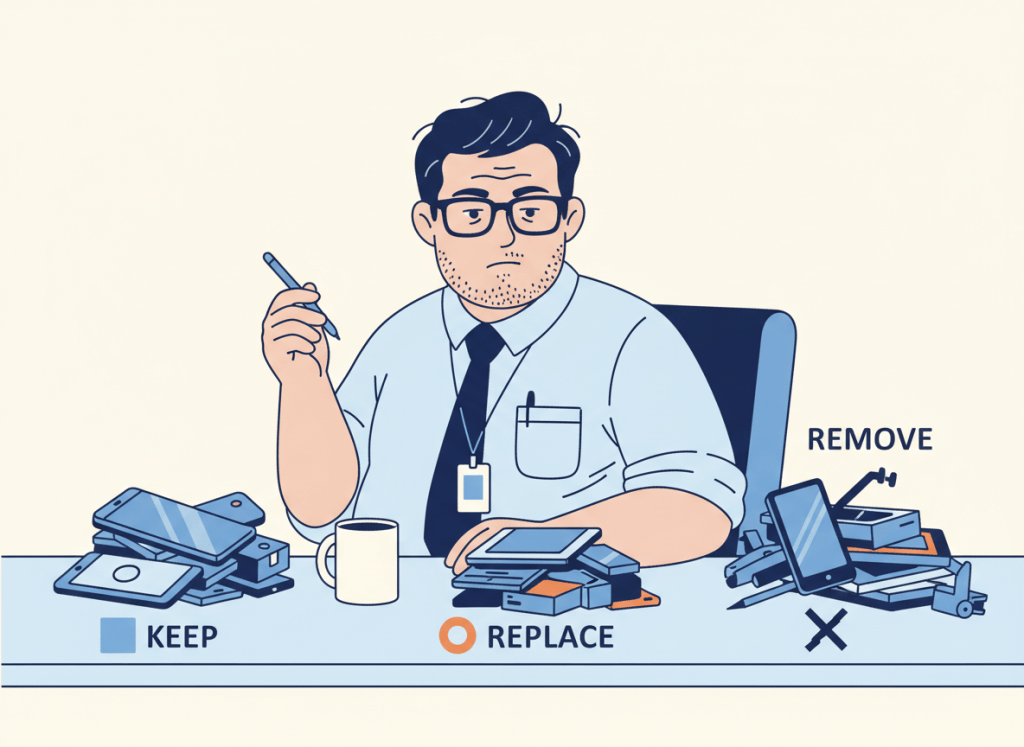
Bob’s note: before adding another app, find the one you can delete.
Look for three kinds of duplication
Feature duplication is the obvious one: several tools perform the same task. But two other forms are easier to miss.
- Information duplication: the same project, customer, meeting, or decision is stored in multiple places and nobody knows which copy is authoritative.
- Process duplication: a workflow is automated in one place but still maintained manually somewhere else “just in case.”
- Attention duplication: people have to monitor several inboxes, notification centers, dashboards, or AI assistants for essentially the same work.
The third category is particularly expensive because it does not show up on an invoice. Every additional place that might contain something important creates a small checking habit. Multiply that across a workday and the stack starts consuming the attention it was supposed to protect.
Measure adoption without confusing logins with value
A tool can be opened every day and still contribute little. Conversely, an automation may run quietly in the background and save meaningful repetitive work without anyone regularly visiting its dashboard.
Instead of asking only whether a product is being used, ask what would break if it disappeared tomorrow. Would people lose an important workflow, a unique information source, or a meaningful amount of time? Or would they simply move a minor task back into a tool they already have?
For paid software, it also helps to compare the number of licensed seats with the number of people who genuinely need the product’s distinctive capabilities. Team-wide licensing can make sense for a shared workspace; it may make less sense for a specialist tool used by two people.
Check whether your core workspace has quietly expanded
Work software changes quickly. A capability that required a separate subscription a year ago may now be built into a platform your team already pays for. AI writing, search, meeting notes, databases, forms, automations, and lightweight project management increasingly overlap across large workplace platforms.
That does not mean the built-in option is always better. Dedicated products often go deeper. But the comparison should be made again rather than assuming an old purchasing decision is permanent.
The choice of core workspace matters here. Our Notion vs ClickUp comparison for small teams shows how two broad platforms can overlap substantially while still encouraging different ways of organizing work. When a core platform expands, the surrounding stack should be reconsidered with it.
Audit automations for fragility, not just usefulness
Automations deserve their own review because an invisible workflow can remain in place long after the process around it has changed.
For every important automation, identify its trigger, the systems it touches, the person responsible for it, and what happens when it fails. Remove abandoned experiments and document the workflows the team actually depends on. If nobody knows why an automation exists, that is a warning sign even when it still runs successfully.
The platform also affects maintenance. Zapier, Make, and n8n use different models for building and operating workflows, so complexity that is comfortable in one environment may be awkward in another. The audit should consider maintainability alongside what an automation can technically do.
Give every tool a one-sentence reason to exist
At the end of the audit, write one sentence for each product: “We use this because…”
A strong answer describes a job and an outcome. “We use this because it automatically moves qualified form submissions into our project workflow” is useful. “We use this because it has AI” is not.
Tools with weak explanations belong in a review group. That does not mean canceling them immediately. Check dependencies, export requirements, renewal dates, data retention, and whether another system can genuinely absorb the work before making a change.
Set a higher bar for the next subscription
An audit is most useful when it changes the next buying decision. Before adding a new product, require a clear answer to four questions: What existing problem does it solve? Which current tool or manual step does it replace? Where will its output live? Who will own the workflow after the initial excitement fades?
If the new tool does not replace anything, that is not automatically a reason to reject it. Some genuinely valuable capabilities are additive. But the burden of proof should be higher when another subscription also creates another destination, another login, and another workflow to maintain.
A productive AI stack is not the one with the most capable individual apps. It is the one in which each tool has a clear role, information has an obvious home, and people spend less time managing the system than doing the work the system was meant to support.
WTA VERDICT
The WorkTech Atlas take
Audit the stack before adding to it. The highest-value improvement may be removing overlap, clarifying tool ownership, or fixing a broken handoff rather than buying another AI product.
3-Line Takeaway
- List the job each tool actually owns.
- Find overlap before evaluating new software.
- Measure switching cost and workflow friction, not just subscription price.

Leave a Reply