Protecting focus time sounds like exactly the kind of problem an AI scheduler should solve. Sometimes it is.
But if the only goal is to keep a few hours of the week free from meetings, buying another scheduling layer can be premature. A recurring focus block, clearer meeting windows, and a small set of team rules may solve most of the problem without adding another app.
The useful question is not whether Reclaim AI can protect focus time. It can. The better question is: when does adaptive scheduling add enough value beyond ordinary calendar rules to justify another tool?
Start with the cheap version: calendar rules
Before adding a new scheduler, try to make the calendar itself more opinionated. The goal is not to create a perfect productivity system. It is to stop focus time from being treated as leftover space.
- Block recurring focus windows. Reserve the same one or two periods each week for uninterrupted work.
- Create meeting windows. Give coworkers predictable times when collaboration is welcome instead of leaving the entire day equally bookable.
- Keep one buffer block. Leave some unscheduled capacity so an urgent task does not immediately consume protected work time.
- Use a rescheduling rule. If focus time gets displaced, move it rather than delete it.
These rules are simple, but they test something important: is the real problem that your team lacks scheduling discipline, or that the calendar changes too quickly for manual rules to survive?
Some calendar platforms already help with the first problem. Google Calendar, for example, offers a dedicated Focus time event on eligible Workspace work and school plans, with options to mute Chat notifications and automatically decline meetings. Microsoft Viva Insights can create a recurring focus plan that books regular focus time on your calendar based on preferences.
If those features plus a few team norms are enough, a separate scheduler may not earn its place.
The difference Reclaim adds is adaptation
Reclaim’s Focus Time is not just another static block. Its current Focus Agent lets you set a deep-work goal and then finds and defends time around meetings and routines. Reclaim’s broader scheduling system can also move smart events as the calendar changes.
That distinction matters.
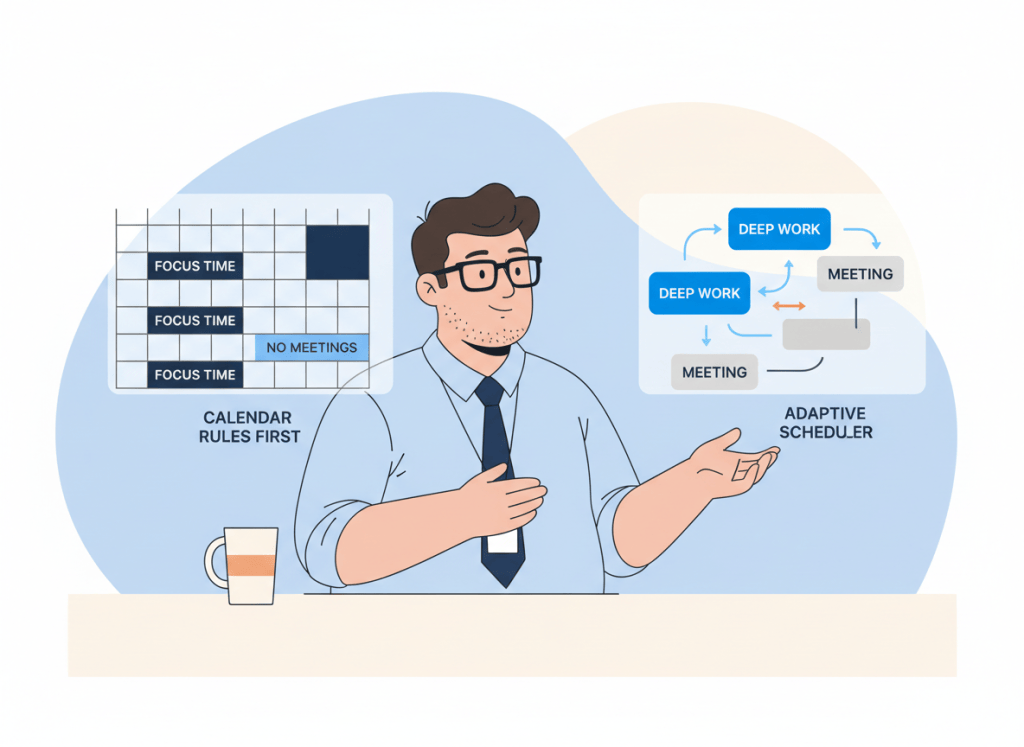
A fixed calendar rule says, “Tuesday from 9 to 11 is focus time.” An adaptive scheduler tries to preserve the goal even when Tuesday from 9 to 11 stops being available.
Reclaim 2.0 also separates proactive and reactive behavior more clearly. A proactive approach can place focus time in advance; a more reactive approach can wait until the calendar fills and then defend enough space to meet the goal. That flexibility is much closer to maintaining capacity than simply creating an event.
Reclaim currently lists its Starter plan at $12 per seat per month. That is not an enormous software expense, but the price is only one part of the decision. Another scheduling layer also adds settings, rules, integration behavior, and another system your team has to understand.
| Problem | Calendar rules may be enough | Adaptive scheduler may help |
|---|---|---|
| Need a recurring two-hour focus block | Yes | Usually unnecessary |
| Meetings occasionally interrupt focus time | Often | Maybe |
| Calendar changes several times a day | Harder to maintain | More useful |
| Need focus goals protected across a changing week | Possible, but manual | Strong fit |
| Team books over protected blocks repeatedly | Fix norms first | Automation alone will not fix culture |
Focus-time problems are often meeting-rule problems
It is easy to treat a crowded calendar as a software problem when the underlying issue is social.
If coworkers believe every open slot is fair game, an intelligent scheduler may become a more sophisticated way to fight the same behavior. Before automating, decide which hours are normally available for meetings, which are normally protected, and what counts as a legitimate exception.
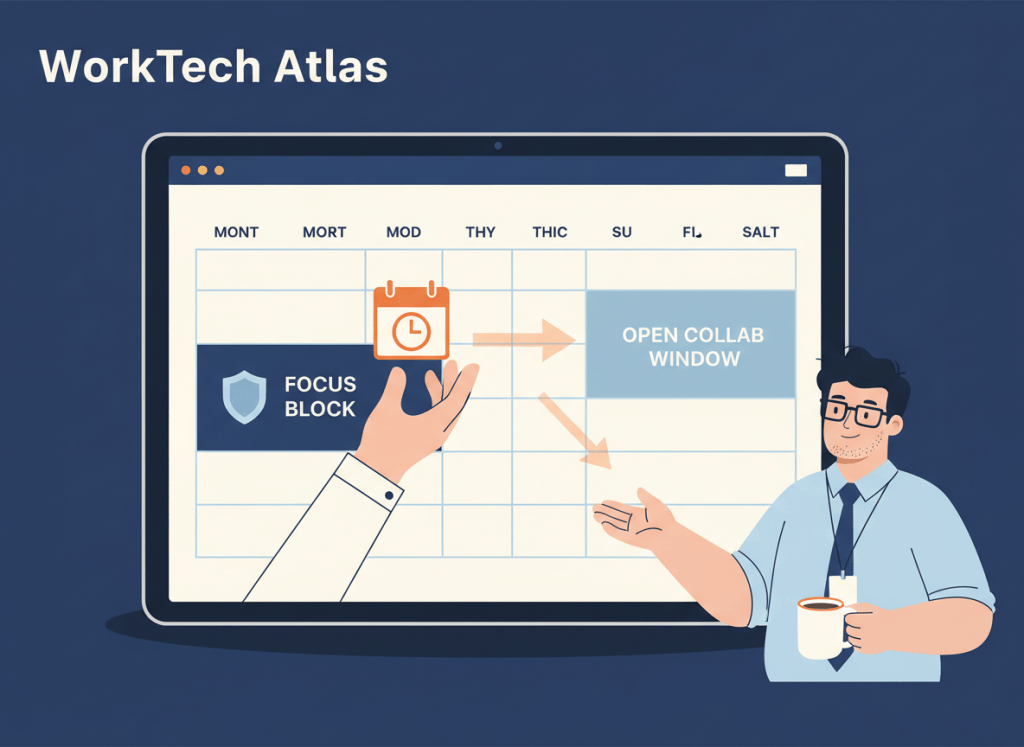
A useful small-team rule is to make collaboration windows obvious and boring. For example, mornings might be protected more heavily while a few afternoon blocks remain intentionally meeting-friendly. The exact hours matter less than consistency.
Then watch what happens. If people respect the pattern, you may have solved the issue with process. If the pattern collapses because client calls, cross-time-zone meetings, deadlines, and urgent work constantly move, automation has a clearer job to do.
Four signs Reclaim is doing more than your calendar can
Reclaim becomes easier to justify when you can point to recurring maintenance work that calendar rules do not handle well.
- You keep recreating focus blocks by hand. The calendar changes, the block disappears, and you repeatedly rebuild it somewhere else.
- You care about a weekly focus target more than a fixed time. “I need eight hours of deep work this week” is an adaptive scheduling problem; “I want Tuesday at 9” is not.
- Your meetings are genuinely fluid. If collaboration moves across the week, flexible protection can be more useful than rigid recurring events.
- You already know the rules but cannot maintain them manually. This is the strongest automation case: the policy is clear, but executing it takes too much attention.
That last point is the same threshold we use elsewhere at WorkTech Atlas. In our Todoist vs AI Scheduler guide, the dividing line is not whether scheduling features exist. It is whether maintaining the schedule has become the bottleneck.
Do not buy automation to avoid making a policy decision
An AI scheduler still needs preferences. It needs to know when meetings are acceptable, what work matters, how flexible events are, and which constraints should win when the week fills up.
If those decisions are fuzzy, automation can create motion without clarity.
This is why our AI productivity stack audit starts with jobs rather than tools. Before adding Reclaim, write down the job it will own. “Protect six hours of flexible focus time across a changing week” is a good job. “Make my calendar better” is not specific enough.
The same principle applies when choosing between scheduling products. Our Motion vs Reclaim AI comparison looks at whether you want a broader work-planning system or a scheduling layer that works around tools you already use.
Run a one-week test before subscribing
For one normal workweek, protect focus time without adding a new paid scheduler.
- Choose a realistic focus target for the week.
- Create recurring blocks or use your calendar’s built-in focus feature if available.
- Define two or three preferred meeting windows.
- When a focus block gets displaced, move it instead of deleting it.
- Keep a rough count of how often you manually repair the calendar.
At the end of the week, look at the maintenance cost.
If the rules mostly held and calendar repair was minor, keep the simpler setup. If you spent the week dragging blocks, defending focus time, and rebuilding the plan after every change, you now have a concrete reason to try adaptive scheduling.
That keeps the purchase grounded in a workflow problem rather than fear of missing out on AI. It also fits the broader approach in our AI productivity stack guide: add software when it removes a defined layer of work, not when it merely overlaps with something you already have.
WTA VERDICT
You do not need Reclaim AI just to put focus time on a calendar. Start with recurring focus blocks, meeting windows, and a clear rule for moving displaced work. For a predictable schedule, that may be enough.
Reclaim becomes more compelling when the goal is not a fixed block but preserving a target amount of focus time across a week that keeps changing. That is where adaptive scheduling starts doing work a normal calendar rule cannot do automatically.
3-Line Takeaway
- Try rules first: recurring focus blocks and clear meeting windows solve the simple version of the problem.
- Pay for adaptation: Reclaim earns its place when focus time must move and survive around a constantly changing calendar.
- Fix culture too: no scheduler can fully compensate for a team that ignores protected time.
WorkTech Atlas did not receive payment from Reclaim AI or the other companies mentioned here. This article is based on current public product information; features and pricing can change.

Leave a comment