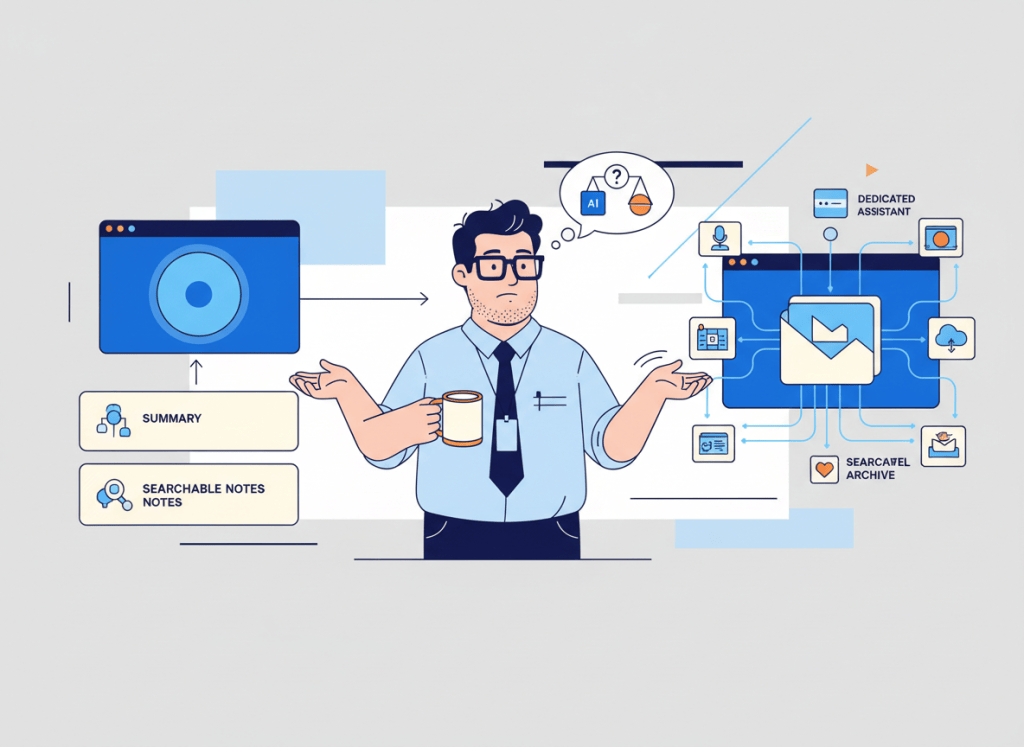
If your team already pays for Zoom Workplace, AI Companion can summarize meetings, surface action items, answer questions about meeting content, and help you find information later. That makes a separate AI meeting assistant harder to justify than it was a few years ago.
But “Zoom already has AI” does not automatically mean Otter.ai is redundant.
The useful question is narrower: are your meeting notes mainly a Zoom feature, or are they becoming a cross-platform knowledge system for your team?
Zoom AI Companion is increasingly the default for Zoom-centric teams
Zoom AI Companion is included with eligible paid Zoom Workplace plans rather than sold only as a separate meeting-note subscription. Its meeting capabilities include summaries, questions during meetings, transcript-based assistance, and post-meeting access to AI-generated content.
Zoom has also expanded AI Companion beyond a simple summary at the end of a Zoom call. Depending on plan and settings, teams can use it across Zoom Workplace and work with meeting content after the call.
That creates a strong default: if most of your important meetings already happen in Zoom and your main requirement is “give us a useful summary and action items,” start with the AI capability you already have before buying another recorder.
Otter is easier to justify when meetings are not a Zoom-only problem
Otter is a dedicated meeting assistant rather than a feature attached to one video platform. It can join and capture meetings across Zoom, Microsoft Teams, and Google Meet, then keep transcripts, summaries, action items, and searchable meeting knowledge in one product.
That distinction matters for teams whose calendars are mixed. A consultant may spend Monday in client Zoom calls, Tuesday in a customer’s Teams environment, and Wednesday in Google Meet. A dedicated meeting layer can create more continuity than relying on each platform’s native AI separately.
Otter also positions its product around ongoing meeting knowledge and AI chat across conversations, not only the summary generated by an individual call.
| Your situation | Better starting point | Why |
|---|---|---|
| Most important meetings happen in Zoom | Zoom AI Companion | Avoid paying for overlapping note-taking first |
| Meetings regularly span Zoom, Teams, and Google Meet | Otter | One dedicated meeting layer is easier to maintain |
| You mainly need summaries and action items | Zoom AI Companion | Native functionality may already cover the job |
| You want a centralized archive across meeting platforms | Otter | The dedicated workspace becomes more valuable |
| You already run both on every Zoom call | Audit the overlap | Duplicate transcripts and summaries rarely create double the value |
The real cost is not just the subscription
A second meeting assistant adds another workspace, another set of permissions, another searchable archive, and another place where transcripts may be stored.
Otter has a free Basic tier, while its paid Pro and Business plans add more transcription capacity and team features. The exact economics depend on how many users need the dedicated workspace and how heavily they use it.
For a team already paying for an eligible Zoom Workplace plan, however, the important comparison is incremental value. Do not compare “Zoom price versus Otter price” as if the team were buying Zoom solely for meeting notes. Ask what Otter adds beyond the Zoom subscription you already need.
This is the same job-first principle we use in our AI productivity stack audit: overlapping features are not automatically wasteful, but every overlapping subscription should own a distinct job.
Watch for duplicate meeting records
The most common sign that your stack is overlapping is not a pricing spreadsheet. It is seeing the same meeting captured twice.
One system produces a transcript, summary, and action items. The other system produces another transcript, another summary, and another set of action items. Someone then has to decide which record is authoritative.

If both tools are recording every Zoom meeting, decide which one owns the meeting record. Keep the second tool only if its downstream workflow or cross-platform archive adds enough value to justify the duplication.
Choose the destination before the recorder
The best meeting-note tool is often determined by what happens after the meeting.
If a summary is mostly read inside Zoom and then forgotten, native AI may be enough. If meeting knowledge needs to remain searchable across clients, platforms, and months of conversations, the dedicated archive matters more.
If action items immediately become project work, evaluate that handoff too. Our guide to turning AI meeting notes into tasks covers the broader workflow, while our newer Review Gate guide explains why extracted actions should not automatically become tasks when ownership or deadlines are ambiguous.
When Otter still earns its place
A separate Otter subscription is easiest to defend when at least one of these is true:
- Your team routinely attends important meetings across several video platforms.
- You want one dedicated, searchable meeting archive instead of platform-specific records.
- Your workflow depends on Otter-specific collaboration, integrations, or meeting knowledge features.
- People outside your Zoom-centric workflow need consistent access to the same meeting system.
If none of those describes your team, run a native-first test before adding another subscription.
When Zoom AI Companion is probably enough
Zoom AI Companion is the stronger default when your team already pays for an eligible Zoom Workplace plan, most meetings happen there, and your needs are primarily summaries, questions, transcripts, and follow-up context rather than a separate cross-platform meeting repository.
That does not make it the “better AI meeting assistant” in every dimension. It means the marginal value of another tool has to clear a higher bar.
If you are still comparing the broader category, our AI meeting assistants for small teams guide gives the wider landscape.
WTA VERDICT
If your team is already Zoom-centric, use Zoom AI Companion first and make Otter prove that it solves a second problem.
Otter earns its place when meeting knowledge needs to follow your team across platforms or live in a dedicated searchable system. Otherwise, running two AI note takers on the same calls can create more duplicate information than additional value.
3-Line Takeaway
- Zoom-centric team: start with the AI meeting features already included in your workflow.
- Mixed-platform team: Otter is easier to justify as a consistent meeting layer.
- Already using both: decide which tool owns the meeting record and eliminate pointless duplication.
WorkTech Atlas did not receive payment from the companies discussed here. Product features, plan eligibility, pricing, and limits can change; check current official plan details before purchasing.

Leave a comment