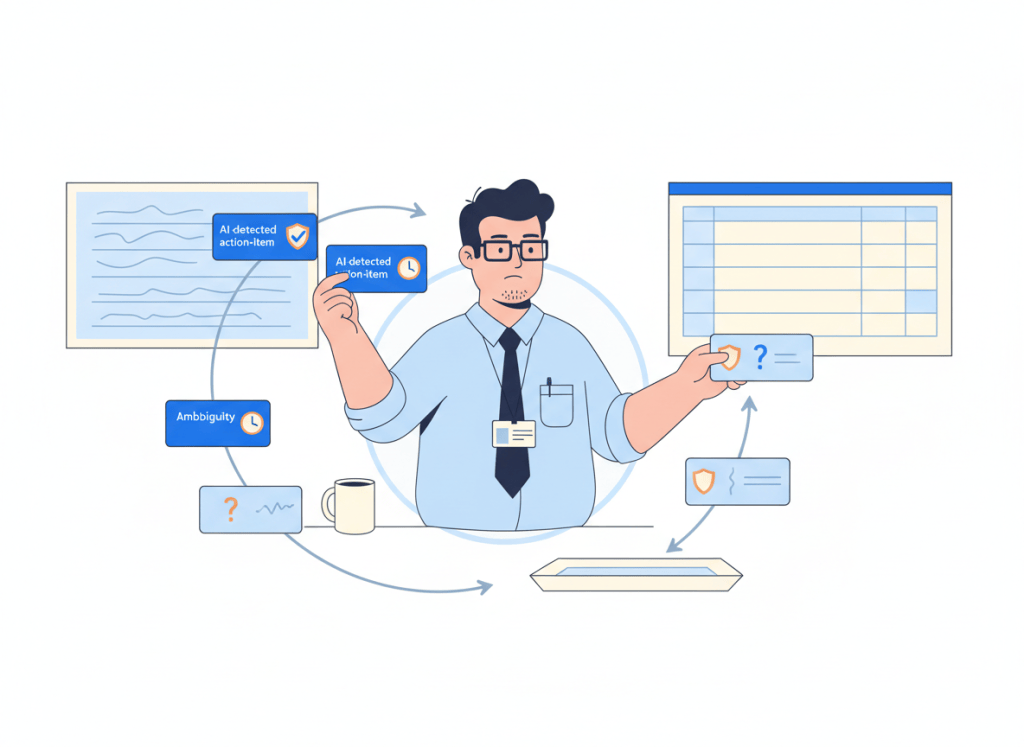
Turning AI meeting notes into tasks sounds like an ideal automation: the meeting ends, action items are extracted, and your task system fills itself.
The dangerous part is the last step.
A meeting transcript contains promises, suggestions, questions, half-decisions, polite offers, and ideas that never became commitments. If every sentence that looks actionable becomes a task automatically, the automation can create a cleaner-looking version of the same mess.
The safer pattern is simple: Transcript → AI extraction → Review Gate → Task system.
Why direct task creation is tempting
Modern automation tools make the direct route easy. Workflows can monitor AI meeting notes, extract action items, identify owners or due-date hints, and create tasks in systems such as Asana, ClickUp, Todoist, monday.com, or Notion.
That is useful when the input is reliable. It also removes the dullest part of meeting follow-up: copying an agreed action into another system.
But extraction confidence and task validity are not the same thing. An AI model can correctly identify an actionable-sounding sentence while still being wrong about whether your team actually committed to doing it.
That is why a review gate belongs between interpretation and execution.
The five checks in a useful Review Gate
The gate does not need to become another meeting. It should answer five compact questions before a task is allowed into the system.
- Was there an actual commitment? “We should explore this” is not the same as “I’ll send the revised proposal.”
- Is the owner explicit? Do not assign a person because the model inferred who probably owns the work.
- Is the deadline real? Preserve a stated deadline. Do not quietly convert vague language such as “soon” into an invented date.
- Does the task already exist? Search or match against the destination system before creating another copy.
- Is the item actionable at the right size? A broad discussion topic may need clarification or decomposition before it belongs on a task board.
An item that passes all five checks can move quickly. An item that fails one should not disappear; it should move to a short review queue with the original meeting context attached.
| Extracted item | Automation decision |
|---|---|
| Clear commitment + clear owner + explicit date | Create task after duplicate check |
| Clear commitment + owner, no real deadline | Create without inventing a due date, or route for review based on team policy |
| Action sounds real, owner unclear | Review queue |
| Suggestion or brainstorming idea | Keep in notes, not task system |
| Possible duplicate | Match or review before creation |
| Broad multi-step outcome | Review and break down first |
Do not let AI manufacture certainty
Two fields deserve special protection: owner and deadline.
If a transcript says, “Someone from marketing should look at this,” the system has useful information but not an assignee. If a speaker says, “Let’s get to this soon,” the system has urgency but not a date.
Converting either into a precise assignment makes the task look more authoritative than the meeting actually was.

A better workflow preserves uncertainty. Missing owner? Mark it unresolved. No stated deadline? Leave the date empty or route the item according to an explicit team rule. The automation should reduce clerical work without rewriting the decision history.
A Review Gate does not have to be fully manual
Human approval is not the same as manually rebuilding every task.
The AI can still extract the action, draft a concise task title, preserve the transcript link, identify a stated owner, capture an explicit date, suggest the destination project, and run a duplicate search. The reviewer should only need to confirm or correct the uncertain parts.
Current automation patterns already support this design. Zapier, for example, publishes a meeting-notes workflow that extracts tasks and routes them through Slack approval before creating them in Asana specifically to avoid task noise.
This is a practical example of the broader principle in our guide to human approval in AI workflows: place the checkpoint immediately before an action that changes a system of record or creates downstream work.
Use confidence to route work, not to hide uncertainty
If your automation platform supports structured outputs, ask the extraction step to return separate fields instead of one polished sentence: action, owner, due date, source context, and confidence or ambiguity flags.
Then use routing rules.
- High clarity: a concrete commitment, explicit owner, and stated deadline can proceed after a duplicate check.
- Medium clarity: a real action with one missing field goes to a lightweight approval queue.
- Low clarity: suggestions, questions, or speculative work stay with the meeting notes unless a person promotes them.
The exact thresholds depend on the team. The important design choice is that uncertainty changes the route rather than being silently converted into certainty.
Keep the original meeting context attached
A task created from a meeting should not become an orphaned sentence.
Keep a link to the source note or transcript, the meeting date, and enough surrounding context to explain why the task exists. That makes review faster and gives the assignee somewhere to look when the generated wording is too compressed.
Our earlier AI meeting notes-to-tasks guide covers the broader handoff from notes into task systems. The Review Gate is the control layer that makes that handoff safer as you automate more of it.
When full auto-creation is reasonable
Not every task needs approval forever.
Full automation makes more sense when the meeting format is highly structured, task language is explicit, owners are mapped reliably, the destination is predictable, and a mistaken task is cheap to reverse.
A recurring internal stand-up with a disciplined “owner + action + date” format is a better candidate than a client strategy call full of possibilities and soft commitments.
You can also graduate specific meeting types from reviewed to automatic after watching the review queue. If reviewers approve almost every item without correction, the workflow is giving you evidence that the gate can be loosened for that narrow case.
A simple implementation pattern
You do not need a complex agent architecture. A useful small-team workflow can be:
- Capture the meeting transcript or AI notes.
- Extract structured action-item fields.
- Check whether each item represents a real commitment.
- Validate owner and deadline without inventing missing values.
- Search the destination for likely duplicates.
- Send uncertain items to a compact approval queue.
- Create approved tasks with a link back to the meeting context.
If Notion is part of your stack, our Notion meeting follow-up automation guide shows how the post-meeting workflow can be organized. And if you are still choosing the capture layer itself, see our AI meeting assistants for small teams comparison.
WTA VERDICT
AI meeting notes should not create every task automatically. Automate extraction aggressively, but put a Review Gate before task creation whenever commitment, ownership, deadline, duplication, or task scope is uncertain.
The goal is not maximum automation. It is a task system people can still trust after the automation has been running for months.
3-Line Takeaway
- Extract first, execute second: separate AI interpretation from the action that changes your task system.
- Preserve uncertainty: never invent an owner or deadline just to make a task look complete.
- Earn full automation: remove the gate only for narrow workflows that repeatedly prove reliable.
WorkTech Atlas did not receive payment from the companies mentioned here. Product capabilities and automation templates can change over time.

Leave a comment