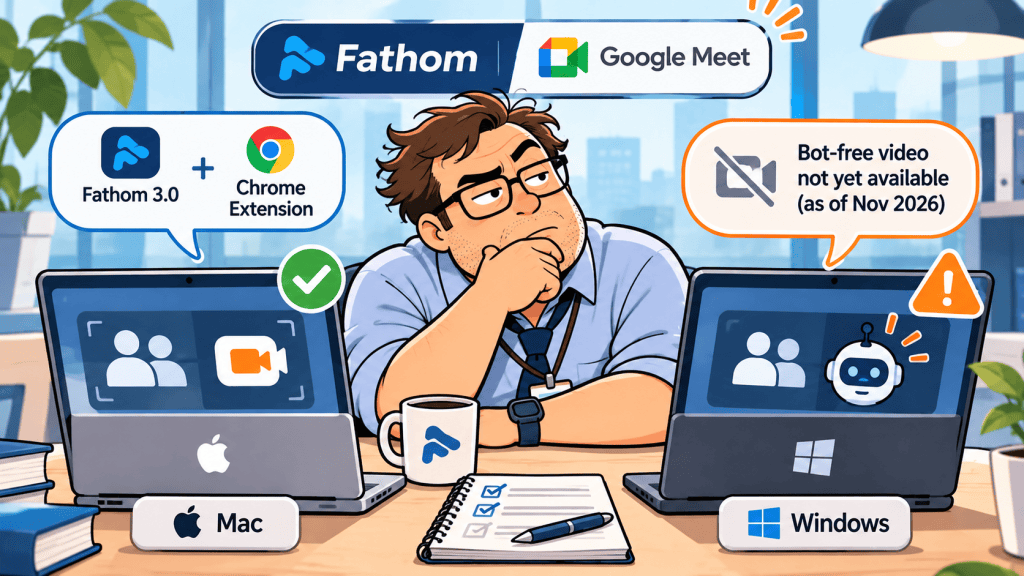
Documentation checked November 5, 2026. This is a review of official product documentation, not hands-on testing. Settings, availability, and organizational restrictions can change.
A consultant opens a Google Meet link five minutes before a client call. The plan is to capture the discussion without adding another participant. But the laptop is Windows, and a teammate’s Mac has a different Fathom setup. Will both get the same recording?
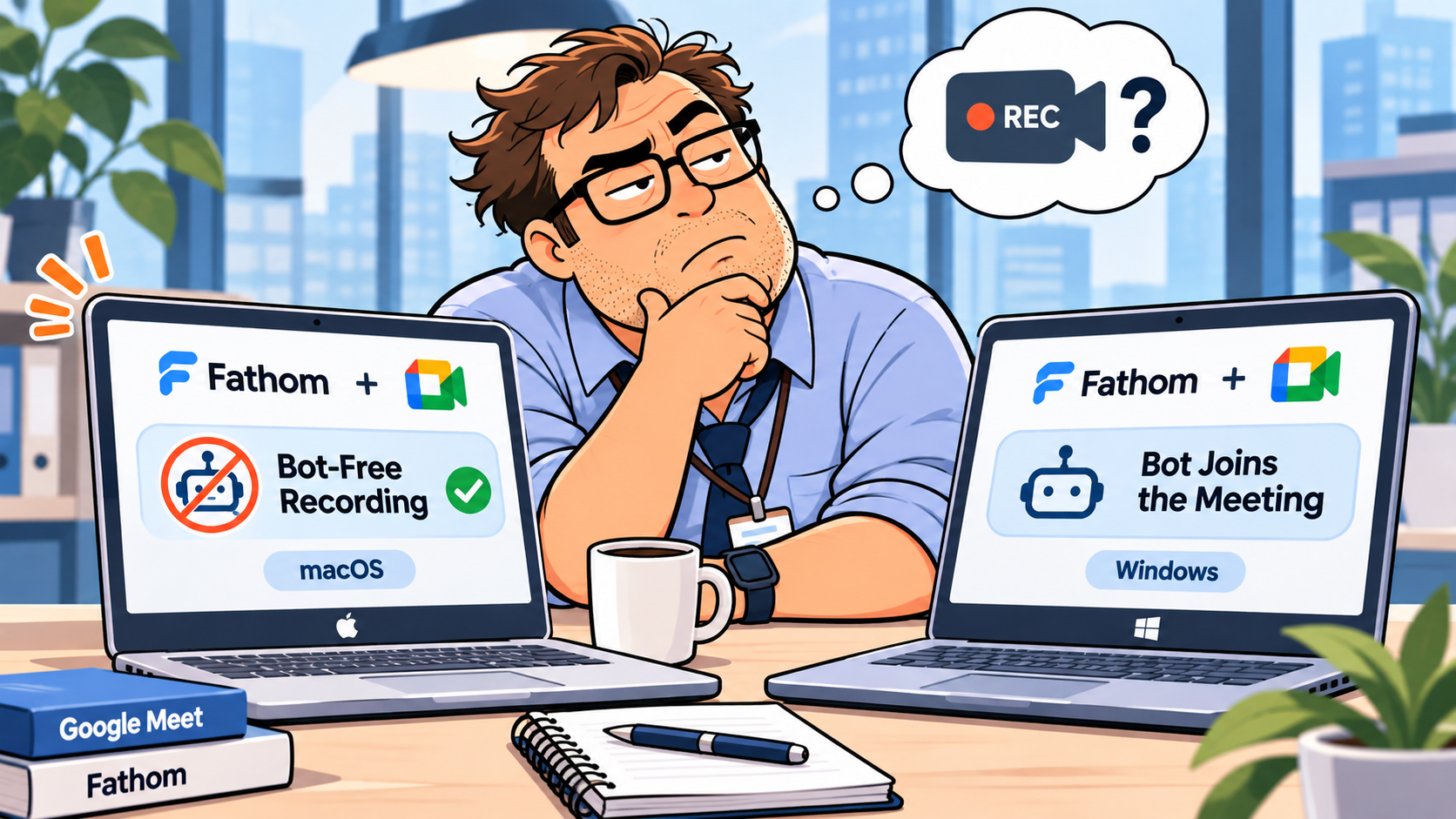
Short answer: No. Fathom’s current documentation says bot-free video capture for Google Meet is available on supported Macs, but not yet on Windows. That does not mean Windows users cannot capture meetings: Fathom offers bot-based recording and other capture modes, with different outputs and requirements. The useful question is not simply “Does Fathom work with Google Meet?” It is “What evidence do we need to keep, and what will participants see?”
Mac vs Windows: the capture decision
Fathom 3.0 lists four capture modes: Bot Video, Video (bot-free), Audio Only, and Transcript Only. The company says all modes produce a transcript, summary, and action items, while the retained audio/video differs. Availability depends on the meeting and setup, so an option can appear unavailable. Official capture guide.
| Decision | Supported Mac setup | Windows setup |
|---|---|---|
| Bot joins and records video | Supported | Supported |
| Bot-free Google Meet video | Supported on macOS 14.2+ with required app and Chrome extension | Not available yet, according to Fathom’s Nov. 4 guide |
| Audio or transcript-only options | Listed in Fathom 3.0 capture modes; check availability in the app | Check the modes offered in your app and meeting; do not assume Mac feature parity |
| Participant notice | Bot is visible, or bot-free notice/consent mechanisms apply | Bot is visible for bot capture; other notice depends on mode |
For Mac bot-free video, Fathom specifies its 3.0 desktop app, macOS 14.2 or newer, an enabled and signed-in Fathom Chrome extension, and Chrome as the recommended browser. Joining through the installed Google Meet app additionally requires desktop version 3.12.0 or later. If the extension disconnects and auto-capture is enabled, Fathom may use the configured fallback: send a bot or capture audio. That fallback deserves attention before an external call.
A crucial distinction: “No bot in the participant list” does not mean “no recording notice.” Fathom documents chat notices and consent prompts for its bot-free experience. Do not treat the absence of a bot as permission to record silently. Consent documentation.
Choose the smallest capture mode that answers the business question
If a client wants written next steps, a transcript-only workflow may be more appropriate than keeping video. If the team needs to review a screen demonstration, video may matter. If the client does not agree to capture, take manual notes instead. A tool’s technical ability does not replace the client’s consent or the organization’s retention policy.
Consider three typical calls. A weekly status meeting may only require a short decision log. A product walkthrough may need visual evidence, but only with explicit agreement. A sensitive contract negotiation may call for manual notes and a separately confirmed follow-up email. The objective is to minimize collection while preserving what is actually needed.
Fathom’s documentation says a scheduled external meeting can trigger advance consent emails when Auto Request Recording Consent is enabled and the relevant conditions are met. An attendee declining in advance disables auto-record for that call; Fathom advises against manually starting recording without renewed permission. Read the official consent conditions before setting team defaults.
A pre-call checklist that prevents surprises
First, confirm the operating system and the capture mode visible for this exact meeting. A teammate’s Mac screenshot is not evidence that a Windows machine offers the same controls.
Second, on a Mac, verify the desktop app version, extension status, Chrome permissions, and the correct signed-in account. Browser updates can disable an extension pending approval of new permissions. If you use Google Meet as an installed app, verify the desktop version requirement.
Third, inspect auto-capture and fallback settings. A meeting that was supposed to be bot-free can otherwise gain a visible bot if the extension is unavailable. For a sensitive client call, consider turning off automatic capture and choosing the mode manually.
Fourth, tell attendees what you intend to collect and how the result will be shared. Recording notice and legal consent are not always identical; local law and contractual obligations still apply.
Fifth, after the meeting, review the summary before sending it to the client or writing into a CRM. In particular, distinguish a proposed action from an approved commitment, and check who owns each next step. The WorkTech Atlas review gate for AI meeting tasks explains why auto-created tasks need human confirmation.
Bob’s field note (in-article visual): Bob notices that a bot-free setting has fallen back to “Send a bot” just before a client joins. He stops auto-capture, checks the extension, and asks the client before restarting. The joke is his expression, not the client’s privacy.
Where this fits in an AI meeting-notes workflow
This is a setup decision, not a universal Fathom endorsement. If your team is still deciding between transcription-focused and recording-focused products, compare Tactiq vs Granola for Google Meet. For a broader capture and collaboration trade-off, read Fathom vs Granola.
The second decision is what happens after capture. If a meeting summary goes to HubSpot, make sure it belongs to the right client and deal. The wrong-deal CRM sync guide covers that handoff. And before retaining recordings indefinitely, review the meeting-note deletion guide.
The setup should follow the data’s destination: capture only what the client agrees to, verify the summary, approve the follow-up, and apply a retention rule. A bot-free checkbox is only one part of that workflow.
WTA VERDICT
For Google Meet in November 2026, Mac users have a documented bot-free video path with Fathom 3.0 and the Chrome extension; Windows users should not assume the same capability. Choose the capture mode based on the record you need, test the fallback before a client call, and keep consent and human review in the process.
3-Line Takeaway
- Mac: Check macOS 14.2+, Fathom 3.0, extension permissions, and fallback.
- Windows: Bot-based video is documented; bot-free Google Meet video is not yet available.
- Everyone: Notify participants, verify decisions, and limit what you retain.

Leave a Reply