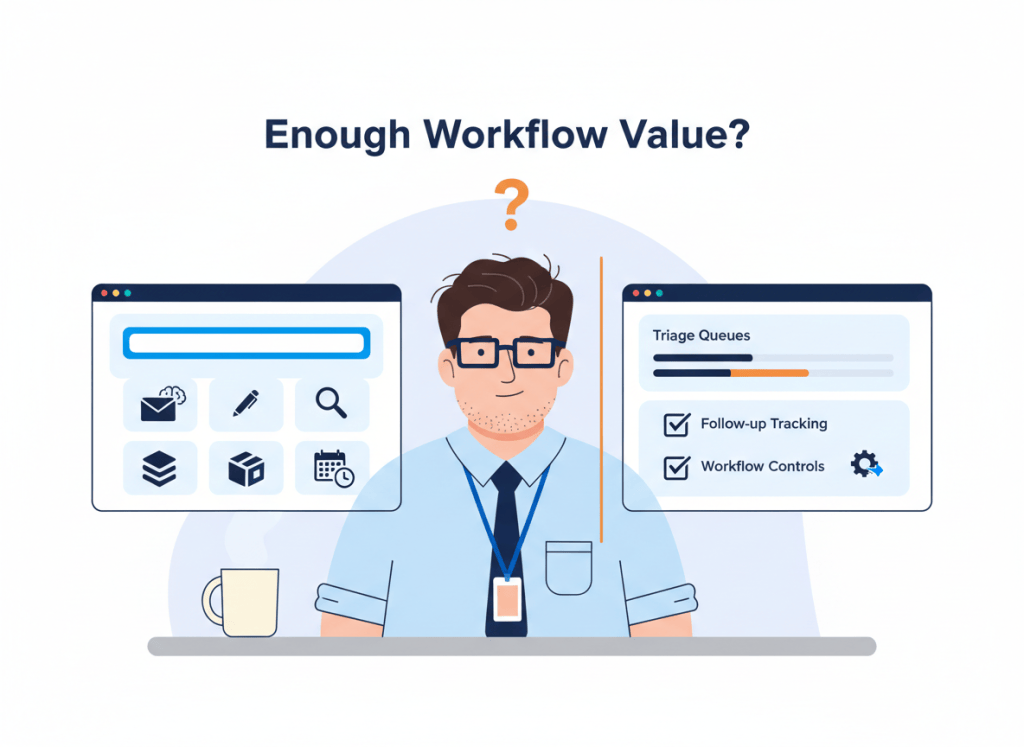
Gmail is no longer a plain inbox with a few AI writing tricks attached. Gemini can summarize threads, draft and refine replies, search for details across email and Drive, help organize messages, and assist with scheduling.
That changes the buying case for dedicated AI email apps.
If your main reason for switching was “I want AI to summarize email and help me write replies,” Gmail may already cover the job. The more useful question in 2026 is narrower: what email workflow problem is still expensive enough to justify another app?
Start with what Gemini in Gmail already does
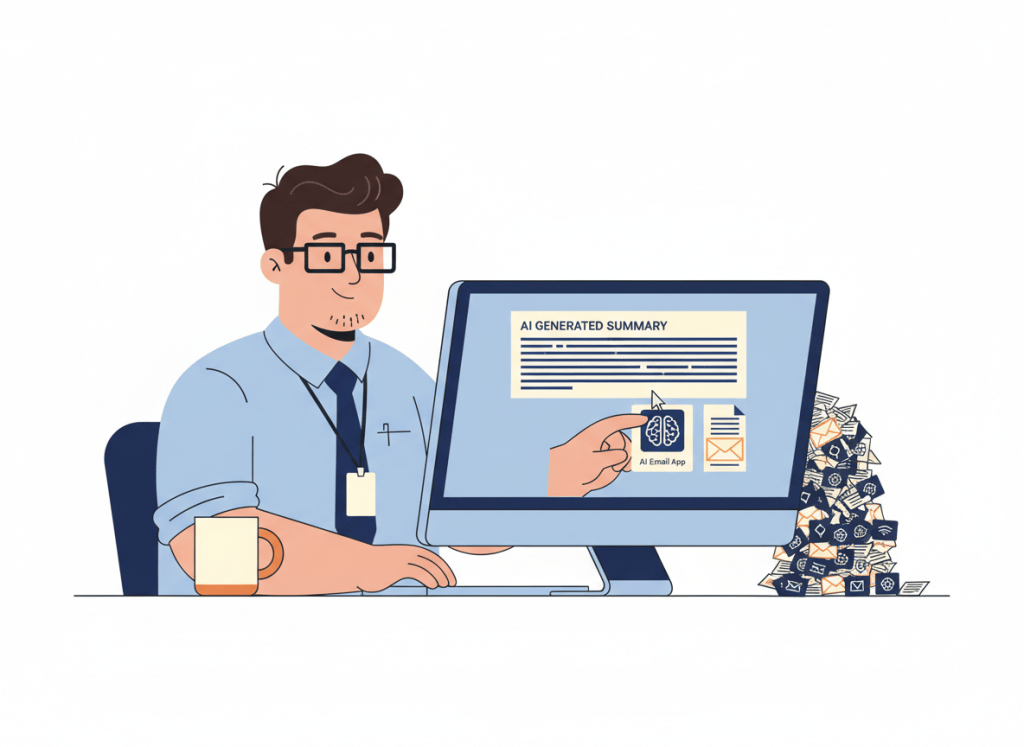
Gemini’s current Gmail capabilities cover much of the obvious AI layer. Depending on your account and plan, it can summarize long threads, generate or refine drafts, suggest replies, search email for specific information, reference Google Drive content, and work with Google Calendar.
Google has also expanded Gmail’s AI features beyond the side-panel assistant. AI Overview conversation summaries can surface key points at the top of threads, and supported accounts can use natural-language AI help in Gmail search. In eligible setups, Gemini can also help propose meeting times.
So “this other email app has AI” is no longer a useful reason to migrate by itself.
| Your main problem | Gmail + Gemini may be enough | A dedicated AI email app may add value |
|---|---|---|
| Long threads take too long to read | Strong fit | Usually not a reason to switch alone |
| Drafting routine replies is slow | Strong fit | Usually not a reason to switch alone |
| Finding details buried in email is difficult | Strong fit on eligible Gemini features | Depends on search and workflow needs |
| Important messages disappear in a busy inbox | Labels, filters and AI can help | Dedicated triage workflows may matter |
| Follow-ups repeatedly get forgotten | Possible with existing tools and habits | Stronger reason to evaluate workflow-focused apps |
| A team needs a different shared email process | Depends on Workspace setup | Potentially stronger case |
The real upgrade is workflow, not another writing assistant
There is a difference between helping with an email and redesigning how email work moves through the day.
Native AI is increasingly good at the first job. It can shorten reading, accelerate drafting, surface information, and reduce search friction. But an inbox can still feel broken even when every individual message is easier to understand.
You can summarize a client thread perfectly and still forget to follow up on Friday. You can draft a reply in seconds and still spend the morning deciding which of 80 messages deserves attention. You can find a buried detail instantly and still lack a reliable way to move an email from “seen” to “handled.”
Those are workflow problems. They are where a dedicated email product has to prove its value.
Three reasons a separate AI email app can still make sense
A new email client becomes easier to justify when it changes a repeated behavior, not merely the appearance of the inbox.
- Triage is the bottleneck. If deciding what deserves attention consumes more time than reading or writing, evaluate how the app prioritizes, groups, or processes incoming mail.
- Follow-up is unreliable. If messages regularly disappear after the first reply, look for a workflow that makes pending conversations and next actions harder to lose.
- Your team needs a different operating model. Shared workflows, collaboration around messages, or a more opinionated email process can justify changing clients even when Gmail’s AI itself is capable.
Those are also better evaluation criteria than counting AI buttons. Our Gemini in Gmail vs Shortwave vs Superhuman Mail comparison looks at the products directly. The point here is to decide whether you need that comparison at all.
Do not pay twice for the same AI job
The easiest way to overspend on AI software is to buy overlapping capabilities under different product names.
If Gemini already summarizes the threads you care about, “better summaries” should carry little weight in the next purchase. If it already handles the drafting work that slowed you down, another writing assistant needs to deliver value somewhere else.
This is the same logic behind our AI productivity stack audit: assign each paid tool a job. When two subscriptions own the same job, one of them should have to justify its place.
A useful one-sentence test is: “I would pay for this email app because it reliably handles ______ that Gmail does not handle well enough for me.”
If the blank is “write emails with AI,” keep looking for a stronger reason.
Switching email clients has a hidden cost
Email is infrastructure. That makes switching different from trying a standalone AI writing tool.
A new client changes shortcuts, navigation, search habits, notifications, mobile behavior, and often the way you process messages. Even if it connects to the same Gmail account underneath, the workflow still has to become automatic enough that you stop thinking about the interface.
For an individual power user, that learning cost may be worth paying. For a small team, multiply it by every person expected to adopt the new workflow.
That is why our Shortwave vs Superhuman Mail guide for small teams focuses on workflow fit rather than declaring one interface universally better.
Run a one-week inbox friction audit
Before starting another email subscription, spend one normal workweek noticing where time actually disappears.
- Reading friction: how often do you spend too long understanding a thread that Gemini could summarize?
- Decision friction: how often do you open the inbox and struggle to decide what deserves attention next?
- Follow-up friction: how often do you remember a message only after the deadline, reply, or next action should have happened?
If reading is the main problem and Gemini fixes it, you have probably avoided a migration. If decision and follow-up friction remain high, you have a clearer reason to test a dedicated email workflow.
During the test, use the Gmail features you already have access to rather than comparing a fully configured paid app with an untouched default inbox. The point is to compare the best version of your current stack with the proposed replacement.
Where this fits in your AI productivity stack
Email is only one layer of a work system. A faster inbox does not automatically improve task planning, meetings, calendar capacity, or project execution.
Before adding a premium email client, decide whether email is genuinely the current bottleneck. Our guide to building an AI productivity stack without tool overload uses the same job-first approach across the rest of the stack.
WTA VERDICT
If summarizing, drafting, searching, and basic inbox assistance are your main AI email needs, use Gmail’s native Gemini features before paying for another email app.
A dedicated AI email client earns its place when it fixes the workflow that remains after native AI has done its job: faster triage, more reliable follow-up, or a substantially better way for you or your team to process email. Buy the workflow improvement, not another AI badge.
3-Line Takeaway
- Use native AI first: Gemini already covers many common summarizing, drafting, search, organization, and scheduling tasks in Gmail.
- Switch for workflow: a separate email app should materially improve triage, follow-up, or team processing.
- Audit before paying: identify whether reading, deciding, or following up is the actual inbox bottleneck.
WorkTech Atlas did not receive payment from the companies discussed here. This article is based on current public product information; features and availability can vary by account, plan, language, and region and can change over time.

Leave a comment