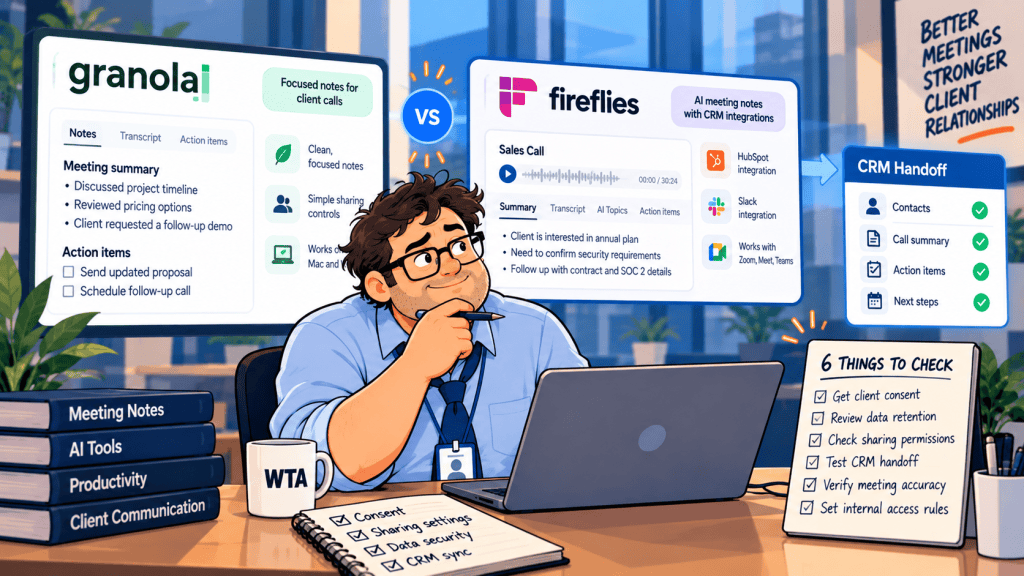
A client may accept an AI notetaker on the call and still object when a recap link reaches the wrong person or notes land on the wrong CRM record. For a consulting firm, agency, or small sales team, those are buying criteria—not edge cases.
This Granola vs Fireflies for client calls comparison focuses on what happens before, during, and after a client meeting: how participants are informed, who can access the resulting notes, what the vendor retains, and how information reaches HubSpot. Product and pricing details were checked against vendor documentation on October 16, 2026. No hands-on tests or performance benchmarks are claimed.
Short answer: Choose Granola when a human-reviewed note is the main deliverable and you do not need an audio recording. Choose Fireflies when your team needs configurable capture, recordings, searchable meeting history, and CRM automation. For either tool, treat consent, link sharing, and CRM associations as settings you must test—not promises you can assume.
Granola vs Fireflies: the client-call decision table
| Client-call question | Granola | Fireflies |
|---|---|---|
| How is a meeting captured? | Device audio; no participant bot joins the call. | Meeting notetaker bot is supported; a bot-free desktop app and Chrome capture are documented for supported calls. |
| Can you replay original audio? | No. Granola says it deletes source audio after transcription. | Potentially, depending on recording format and plan; transcript-only or summary-only configurations are available. |
| Who sees a recap by default? | Granola describes notes as private until shared or placed in an accessible folder. | Vendor documentation lists “Teammates & Anyone with Link” as the default; verify your own workspace setting. |
| How do notes reach HubSpot? | Manual sharing after review, or optional folder-level auto-sync on paid plans. | Configurable automatic activity logging; Business+ adds rules to limit which meetings sync. |
| Relevant paid entry point | Business: $14/user/month, billed monthly. | Pro: $10/user/month with annual billing ($18 monthly); Business: $19 annually ($29 monthly). |
These are product-design differences, not a privacy ranking. A device-level recorder can still collect a sensitive conversation without adequate notice. A bot-based recorder can be governed carefully. And a transcript-only setting does not automatically mean the transcript is private. See the broader meeting-assistant comparison if you are still deciding whether you need a dedicated tool at all.
What the client experiences during the call
Granola captures audio from the user’s device rather than joining a Zoom, Google Meet, or Teams call as an extra attendee. That removes the visible bot tile, but it does not remove the need to tell participants. Granola provides an in-chat notification and video watermark for supported meeting platforms; individual users can enable those features, while Enterprise administrators can enforce them. The vendor also recommends a clear verbal heads-up at the start of each meeting.
Fireflies can join as a named meeting participant and offers advance email and in-meeting notices. Its consent documentation explains notification and opt-out controls. The optional email notice is not something to assume is enabled: the settings guide lists it as off by default. Fireflies also supports bot-free Google Meet capture through Chrome and bot-free capture through its desktop app for supported calls, so “Fireflies always joins visibly” is no longer an accurate buying shortcut.
For a client-facing team, the operating rule is simple: identify the note-taking tool in the invitation or at the start, explain what will be retained and shared, and ask for agreement before capture begins. Document the answer in the way your organization requires. Notification is not automatically the same as legally sufficient consent; laws and client contracts vary. If someone objects, stop capture and take manual notes instead.
This is also why the “bot-free” label should not settle the purchase. Our Fathom vs Granola comparison examines the same distinction from the perspective of the actual meeting deliverable.
Who can open the recap after the meeting?
This is the highest-impact setting to check before inviting a real customer. Granola says notes are private until the owner shares them or adds them to a team folder. That is a useful starting posture, but it does not make a shared link or a folder harmless: verify the selected audience, test access with a second account, and check whether the recipient can see only the intended note. The vendor’s meeting-notes guide describes its private-by-default approach.
Fireflies takes a different approach. Its current privacy-settings guide says the default is Teammates & Anyone with Link. A forwarded recap link may therefore reach someone who was not on the call. Other available settings include Only Owner, Participants, Teammates, and combinations of those audiences. The same guide distinguishes who receives a recap email from who can actually open the underlying meeting. Those are two separate decisions.
Imagine an agency reviewing a confidential launch plan with Client Harbor. The account manager emails a recap to the Harbor lead, who forwards it to an external contractor. With broad link access, the contractor may open the underlying notes; with a restricted audience, the contractor should encounter an access barrier. That is a hypothetical test case, not a report of either product failing. Run it with dummy data before you store confidential client material.
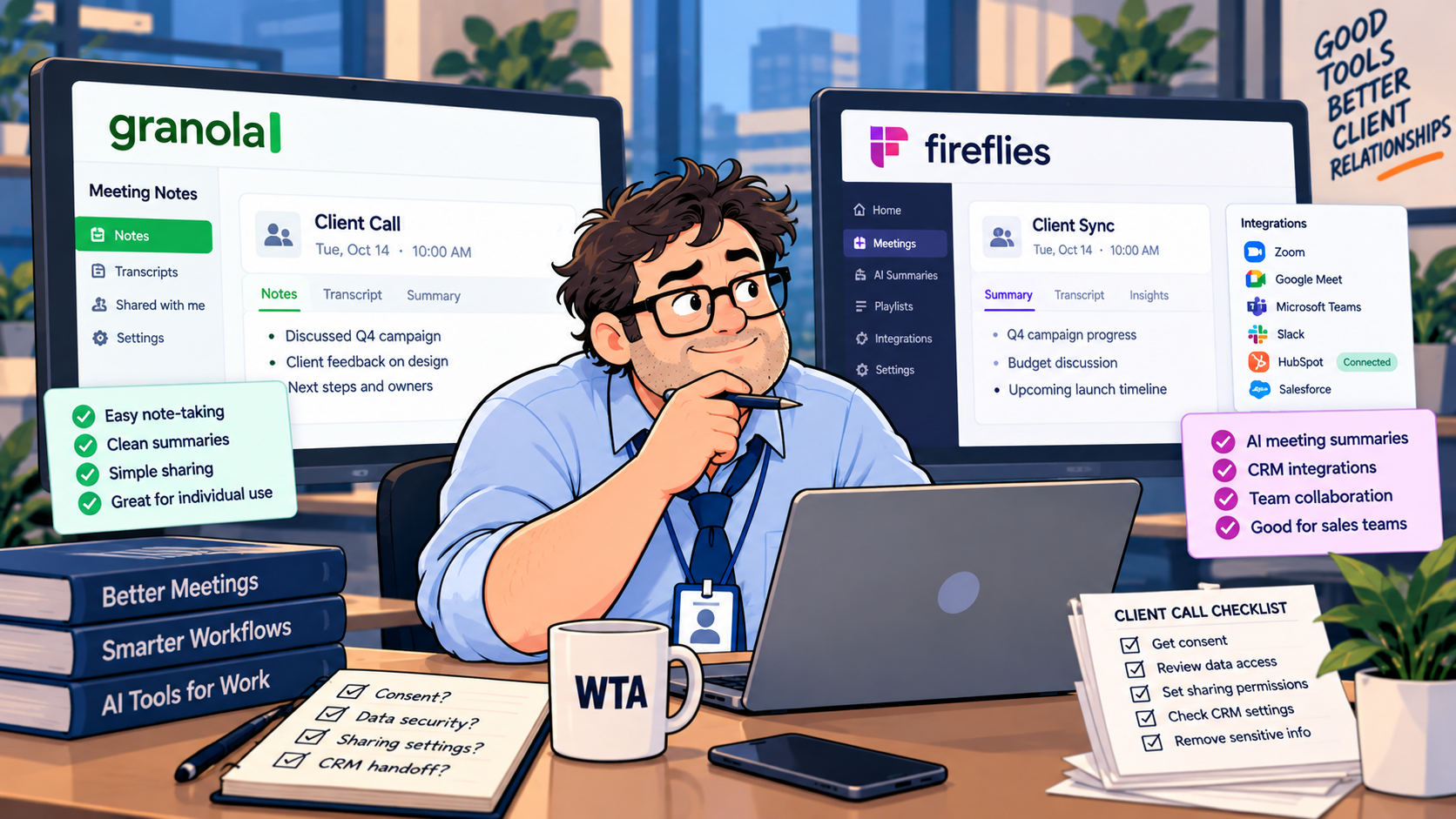
Do not confuse workspace access with client access, either. A teammate may have a legitimate seat in your note-taking workspace but no business reason to read a specific client call. Use narrow folders or meeting-level restrictions, and revisit old links when a project ends.
What remains: audio, transcripts, retention, and AI training
Granola says it discards the source audio after transcription and retains text notes and transcripts. That reduces the risk associated with stored recordings, but the written record can still contain names, pricing, legal advice, or unreleased plans. On its Basic and Business services, Granola’s platform terms allow de-identified data to be used to improve or train its own models unless the user opts out. Enterprise uses an opt-in model. The vendor separately says third-party model providers may not train on customer data. Check the current account setting before the first client call; “no stored audio” does not mean “no model-training choice.”
Fireflies allows administrators and users to choose what recording artifacts are retained, including transcript-and-summary configurations without stored audio. Its settings guide says automatic deletion is off by default, so a team should choose an explicit retention period where supported. Fireflies states in its privacy policy that meeting content is not used to train internal or external AI models. That policy does not mean the service stores no meeting content: access, retention, and training are distinct questions.
If your client requires a recording for evidence or quality review, Granola’s lack of playback may be a deal-breaker. If your client prohibits retained audio, Fireflies may still be workable with a suitable recording format—but confirm the account’s actual settings and contractual obligations before promising anything. Neither product substitutes for an approved retention policy or legal review.
The HubSpot handoff is where a small mistake spreads
Granola’s HubSpot integration, available on Business and above, can send enhanced notes to matching contacts, companies, or deals. The normal per-note path lets someone review the note and choose where it goes. Granola also documents folder-level auto-sync, which can send notes added to a designated folder without a separate manual share. That convenience changes the risk: a note dropped into the wrong auto-sync folder may leave the review queue you thought existed. Check the vendor’s HubSpot setup guide before using folders as an automation trigger.
Fireflies supports automatic logging of meeting notes and links into HubSpot. Its September 30, 2026 integration guide describes filters for deciding which meetings sync; those Integration Rules require Business or above. The same product also offers Autofill CRM suggestions that are reviewed before property updates are sent. Logging an activity automatically and updating a CRM field after approval are different workflows. Treat them separately when evaluating controls.
A useful CRM guardrail is to verify the contact, company, and deal association before enabling broad auto-sync. Test two open deals for the same contact, one meeting with no matching contact, and one internal-only call. This is more revealing than testing a single clean demo meeting. For another angle on those mechanics, read Fathom vs Fireflies for HubSpot; if the wrong deal has already received a note, the HubSpot association repair guide covers the cleanup sequence.
Five-seat cost: compare billing terms, not just prices
Granola Business is listed at $14 per user per month, billed monthly, so five active seats cost $70/month or $840 across 12 months at unchanged pricing. Its Basic tier is free but lacks the HubSpot and other advanced integrations. Granola Enterprise starts at $35 per seat per month and adds centrally managed controls. Those details come from Granola’s 2026 plan breakdown.
Fireflies Pro is $10 per user per month when billed annually, equivalent to $600/year for five seats; month-to-month Pro is $18 per user. Fireflies Business is $19 per user per month on annual billing, equivalent to $1,140/year for five seats; month-to-month Business is $29 per user. Its September 2026 billing guide also explains separately purchased AI credits. These are list-price examples before taxes, add-ons, and any discounts.
The $600 versus $840 comparison is not a like-for-like verdict: a team that needs Fireflies Business integration rules should compare its $1,140 annual commitment against the Granola plan and controls it actually needs. Conversely, a consultant who only wants private notes may not need a paid tier at all. Build the quote around the required privacy and CRM controls first, then compare the invoice.
A 15-minute preflight before the first real client call
Use two internal test accounts, a dummy client, and a test CRM record. You do not need to expose real customer data to answer the important questions.
- 1. Test notice. Schedule a dummy external call and confirm the invitation, in-meeting message, or watermark says what you expect. Ask whether the participant can object before capture.
- 2. Test the capture path. Confirm whether a bot joins, a browser extension captures locally, or device audio is used. Do not assume one capture method applies to every meeting platform.
- 3. Test a forwarded link. Send the recap to the intended account, then open the forwarded URL from an unrelated account in a private browser. Access should match your client-sharing policy.
- 4. Test internal separation. Put a dummy Harbor note and Pine note in different folders or permission groups. A teammate assigned only to Harbor should not automatically inherit Pine access.
- 5. Test CRM placement. Give one dummy contact two open deals. Verify the intended association, any automatic activity logging, and any separate approval step for field updates.
- 6. Test cleanup. Delete or restrict the dummy meeting, inspect whether shared links stop working, and check what remains in the CRM. Disconnecting an integration may not delete data already written there.
If any step fails, do not “solve” it by hoping the team remembers to be careful. Change the default, reduce the automation scope, or keep the workflow manual until the control is reliable.
Which should your team choose?
For consultants and research teams: start with Granola
Granola is the cleaner fit when the output is an edited note rather than a replayable recording, especially for people who write a few bullets during the conversation and review the enhanced result afterward. Its private-note model and manual HubSpot sharing can support deliberate client handoffs. The trade-off is that audio cannot be replayed, and optional folder auto-sync still requires governance.
For sales and customer-success operations: shortlist Fireflies
Fireflies is more compelling when a team wants repeatable capture across many meetings, configurable retained artifacts, and CRM logging rules. It is not inherently safer just because it offers more controls: the documented broad link-access default makes a deliberate privacy setup especially important. Budget for the tier that includes the rules your process needs.
For sensitive or regulated conversations: start with policy, not a vendor
Some clients will prohibit transcription or third-party processing regardless of whether a bot appears. In that case, use manual notes or an organization-approved alternative. For any tool, confirm contractual terms, storage location, training settings, retention controls, and participant consent with the people responsible for compliance.
WTA VERDICT
For client calls, the deciding factor is the controlled handoff. Granola favors a reviewed, text-first record; Fireflies favors configurable capture and more automated distribution. Neither is a substitute for an explicit notice, a restrictive sharing policy, and a tested CRM destination.
3-Line Takeaway
- Capture: Bot-free does not mean consent-free; tell clients what is being transcribed.
- Access: Test forwarded recap links and teammate permissions before real calls.
- CRM: Separate automatic activity logging from approved field updates, then verify the target record.

Leave a Reply