
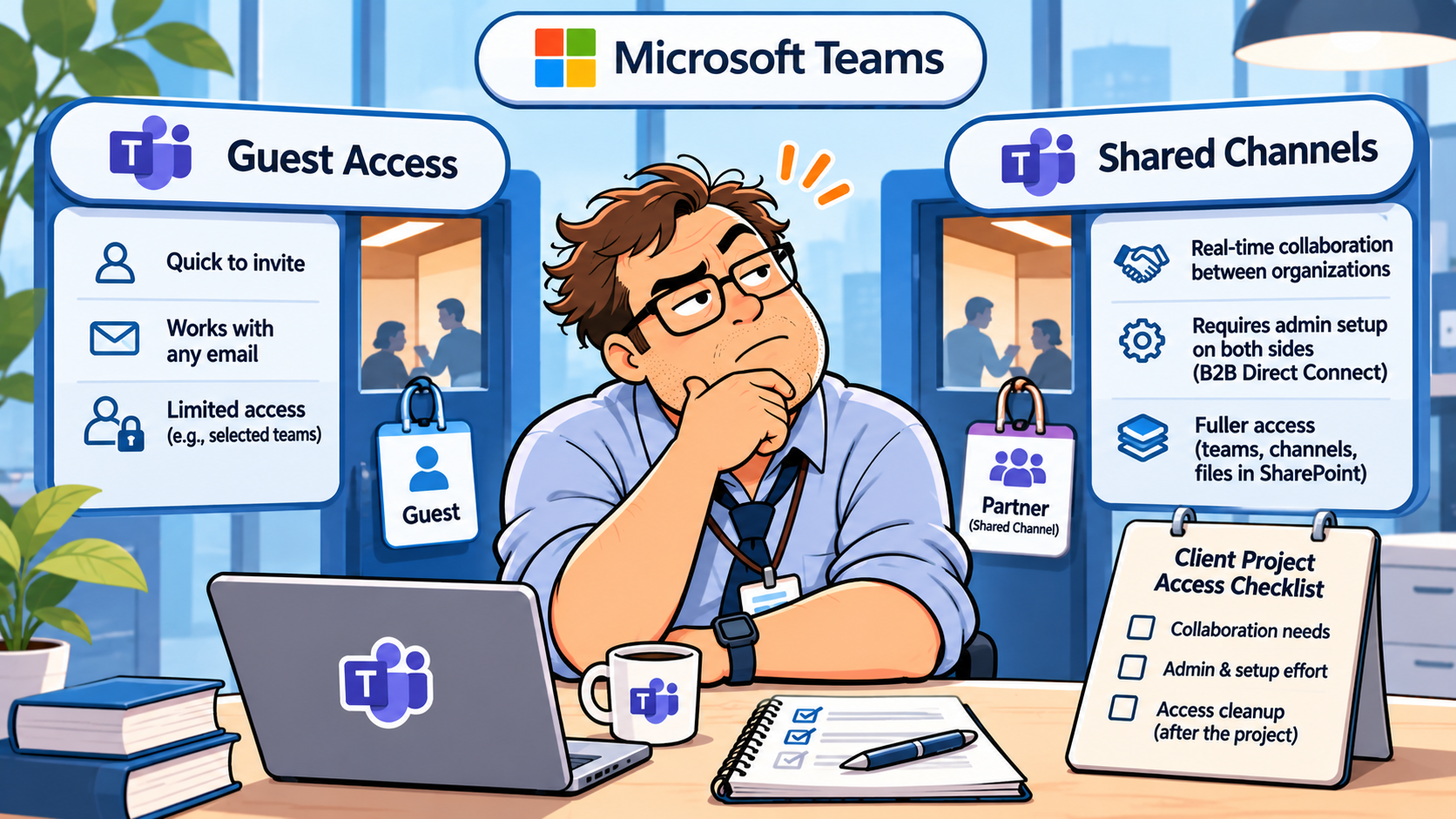
Short answer: For a client who uses a personal email address, or whose IT team cannot change settings for a short project, start by evaluating Teams guest access. For a client with a Microsoft 365 work or school account whose IT administrator can coordinate with yours, a shared channel can keep collaboration in their usual Teams workspace. Neither choice is a public upload link.
The decision comes down to whose identity gets access, which administrators must approve it, and which files remain reachable when the project ends. That is particularly important for agencies and small consulting teams serving clients across company boundaries.
Quick comparison: which access model fits the client?
| Client situation | Guest access | Shared channel |
|---|---|---|
| Client signs in with Gmail or another personal email | Possible, if the host permits guests | Not suitable for an external participant without a Microsoft 365 work or school identity |
| Client has a managed Microsoft 365 account | Possible; the client may need to switch organizations | Possible when both organizations configure B2B direct connect |
| Client needs access to the whole project team | Designed for team membership, subject to permissions | Access is limited to the shared channel, not the parent team |
| Your client cannot involve an IT admin | May be more practical if your tenant already allows guests | Usually blocked until both sides coordinate settings |
| Your client needs documents after the project | Review team and file permissions at handoff | Review shared-channel membership and its SharePoint site at handoff |
This is an access-model comparison, not a claim that either option is universally enabled. Microsoft documents the difference between guest accounts and external participants, including that guests are not members of shared channels.
Three external-access features that sound alike but are not
1. Guest access: a client account inside your tenant
With guest access, a team owner invites the client to a team. Microsoft Entra B2B collaboration creates a guest identity in the host organization; the client accepts the invitation and can then participate in permitted team conversations and files. Microsoft says clients can be invited with business or consumer email addresses, including Gmail. An administrator must allow guest access, and the SharePoint and Microsoft 365 Groups settings matter too.
The trade-off is scope and account switching. Guests may see the standard channels of a team they join; private channels are separate. Someone who already uses Teams for their employer may need to switch organization context to read your project updates. A client-facing team should therefore be purpose-built rather than a general internal team with years of unrelated channels.
2. Shared channels: one channel, two organizations
A shared channel is different. The external participant uses their own managed work or school account and does not become a guest in your directory. They can see the shared channel alongside their normal Teams channels. But Microsoft Entra B2B direct connect must allow the relationship in both directions. A channel owner cannot solve a missing cross-tenant configuration merely by re-sending an invitation.
An ordinary Teams guest cannot be added to a shared channel. Microsoft makes this distinction explicit in its guests and shared channels guidance. Shared-channel membership grants access to that channel, not blanket access to the parent team.
3. External access: chat and meetings, not a project workspace
Teams also uses the term external access for communication with people outside the organization. That can enable chat, calls, and meetings where the organization permits them, but it is not the same as team membership or shared-channel file collaboration. Microsoft separates external access from guest access for precisely this reason. If you need client approvals on documents inside a channel, do not assume a successful external chat proves file permissions are ready.
The two-admin catch is the real onboarding test
Imagine a three-person design studio sending a shared-channel invitation to a corporate client. The client has Microsoft 365, but the channel still cannot be joined. Before anyone resends the invite for the fourth time, check whether the two Microsoft 365 organizations permit B2B direct connect for one another.
Microsoft says both the host and partner organizations must configure the required cross-tenant relationship. Teams policies, SharePoint sharing settings, and Microsoft 365 Groups settings also need attention. The channel sharing instructions explicitly point to administrator enablement. Ask the client IT contact about this before promising an immediate start date.
Before promising a kickoff date: if the customer cannot identify someone who administers their Microsoft 365 tenant, do not treat a shared channel as the default onboarding route. Guest access may be simpler if your own organization permits it, though the client still needs to accept the invite. For one-off documents, neither model may be worth the setup.
Where the files live changes the offboarding plan
Teams channel files live in SharePoint, not in a self-contained Teams message archive. Microsoft explains that standard channels use the parent team site, while every private or shared channel has its own SharePoint site. People outside a shared channel cannot simply receive a file link into that channel’s site and expect the same access as members.
This matters when a client says, “Please send the final files to our finance director.” If the director is not an approved shared-channel participant, ask which approved delivery route should be used. A separate client handoff folder or controlled sharing method may be more appropriate than widening channel membership just for one PDF.
For clients who need to submit documents but do not need ongoing conversation, see our Dropbox File Requests vs OneDrive Request Files comparison. That workflow solves a different problem: collecting uploads without making every client a Teams collaborator.
Bob’s field note: A file can be in the right SharePoint folder and still have the wrong audience. Check membership and the link settings separately.
A client invite checklist you can actually send to a project owner
- Confirm the client identity. Personal email or a Microsoft 365 work/school account? Do not guess from the email domain alone.
- Ask who controls the client tenant. Can their administrator coordinate B2B direct connect, or would that derail a two-week engagement?
- Define scope first. Does the client need one conversation, a team, a shared channel, or only an approved-file delivery link?
- Choose a file owner. Decide which SharePoint site holds the working documents and who can approve the final deliverable.
- Validate with a non-sensitive file. Have the actual client account confirm channel visibility and a test document, rather than assuming the invitation email equals usable access.
- Write down the exit condition. Specify who removes access, which files are handed off, and when the project room is retired.
If multiple client portals are already in play, pair this with the Airtable client portal permissions checklist: the same principle applies across tools. Access should be tested from the client’s role, not inferred from an administrator’s view.
Closing the project: membership is not the whole record
With guest access: a team owner can remove the guest from the team. But Microsoft notes that removing someone from a team is different from removing the guest from the organization; directory cleanup requires an administrator. Review any separate SharePoint sharing links too.
With a shared channel: the channel owner should review and remove the external participant from the channel when access is no longer required, while the administrator can review the cross-tenant relationship according to policy. Confirm that the final approved documents have a durable owner and destination before retiring the collaboration space. Do not assume archiving a conversation revokes every separately granted file permission.
Our guide on closing client file requests after approval offers a parallel handoff discipline: finalize the approved version, stop accepting changes through the old route, and record who now owns the result.
Licensing and automation: avoid the wrong cost calculation
Microsoft says guest access does not require an additional Microsoft 365 guest license for the qualifying subscription families listed in its guest-access documentation, while Microsoft Entra External ID billing rules can apply. That is not a universal promise of zero cost for every tenant, feature, or compliance requirement. We are deliberately not quoting one worldwide per-client price: licensing and regional purchase terms should be confirmed against your exact Microsoft agreement.
Do not buy an automation tool just to compensate for unclear permissions. First decide where client decisions will be recorded. Then automate the low-risk parts: notify a project owner when a document arrives, open a review task, or remind someone of a pending approval. A channel message should not silently become a signed-off deliverable. For a practical example of turning communication into controlled tasks, see our Slack Emoji to Asana Tasks workflow.
WTA VERDICT
Choose guest access when the client has a consumer email address, needs legitimate team participation, or cannot coordinate shared-channel setup with their Microsoft 365 administrator. Use a dedicated client team and review the guest’s file scope. Choose a shared channel when both sides are Microsoft 365 organizations, their admins can enable B2B direct connect, and the project needs a bounded conversation without forcing the client to switch Teams organizations.
The best collaboration model is the one your client can actually enter on day one and that you can cleanly close on the last day.
3-Line Takeaway
- Identity: Gmail or personal email points toward guest access; work/school Microsoft 365 identity may support a shared channel.
- Setup: a shared channel with external participants requires both organizations to coordinate B2B direct connect.
- Handoff: verify SharePoint access, save approved files, and remove the right membership or guest account when work ends.

Leave a Reply