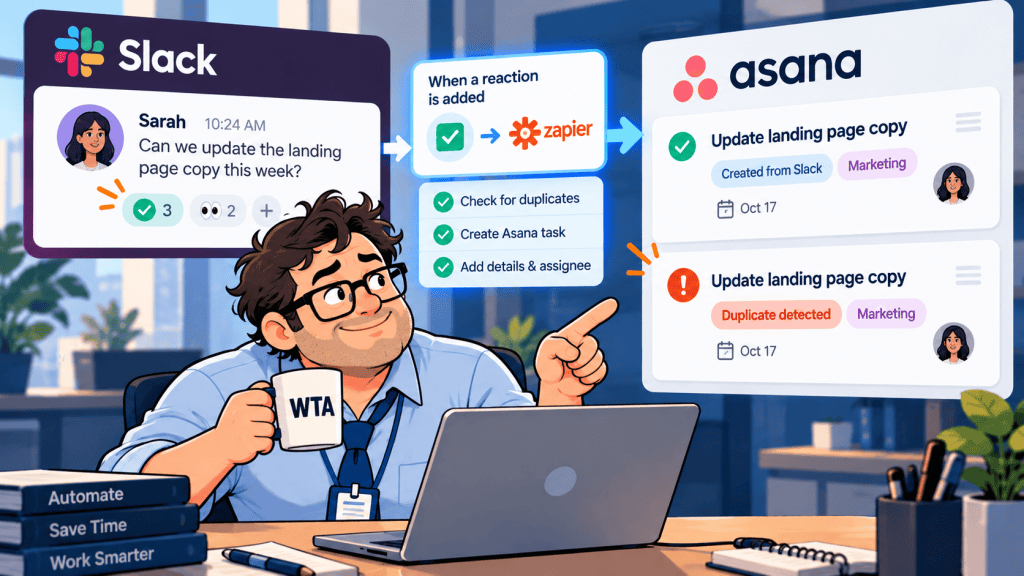
A request lands in Slack: “Can someone update the onboarding email before Friday?” A teammate reacts with 🎫 to send it to Asana. A second teammate adds the same reaction after a handoff. Now there are two Asana tasks, two assignees, and one actual request.
The problem is not the emoji. It is treating each automation event as permission to create a brand-new task. A reliable Slack-to-Asana handoff needs one decision-maker, one source reference, and a way to recognize work that already exists.
Short answer: Start with Asana’s native Slack action and a human triage rule if volume is modest. Use a reaction-triggered automation only when you can check for an existing request before creating anything. Even then, a simple search-and-create sequence reduces duplicates; it does not guarantee exactly-once execution.
What an emoji reaction can actually trigger
Zapier has an official Slack-to-Asana reaction template: a reaction in a channel triggers an Asana Create Task action. Slack Workflow Builder also supports an emoji-reaction trigger, and Asana lists task-creation and task-update actions for its Slack workflow connector. These are legitimate starting points, but a trigger is not a duplicate check.
A reaction event says someone reacted to a particular message. It does not prove that the request is new, approved, actionable, or absent from Asana. Two different messages may describe the same job. A retry may also run after the destination task was created but before the automation recorded success.
| Route | Best fit | Main duplicate risk |
|---|---|---|
| Asana action from a Slack message | Occasional requests; a reviewer chooses Create task or Add to task | Two people manually create separate tasks |
| Zapier reaction → Asana | Repeatable, narrowly defined triage across one channel | Multiple reactions, overlapping Zaps, retries |
| Slack Workflow Builder + Asana connector | Teams already standardizing on Slack workflows | Every qualifying event can still create another task |
If you are still deciding which app should own requests, read our Slack Lists vs Asana decision guide first. This article assumes Asana is the task system of record and Slack remains the conversation layer.
Set the rule before connecting the apps
Pick one intake channel, such as #team-requests, and reserve one uncommon reaction, such as 🎫, to mean “approved for task triage.” Avoid 👍 or 👀; people use those to acknowledge messages, not necessarily to commission work.
- One approver: name the person or rotation allowed to apply the triage emoji. Other reactions are conversation, not triggers.
- One writer: choose the native Asana action, one Zap, or one Slack workflow to create tasks. Do not leave two creation paths active for the same channel.
- One destination: send new work to a single Asana intake project or section before routing it to specialist teams.
- One acknowledgement: reply in the Slack thread with the Asana task link, so colleagues can see that the request is already tracked.
This is a lightweight approval gate, not a new bureaucracy. For a broader framework on when review is worth the interruption, see our guide to human approval in automated workflows.
Use two duplicate checks, not one
A matching-task search solves only half the problem. Duplicate protection works at two different levels, and each needs a different check.
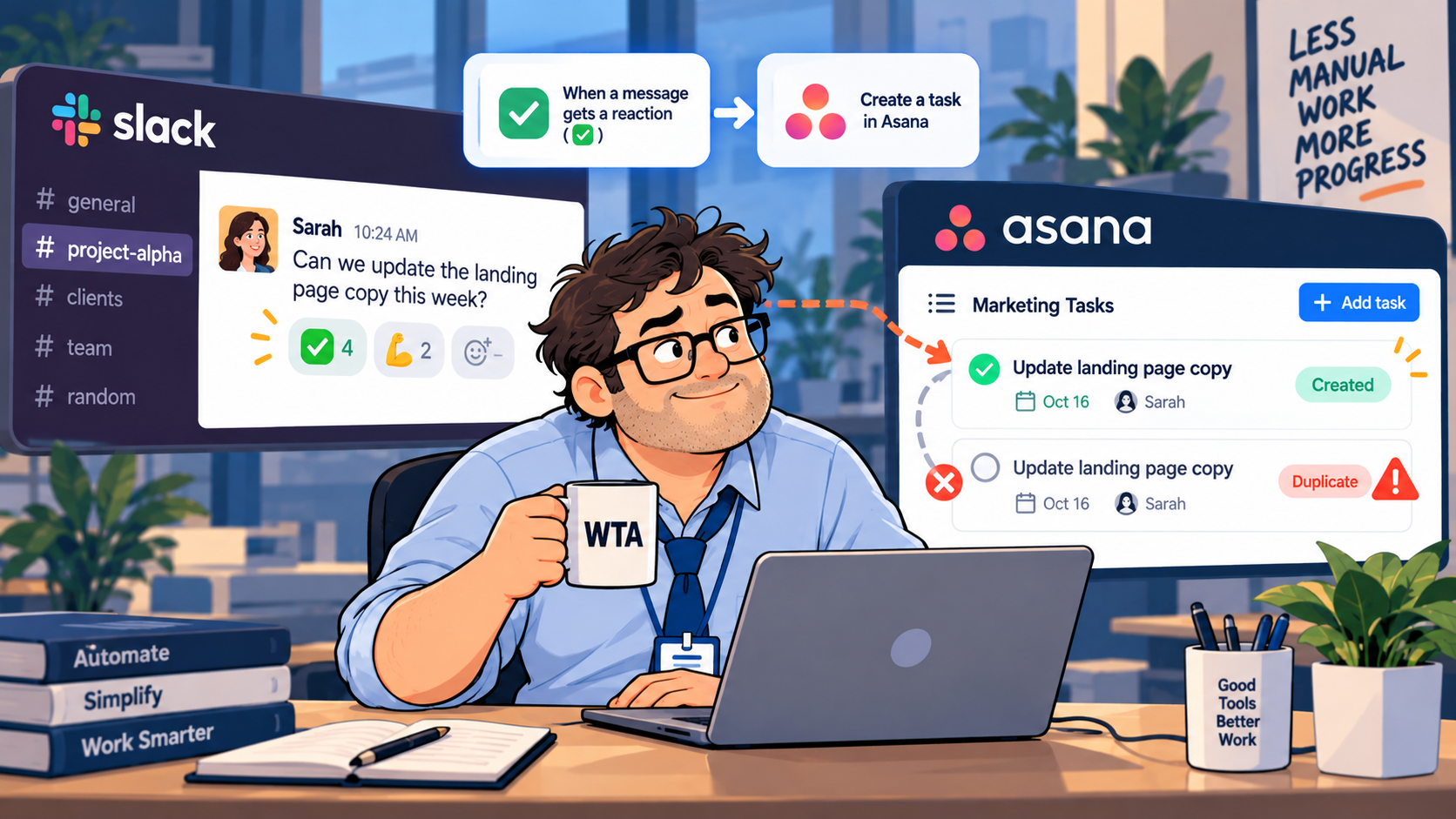
1. Same-message duplicates: identify the source event
For each accepted request, keep the Slack channel ID plus the original message timestamp as the source key. Slack documents ts as a timestamp unique within a channel, so the pair is a sensible source identifier. Slack message event documentation. Store the message permalink as a readable reference, not as your only matching rule.
Example source key: C123ABC456|1791979200.000100. This is illustrative, not a real message. If the same message gets another reaction, look up that key and update or comment on the existing task rather than creating another.
2. Same-request duplicates: check the underlying work
A person may repost the request in another channel or ask again the next morning. The source keys differ, but the work may be identical. A human reviewer should check the Asana intake project for the same deliverable, owner, and due date before approving a new task.
Do not match on title alone. “Update landing page” can describe two distinct launches; “fix the pricing link” may refer to the same broken URL across several Slack messages. Use the project, artifact, requester, and outcome as context.
The simplest version: keep task creation manual
Asana’s official Slack integration lets users create an Asana task from a Slack message or add the message to an existing task. It also preserves a link back to the Slack conversation. For a small team with a handful of requests per day, this is often the safer option than another automation.
- Choose one reviewer for the intake channel. Treat 🎫 as a signal to review, not a command to create.
- Open the message and check the Asana intake project for an existing task covering the same outcome.
- Use Add to task when the request is already tracked; otherwise use Create a task.
- Give the task an outcome-focused title, a named owner, and a due date only if the requester actually supplied or agreed to one.
- Reply to the Slack thread with the Asana link and remove or clarify conflicting intake markers if needed.
The extra click is not wasted effort if it prevents someone from maintaining two versions of the same assignment. It also keeps ambiguous Slack messages out of the project board until a person has decided what they mean.
The automated version: reaction → lookup → create or update
When request volume makes manual triage impractical, the same decision rule can be implemented with a Zap. The goal is conditional creation, not a direct reaction-to-task shortcut.
- Trigger: use Slack’s New Reaction Added in a Channel event for the selected intake channel and triage emoji. Confirm the trigger payload includes the source message information you need.
- Restrict: accept only the intended channel, emoji, and (where supported) designated approver. Check current trigger fields and account permissions before assuming a filter is available.
- Lookup: search a small mapping table by
channel ID + message ts. Store the matching Asana task ID, Slack permalink, and processing status. - Branch: if the key already has an Asana task ID, stop or add context to that task. If the key is new, route it for creation or human approval.
- Create: add one Asana task with the original Slack message link and a concise description. Avoid auto-assigning a due date inferred from vague language.
- Record: write the resulting Asana task ID back to the mapping table, then acknowledge the task in the Slack thread.
- Recover: if a run fails after task creation, check Asana for the source reference before replaying it.
Zapier Tables supports record searches and create-if-missing behavior. That can help maintain a source-to-task mapping, but it is not a database-enforced uniqueness guarantee. Two runs can both see “not found” before either writes. For higher-volume or business-critical intake, use a serialized processing queue or a store with an atomic unique-key constraint. Test the actual connector behavior rather than assuming a no-code lookup makes writes exactly once.
Zapier’s duplicate-data troubleshooting guide identifies broad triggers, multiple Zaps, loops, and timeouts as causes of duplicates. Its Storage by Zapier documentation also notes a 500-key limit and expiration after inactivity, making it a poor default for a permanent request audit trail.
If this becomes a multi-step process with routing, error recovery, and several apps, our Zapier vs Make vs n8n comparison explains the platform-level trade-offs. Teams considering Asana-native automation can also read Asana AI Studio vs Zapier. A new platform is not necessary just to solve a missing source key.
Where Slack Workflow Builder fits
Slack can start a workflow when a specified emoji appears in a specified channel, and its Asana connector offers task creation and update actions. See the Slack workflow trigger documentation and Asana connector description.
That makes Workflow Builder appealing if your organization already manages request flows inside Slack. But the same guardrail applies: confirm how your particular workflow checks existing tasks, stores a source ID, and handles retries. If those steps are unavailable, keep the reaction as a triage notification and let a reviewer create or update the task through the native Asana action.
Do not run Slack Workflow Builder and Zapier as parallel creators for the same reaction. That gives two independent systems permission to create the same task.
Run four failure tests before you switch it on
| Test | What a safe outcome looks like |
|---|---|
| Two people react to one message | One Asana task; the second event finds the existing source key |
| The same request is posted twice | Reviewer links the second message to the existing task when it is truly the same work |
| The task is created, then the automation fails | A replay checks Asana before creating a replacement |
| A private Slack message reaches a public project | Only approved, necessary context is copied; access is checked before the link is shared |
For a realistic dry run, use a non-sensitive test channel and a dedicated Asana test project. Record what happened in each case, including the Asana task IDs and the workflow run history. A passing test shows how your configuration behaved; it is not proof that every future race condition is impossible.
Be careful with private-channel context. Slack explains how message links behave when forwarded; a link to a private message does not automatically grant the recipient access. Conversely, copying confidential message text into a broadly visible Asana project can expose information that was appropriately restricted in Slack.
When a reaction is the wrong intake form
Emoji triage is useful for short, familiar requests. It becomes fragile when a task needs a budget, customer approval, attachments, security classification, or several required fields. In that situation, use a structured intake form and post the resulting task link back to Slack. The reaction can still notify the reviewer, but it should not invent missing information.
The practical question is whether your team needs faster capture or better request quality. Faster capture without ownership and duplicate controls usually just moves the backlog from Slack into Asana.
WTA VERDICT
Use one emoji to request triage, not to bypass it. For low-volume teams, Asana’s native Slack action with a single reviewer is the cleanest starting point. At higher volume, a reaction-triggered Zap can help, provided it checks a durable source key and handles existing tasks before creating new ones. Do not mistake a lookup step for an exactly-once guarantee.
3-Line Takeaway
- Capture: reserve one reaction and one intake channel for real requests.
- Deduplicate: check both the Slack message key and the underlying work.
- Confirm: link the resulting Asana task back to Slack and test retries before launch.

Leave a Reply