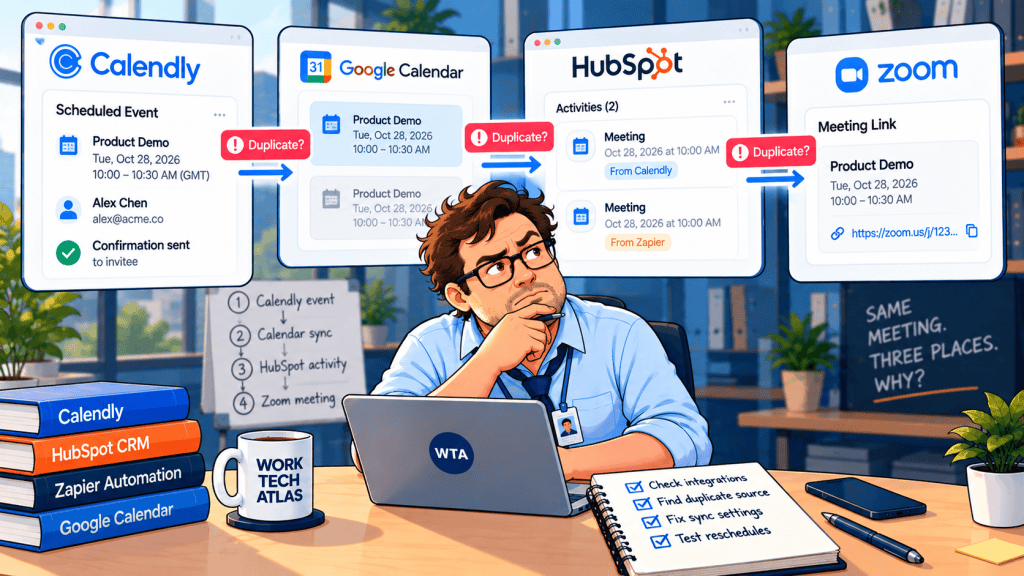
A client moves a discovery call from Tuesday to Thursday. In HubSpot, someone sees two meeting entries. On the consultant’s calendar, two invitations may appear too. A teammate blames the reschedule and deletes one of them. The next reminder still goes to the wrong time.
The first question is not “Which meeting should I delete?” It is where is the duplicate? A second calendar event, a second HubSpot meeting activity, and a second Zoom link can have different causes. This guide is for small teams connecting Calendly to HubSpot directly, through Zapier, or both. It is based on current vendor documentation, not a claimed hands-on test.
Quick answer: For Calendly + HubSpot duplicate meetings, inspect one real booking in Calendly, the contact timeline in HubSpot, the connected calendar, and any Zap runs. Calendly’s native HubSpot integration already syncs meeting activity and handles canceled or rescheduled meetings. If a Zap separately creates CRM activities, two systems may be writing the same business event. Do not remove the native integration or erase history until you know which layer is duplicating it.
Find the duplicate before you change a setting
Open a single affected appointment and record the invitee email, Calendly event link, original time, new time, and the two objects that look duplicated. Use this short diagnosis map:
| Where you see two items | Likely owner to inspect | What to check first |
|---|---|---|
| Google or Outlook calendar | Calendar sync / event creation | Are both Calendly and HubSpot writing calendar events? Is a Zap creating another event? |
| HubSpot contact timeline | CRM meeting activity | Does one entry come from native Calendly sync and the other from a Zap or HubSpot workflow? |
| Zoom meeting list or links | Video integration | Are both Calendly and HubSpot connected to Zoom for the same appointment? |
This is a diagnostic framework, not proof that every duplicate has those causes. Calendly explicitly warns that overlapping Calendly and HubSpot calendar syncs can produce duplicate calendar meetings, and that using both platforms’ Zoom integrations can produce duplicate Zoom events. See Calendly’s HubSpot troubleshooting notes.
If the problem is actually two clients being offered the same hour, that is an availability or double-booking problem. Our separate Calendly–Google Calendar double-booking checklist starts with calendars checked for conflicts, Busy/Free status, and booking exceptions.
What native Calendly → HubSpot sync already does
Calendly’s HubSpot integration guide (updated October 13, 2026) describes two distinct outputs. It checks the invitee’s email: if there is no matching HubSpot contact, it creates one; if the contact exists, it adds a meeting activity without rewriting the contact’s existing details. That activity appears on the contact timeline, not in HubSpot’s Meetings scheduling tool.
The same guide says that canceled or rescheduled meetings update the activity, canceled meetings gain a “[Canceled]” prefix, and historical meetings remain for reference. Therefore, seeing an old canceled entry and a new appointment is not by itself evidence of a broken integration. Check the status, timestamp, and source before calling it a duplicate.
Two limitations matter when troubleshooting. First, edits to a meeting’s length in HubSpot do not flow back to Calendly. Second, custom-question answers on an existing contact do not automatically overwrite old contact properties; answers are still available under activity. A team that treats those contact properties as a live copy of every booking can misread a perfectly valid reschedule.
Calendly lists its HubSpot integration for eligible paid plan families including Standard and Teams, with administrator privileges required for setup. Exact entitlement varies by account and add-ons, so verify your own plan before redesigning the workflow. No product price is necessary to diagnose a duplicate.
The Zapier trap: one appointment, two writers
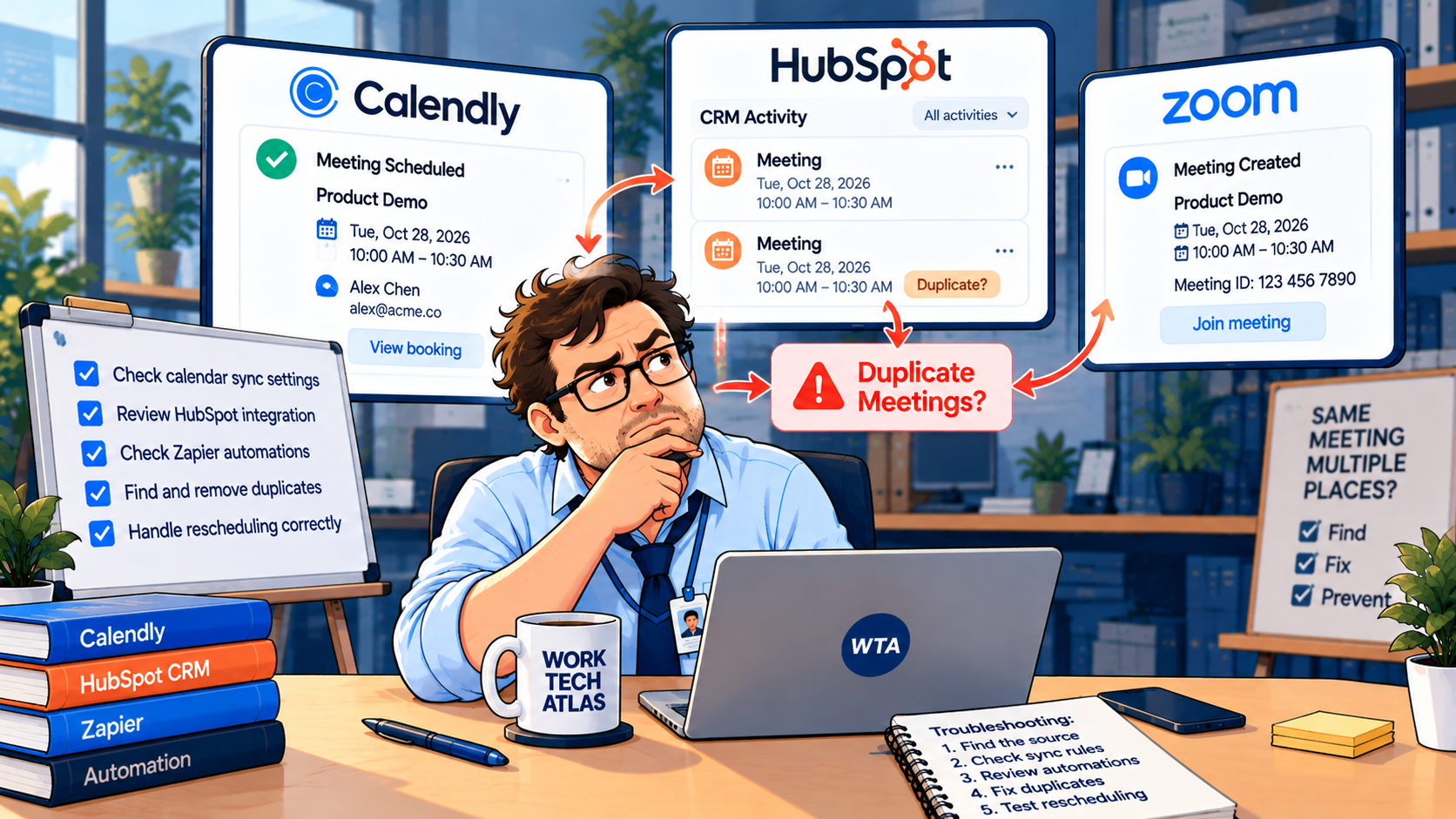
Zapier can be useful when a booking must also assign a task, notify a channel, or route data into a system Calendly does not connect to directly. But an automation should have a defined job. If native Calendly sync writes the HubSpot meeting activity, a second Zap that creates another HubSpot engagement can be redundant. That is a configuration risk, not a claim that Zapier inherently duplicates meetings.
Booking and rescheduling are not the same trigger outcome
Zapier’s Calendly app documents an “Invitee Created or Rescheduled” trigger and a separate “Invitee Canceled” trigger. A reschedule can affect both the old appointment state and the new booking. A Zap that interprets every cancellation as a lost lead, or every new trigger as a new sales opportunity, can create incorrect follow-ups even when the calendar is accurate. Check the fields actually supplied by your test event before building a filter. Zapier’s current Calendly trigger reference is the place to confirm the names.
Retries and loops deserve a separate check
A successful CRM write followed by a failed later step can make troubleshooting confusing. Zapier distinguishes replaying failed steps from replaying an entire Zap; an entire-run replay executes previous successful steps again. That is why a create-only action needs a lookup or an idempotency check before replay. Zapier also documents feedback loops when an update action retriggers a “new or updated” workflow. See its replay guidance and loop-prevention guide.
In Zap History, compare the timestamp, trigger event, input identifiers, and output record ID for each suspect run. If two separate successful runs created two activities, you have a different problem from one run that wrote twice. A second successful write is a clue; a failed notification step is not the same clue.
Repair the workflow without losing the audit trail
1. Choose the system of record for the meeting. For a straightforward Calendly → HubSpot setup, start with Calendly’s native meeting-activity sync. Use Zapier for a different downstream job, such as internal notifications or a task, unless you have a documented reason to replace the native behavior.
2. Compare the two items before deleting either. In HubSpot, open the contact’s activity timeline and check each meeting title, status, owner, and date. A canceled historical record may be expected, especially after a reschedule. If one is an accidental duplicate, identify its origin and decide with your CRM owner whether to remove it; do not delete legitimate history just to make a count look clean.
3. Audit calendar and video connections independently. Calendly notes that HubSpot calendar sync may duplicate calendar meetings when used alongside Calendly calendar sync. Disabling HubSpot calendar sync can affect all HubSpot events, not just Calendly events. Review that impact with the calendar owner before changing it.
For video links, make a separate decision: which product should create the Zoom meeting? If both Calendly and HubSpot are connected to Zoom for the same booking, Calendly warns that duplicate Zoom events can appear.
4. Add a lookup before any create action. If Zapier must write to HubSpot, search for the relevant contact and existing target record before creating a new one. Store the external Calendly event/invitee identifier where your chosen system supports it. Email can identify a person, but it cannot uniquely identify one appointment when that person books repeatedly. Do not assume a particular field exists in every Zap sample: inspect the trigger payload.
5. Stop the obsolete downstream action, not the whole relationship. A rescheduled client may still need the call. Cancel old reminders or tasks tied to the superseded appointment, then update the active meeting record or create a correctly linked successor. For the broader division of labor, see our Calendly Automations vs Zapier guide.
A simple identity model for repeat bookings
A contact is a person. A booking is an appointment. A CRM meeting activity is the record of what happened to that appointment. Those should not share one deduplication rule. Consider this illustrative schema for a small team using an internal booking ledger or integration database:
| Field | Purpose | Rule |
|---|---|---|
| Contact email / HubSpot contact ID | Find the person | Reuse the contact; do not create a new one for each reschedule |
| Calendly event or invitee identifier | Trace the booking instance | Store the actual identifier supplied by the integration |
| Previous booking identifier (if exposed) | Connect a reschedule chain | Treat old and new appointment states as related, not identical |
| Current booking status | Drive reminders and tasks | Only the active appointment may trigger upcoming-meeting work |
| CRM activity ID / external task ID | Prevent duplicate writes | Update or skip when a matching downstream record already exists |
The table is an implementation pattern, not a promise that HubSpot, Calendly, or Zapier supplies every field automatically. In a simple native-only setup, you may not need a separate ledger at all. The point is to keep person identity, appointment identity, and downstream action identity separate.
Run five checks before re-enabling the Zap
| Test booking | Expected behavior to verify |
|---|---|
| New client books | One contact, one current meeting activity, one calendar event |
| Existing client books a second, different call | Same contact, two legitimate appointments; neither is erased |
| Client reschedules | Old status is intelligible; new time is active; no duplicate task or reminder |
| Client cancels without rebooking | Canceled status is retained as intended; no “new booking” follow-up |
| Zap is retried or replayed | Existing downstream record is found or the duplicate action is safely skipped |
Test with a non-customer address and clearly labeled appointments, then inspect the CRM timeline, calendar, video meeting list, and Zap History. Repeat with a teammate who has a different permission level. Avoid relying only on the green success check inside the automation builder: success means the action ran, not that the business outcome was unique.
If your team uses rotating hosts, test a reschedule that changes the assigned person as well. The host-assignment trade-offs in our Cal.com vs Calendly round-robin comparison explain why this is a separate issue from duplicate meeting records.
When native sync is enough, and when Zapier is justified
For a small team that wants bookings and contact timeline activity in HubSpot, native Calendly sync is the simpler starting point. It already describes contact matching, meeting creation, and cancellation/reschedule updates. Add Zapier when the workflow must cross into a different system or apply rules the native integration does not cover. The Calendly–Zapier connection requires a Calendly Standard plan or higher, and advanced Zapier filtering or paths may depend on a paid Zapier plan. Verify current plan entitlements rather than buying based on an old pricing screenshot.
If meeting notes later appear on the wrong deal, that is yet another layer: the CRM association between an activity and a deal. Our HubSpot meeting-notes association guide covers that problem. A clean calendar does not guarantee that every CRM association is correct.
Documentation and scope
Documentation checked October 31, 2026: Calendly + HubSpot (updated October 13, 2026); Calendly + Zapier (updated August 24, 2026); Zapier Calendly setup and trigger list; Zapier replay behavior; and Zapier loop prevention. Product interfaces, plans, and available fields can change. This is a documented configuration guide, not a report of account access or hands-on testing.
WTA VERDICT
Fix the duplicate at its source, not on the calendar surface. First locate whether the extra item is a calendar event, a HubSpot activity, or a Zoom link. For ordinary client bookings, let native Calendly–HubSpot sync own the CRM meeting record; give Zapier a distinct downstream job. Keep canceled history until you have verified the active booking and the record’s origin.
3-Line Takeaway
- Two calendar invitations and two CRM activities are different faults; diagnose the layer first.
- Native Calendly sync handles reschedules; a second create-only Zap may duplicate CRM work.
- Test new bookings, repeat clients, reschedules, cancellations, and replays before launch.

Leave a Reply