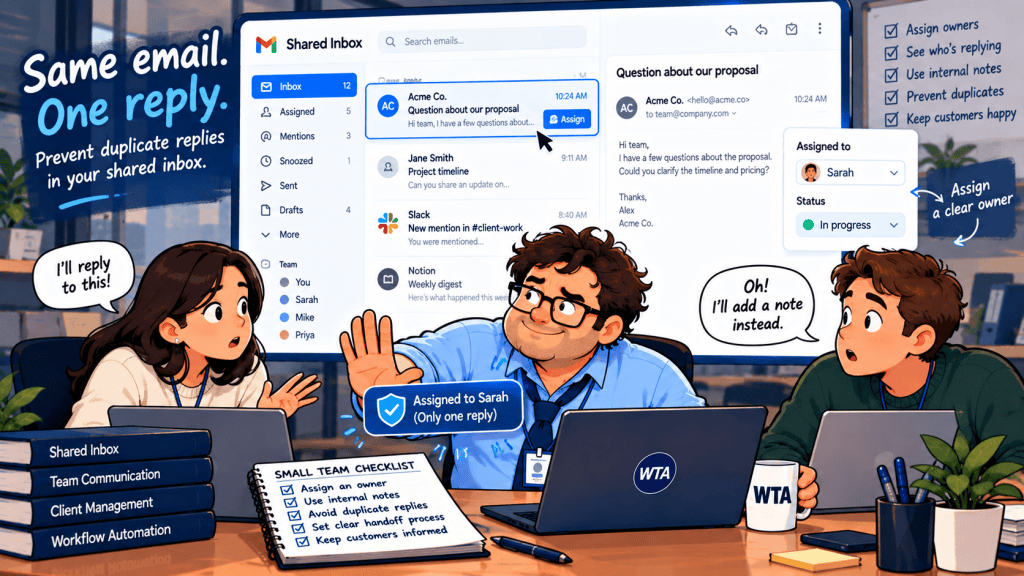
Two people see the same client email. One writes a careful reply. The other sends a faster one. The customer gets both, and the team spends the afternoon explaining which answer counts.
The fix is not another AI drafting button or a longer list of shared inbox apps. It is a small ownership rule that survives forwarded messages, time off, and reopened conversations: one visible queue, one accountable reply owner, and a deliberate handoff before anyone sends. This guide shows how to build that rule with Google Workspace or a dedicated team inbox, and how to check whether it actually holds.
Start by separating access, ownership, and permission to send
Teams often treat “everyone can see the message” as equivalent to “someone is handling it.” Those are different states. A shared address answers where the message arrives; assignment answers who owes the response; send authority answers who may commit the business to an answer.
For a small agency, write these rules down before choosing software: a new inquiry is unassigned until someone claims it; a reviewer can comment without becoming the sender; an absent owner must hand the thread back; and a new client reply reopens the work. If your system cannot represent a state, establish a manual signal rather than pretending the state exists.
WTA field rule: Nobody drafts a client-facing answer until the thread has an owner. Nobody sends until the latest incoming message and outgoing history have been checked.
Which inbox setup supports that rule?
You can make the workflow work in three different environments. The meaningful distinction is not which product has the most AI features. It is how clearly teammates can see who is responsible for the next external reply.
| Setup | What is documented | Practical caution |
|---|---|---|
| Google Groups Collaborative Inbox | Take or assign conversations, search by assignee, and mark work complete or duplicate. | A Group conversation is not the same as a delegated Gmail mailbox; decide where the team actually works. |
| Missive Team Inbox | Unassigned messages appear in a team queue; claiming or closing changes the shared queue for everyone. | Set the behavior for new replies and for replies sent directly from the team inbox. |
| Shortwave team collaboration | Share live threads, add private comments, assign an owner, and show team-wide done status. | Confirm how the shared address and send-as permissions will be configured; shared threads alone are not a complete mailbox policy. |
The feature descriptions above come from Google’s Collaborative Inbox guide, Missive’s Team Inbox documentation, and Shortwave’s team collaboration guide. Each supports coordination, but their account models are not interchangeable.
When staying with Google Workspace is enough
A Google Group configured as a Collaborative Inbox can assign conversations to individuals and track their resolution. That is a reasonable starting point when the team has a modest volume of inquiries and is willing to work from Google Groups. Set up the Group as the canonical place to claim messages, not just another mailing list that sends personal copies to everyone.
Gmail delegation is a separate option: a delegate can read and send mail in another account, but Google notes that delegated messages identify the delegate. Delegation gives access; it does not, by itself, create the assignment and review routine described here. Do not share one password among the team.
When a dedicated team inbox earns its place
Missive is built around a team queue: a message waits unassigned, someone claims it, and the conversation can be closed after a response. Its team settings let administrators choose whether replying assigns the sender and whether a later customer reply returns to the assignee or the team inbox. Those are decisions worth making deliberately, not accepting by accident.
Shortwave takes a different route through shared live threads, team comments, assignments, and AI-supported email organization. Its documented assignment flow puts assigned threads in the owner’s inbox and exposes a done state to collaborators. That can work well when people mostly own individual Gmail conversations and occasionally bring colleagues in. For a central address such as hello@, validate account connection, shared visibility, and reply-from identity in the trial before adopting it as the team’s sole queue.
If you are still deciding whether a new client is necessary, our Gemini in Gmail vs Shortwave vs Superhuman comparison covers the broader email-app decision. This article assumes the operational problem is already clear: two people must not answer the same request independently.
The five-state workflow that reduces the risk of double replies
Use five plain states in your team’s routine. They do not need to be named exactly this way in the software; they do need to be observable by the people doing the work.
- New: The client message lands in the shared queue. No teammate starts an external draft yet.
- Claimed: One person becomes the reply owner. Others can supply facts through an internal note or comment.
- Review needed: The owner prepares the answer, but a second person must approve pricing, scope changes, deadlines, or sensitive disclosures.
- Sent / closed: The owner checks the latest message and sent history, sends once, and marks the conversation complete.
- Reopened: A new client reply returns the conversation to its assigned owner or a visible triage queue. The team agrees which behavior to use.
The key is the transition from claimed to sent. A teammate may know the answer, but knowledge does not confer ownership. If the owner is away, reassign the conversation first. Otherwise, the shared queue and the personal inbox can silently become competing sources of truth.
For higher-risk messages, use a narrow approval gate rather than requiring a manager to read everything. Our guide to where human approval belongs in an AI workflow explains why external commitments deserve more review than routine acknowledgments.
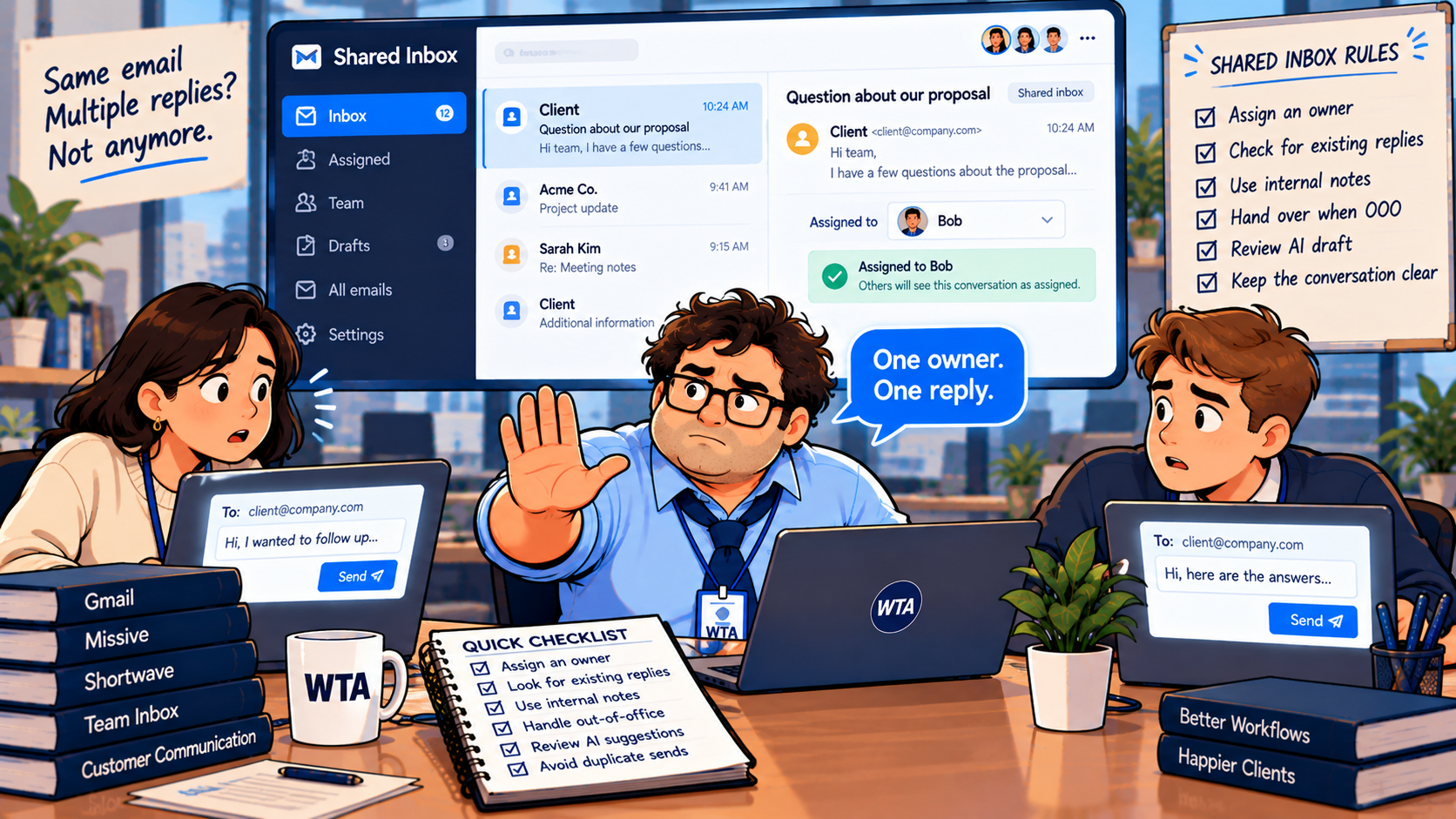
Six situations to test before the team relies on it
Run these with test accounts and dummy messages, not live customer details. The point is to discover who can see, claim, send, and reopen work under ordinary pressure.
| Test | Pass condition |
|---|---|
| Two teammates open one new inquiry | Only one is designated reply owner; the other sees that assignment before sending. |
| A colleague forwards the same inquiry | The forwarded copy is linked to or flagged against the original; it does not start a second independent response. |
| The owner is out sick | Another teammate explicitly takes ownership; the original owner no longer appears responsible for the next reply. |
| A client replies after closure | The thread reappears for the correct owner or in the agreed triage queue. |
| An AI tool drafts an answer | The draft is clearly not sent; the owner checks facts, recipient, scope, and the latest message. |
| Two people begin typing | The team’s rule makes one person stop and defer; do not assume a typing indicator alone prevents two sends. |
One detail is easy to miss: the same inquiry may reach a shared address and an individual teammate. Decide whether the shared queue always wins. If it does, the individual should link or forward context to the owner, not send a separate “just following up” reply.
Keep AI useful without letting it become a second sender
AI can summarize a long thread, suggest a response, or classify an inquiry. It cannot resolve a disagreement over who is authorized to make a promise to a client. That distinction matters most for changes to price, deliverables, personal information, and contractual commitments.
Here is the boundary worth keeping: AI prepares context; the owner verifies it; the designated sender approves the final outward message. If a tool can automatically send replies, leave that capability off for exceptions until you have defined and tested an explicit policy. This is a workflow recommendation, not a claim that either product automatically blocks every collision.
For more on the product side of AI-powered inbox work, see our Shortwave vs Superhuman Mail guide. If the real problem is too many email tools rather than shared ownership, the Gmail Gemini versus a separate AI email app audit is a better starting point.
What should a five-person team budget?
Price should follow the workflow, not determine it. As checked on October 22, 2026, Missive lists Starter at $14 per user/month billed annually for teams of up to five and Productive at $24 per user/month billed annually, adding rules and external integrations. Five seats are therefore $70 or $120 per month in annual-billing equivalents, respectively, before any separate AI usage costs.
Shortwave’s published Business price is $30 per seat/month (a five-seat arithmetic equivalent of $150/month at that displayed rate), with a 14-day trial. Its pricing page does not clearly label the billing cadence in the captured text, so confirm the checkout total rather than treating this as a guaranteed monthly invoice. Shortwave’s shared-thread and assignment features are documented; a specific shared-address configuration should be checked directly during evaluation.
Google Groups may avoid an additional specialist-inbox subscription for a team already paying for an eligible Workspace setup, but the operational cost is more manual discipline. These figures are list-price references, not a promise of a particular contract, tax treatment, or savings.
Measure the handoff, not just inbox zero
For the first week, record four things: how many client threads were unassigned at the end of each workday, how often ownership changed, whether any customer received conflicting replies, and whether a reopened message reached the right person. If your team cannot retrieve those answers, improve the process before paying for more automation.
A good shared inbox is not measured by how quickly every message disappears. It is one where the next person to act is obvious, the customer receives one coherent answer, and a colleague can take over without reconstructing the story.
WTA VERDICT
Assign before drafting; verify before sending. For a low-volume Workspace team, start with a Google Groups Collaborative Inbox and a written ownership rule. Choose a dedicated team inbox when handoffs, out-of-office coverage, or review workflows are frequent enough that manual coordination is failing. Use AI for preparation, not silent client-facing commitments.
3-Line Takeaway
- One shared queue is useful only when every message has a visible owner.
- Test reassignment, reopened threads, and duplicate entry paths before rollout.
- Pay for collaboration controls you will use, not just faster AI drafts.

Leave a Reply