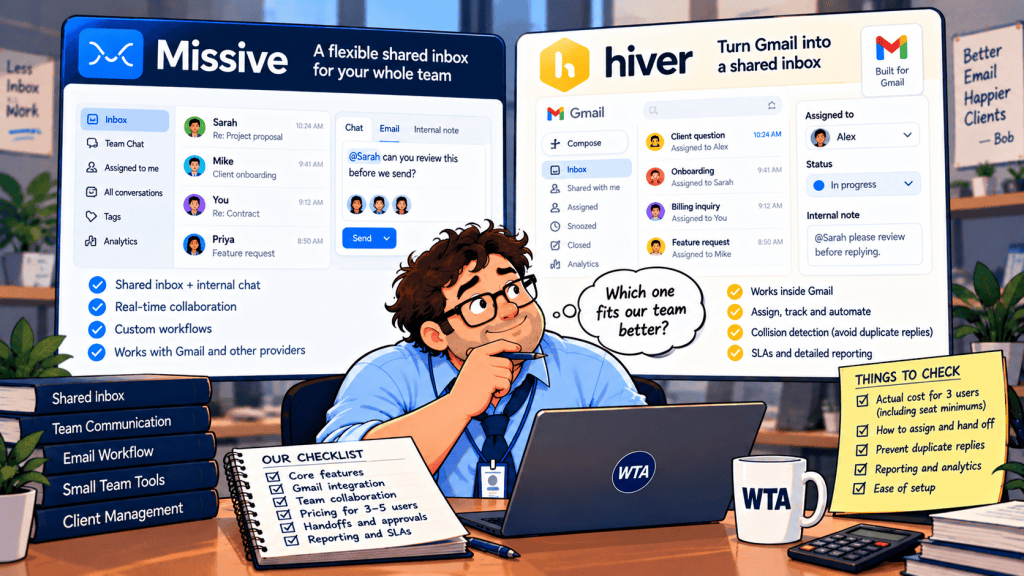
A three-person agency shares hello@. One teammate drafts a quote, another wants to check the scope, and the third is away. You do not need a bigger email app for its own sake. You need a place where everyone can see who owns the reply, who can review it, and whether the next person will accidentally send a second answer.
That is the buying question behind Missive vs Hiver in Gmail for small teams. Both support team email collaboration. But one moves your team into a shared email client, while the other adds a support workflow inside Gmail. Their seat rules can also make a three-person team cost more like five.
Short answer: Choose Missive if you want threaded internal discussion, co-writing and multiple email providers in one app. Shortlist Hiver in Gmail if your team insists on staying in Gmail and needs support-style routing, analytics or eventually SLAs. If you only receive a few shared messages a week, test a native Google option before paying either vendor.
Editorial method: This is a documentation-based buying guide, not a hands-on test. Prices and product claims were checked against vendor documentation on October 22, 2026. Your contract, country, taxes and AI usage may change the final bill.
First, make sure you are comparing the right Hiver product
Hiver now presents two distinct routes. Hiver in Gmail is a Chrome extension for Gmail or Google Workspace users. Hiver Omni is a separate multichannel platform that can work with other email providers. This article compares Missive with Hiver in Gmail, not Omni. A team on Microsoft 365 should not assume the Gmail edition will fit just because the Hiver brand also supports Outlook elsewhere. The distinction is explicit on Hiver’s pricing page.
Missive takes a different approach. It is a team email client with web, desktop and mobile apps; it can bring Gmail, Microsoft and other supported email accounts into one workspace. That is a meaningful change for teams already committed to Gmail tabs, labels and shortcuts. For teams coordinating multiple addresses or email providers, it may be the point.
| Decision point | Missive | Hiver in Gmail |
|---|---|---|
| Where people work | Missive web, desktop or mobile client | Within Gmail via Chrome extension |
| Shared conversation | Team inbox, assignment, internal chat and collaborative drafts | Shared inbox, ownership, notes, shared drafts and collision alerts |
| Automation entry | Productive tier ($24/user/month, annual billing) | Growth tier ($25/billed seat/month, annual billing) |
| Support management | Basic reporting on Productive; advanced on Business | Growth has basic analytics; Pro adds SLAs and advanced reporting |
| Important constraint | Starter capped at five users | Seats sold in bundles; Growth lists two shared inboxes |
Neither product should be judged by a feature checkmark alone. An assignment field is only useful if teammates respect it, and a shared draft only helps if the team agrees who has permission to send. Our shared-inbox ownership workflow covers those rules before software selection.
The three-person pricing trap
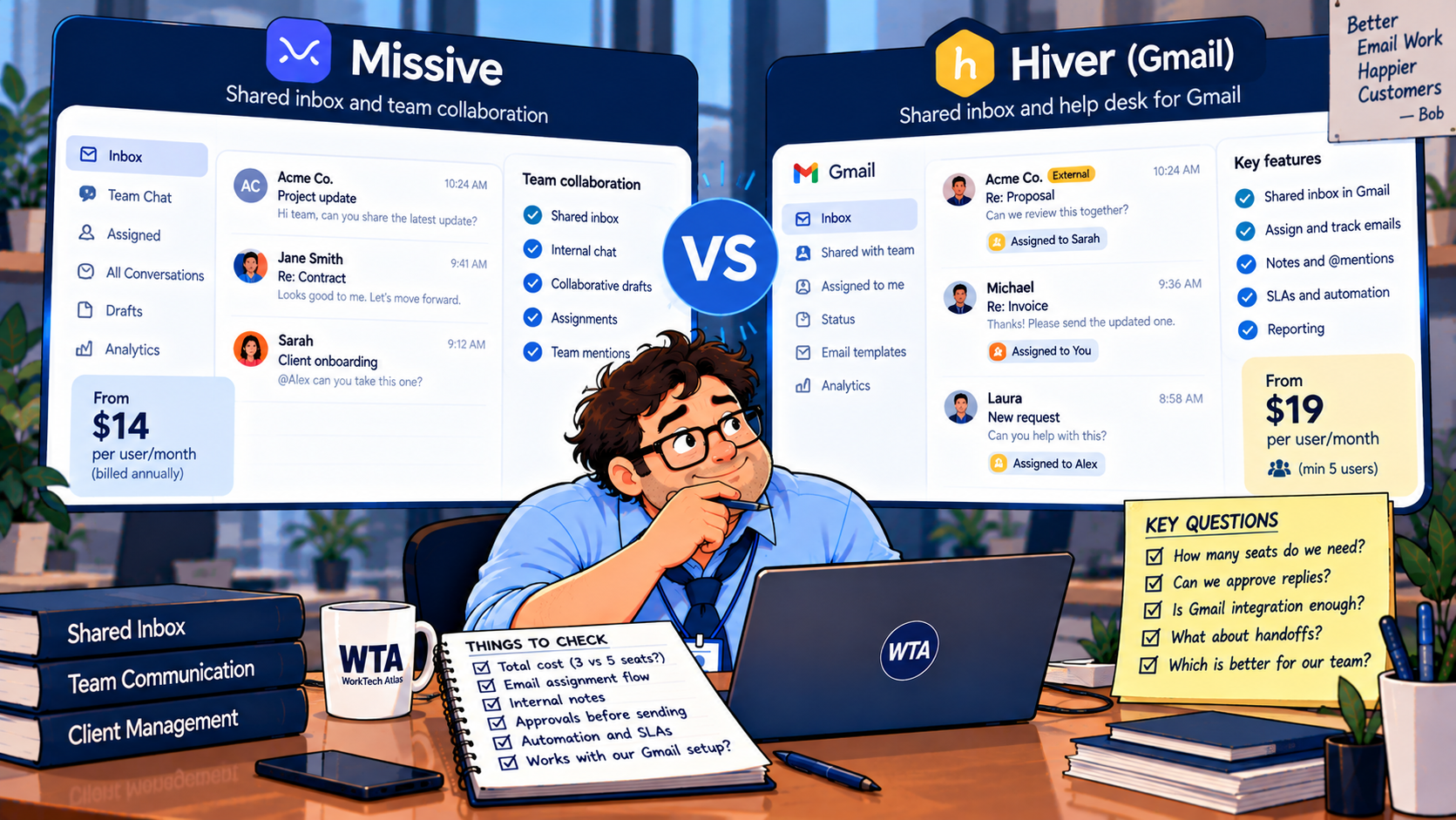
Missive lists Starter at $14 per user/month on annual billing, with a five-user limit. Productive is $24 and adds rules, external integrations, basic reporting and API access. Hiver in Gmail lists Growth at $25 per billed seat/month on annual billing, but its pricing FAQ says seats start at two, then rise to five, and after that increase in blocks of five.
This means a three-person team may be billed for five Hiver seats. The comparison below is illustrative subscription math, not a quote, and the plans do not include identical features.
| Actual team | Missive Starter | Missive Productive | Hiver Growth |
|---|---|---|---|
| 3 people | $42/month | $72/month | $125/month (5 billed seats) |
| 5 people | $70/month | $120/month | $125/month (5 billed seats) |
| 6 people | Not available | $144/month | $250/month (10 billed seats) |
All amounts are USD monthly equivalents of annual billing, before tax, existing email subscriptions, additional usage or negotiated terms. Missive Starter is not an automation-tier substitute for Hiver Growth. For routing rules, compare Missive Productive with Hiver Growth: at five people the published base prices are $120 versus $125 per month; at three people they are $72 versus $125 because of Hiver’s seat increments.
The jump matters again when a sixth teammate joins. Ask Hiver for a written quote covering seat bundles, any exceptions and how seats are counted. If you need Hiver’s Pro features, its published rate is $55 per billed seat/month annually, so five billed seats would be $275/month before extras. Sources: Missive pricing and Hiver in Gmail pricing.
What happens when a reply needs a second pair of eyes?
Picture a client disputing a charge. The account manager can draft a reply, but finance must confirm the amount. There are three separate actions: assign the conversation, discuss the facts privately, and authorize the external response. Treating all three as “collaboration” hides the point at which mistakes reach the customer.
Co-writing is not the same as sign-off
Missive documents internal threads, team chat and collaborative drafting. That suits an agency that wants to workshop the wording in the same conversation. Hiver documents notes, shared drafts, collision alerts and an approvals capability, which may better fit a support queue with formal review. But its public feature matrix does not clearly establish which approval options are available in every plan. Confirm your exact tier and the reviewer’s permissions before buying on that promise. See Hiver’s collaboration documentation and Missive’s plan features.
A collision warning is not a send lock
Hiver describes a banner when another teammate starts drafting. Missive also supports shared drafting and team visibility. Those signals reduce the chance of double work; they do not make a policy for you. Before anyone sends, the owner still needs to check the latest incoming message, recent outgoing replies and any unresolved internal comment.
For higher-risk emails, write a one-sentence rule: the owner drafts; the designated reviewer approves the final facts; the owner sends. If your workflow involves refunds, contract terms or access changes, use the risk-based checks in our human-approval guide.
AI can help draft the email; it cannot own the promise
Missive’s Productive and Business plans expose its AI assistant, with Missive AI credits or a connected provider key depending on setup. The assistant can search conversation context and draft responses; usage and provider charges need to be budgeted separately where applicable. Hiver lists AI Copilot and AI Agents in Growth, but the pricing page does not give a simple unlimited-use guarantee for every AI action. Check quotas and any add-ons during the trial.
The test is not whether an AI reply sounds polished. Give the system a real-looking but fictional billing thread with a deliberately outdated amount. Ask it to draft an answer, then verify whether the reviewer notices the discrepancy before the reply can leave the queue. The owner and approval policy should work even if AI is turned off.
If your primary goal is faster personal email rather than team ownership, this may be the wrong purchase category. Our Shortwave vs Superhuman Mail comparison focuses on individual email workflow; the Gmail with Gemini buying guide asks whether you need another AI email layer at all.
Run six acceptance tests before migrating your real inbox
Use a test address and invented customer details. Do not begin by connecting a live support inbox containing private client messages. For each case, record what the owner sees, what the reviewer sees, and what the customer would receive.
- Two people start drafting. Can both see a collision signal? Does the team know who should stop? Do not assume the warning prevents sending.
- A thread is unassigned for a day. Who notices it? Test a manual triage view first; if you need automatic assignment, check the plan that includes rules.
- The owner is out of office. Reassign the thread and confirm that the new owner can see prior internal context without a forwarded-email chain.
- A sensitive reply needs review. Draft a fictional refund or contract-change response. Verify that the intended reviewer can approve or request changes, and that the sender knows when sign-off is complete.
- The customer replies after closure. Does the message reopen in a visible queue? Confirm that the previous owner or the new triage owner takes responsibility.
- An AI draft gets a fact wrong. Deliberately insert a stale amount into the source material. Check that a human catches it and the corrected version is the one sent.
A tool passes only if the team can describe the next action without guessing. Write down each failed case and the plan setting or manual rule that resolves it. These are proposed tests, not claims that either product passed them.
When neither product is the sensible first purchase
For a two-person team receiving a handful of shared inquiries, start with what you already have. Google Groups Collaborative Inbox supports taking and assigning conversations, viewing assignees, and marking work complete or duplicate when the right permissions are enabled. It is not a substitute for every co-writing or service-management feature, but it is a reasonable baseline for a low-volume inbox.
If the shared mailbox mostly contains FYIs, or every reply is still reviewed in another system, paying for a new team inbox may add another queue rather than remove one. Write down how many messages need assignment, how often two people collide, and whether response-time reporting is a genuine requirement. Only then compare plans.
WTA VERDICT
Missive is the cleaner starting point for a three-to-five-person team that wants one collaborative email workspace and is comfortable leaving the Gmail interface. Its Productive plan is the fair comparison when you need rules and integrations. Hiver in Gmail earns consideration when staying in Gmail matters more than adopting a separate client, especially if the team expects to build a structured support process. But the seat increments and Pro-only service features can change the economics quickly.
Before paying, get the billed seat count and approval permissions in writing. Then run the six tests with your team. A successful pilot is one where a customer receives one accurate reply, even when the original owner is away.
3-Line Takeaway
- Workflow: Missive is a separate team email client; Hiver in Gmail stays in Gmail.
- Budget: Three Hiver users may require five billed seats; compare automation-capable tiers.
- Safety: Test owner handoffs, review permissions and collision warnings before switching.

Leave a Reply