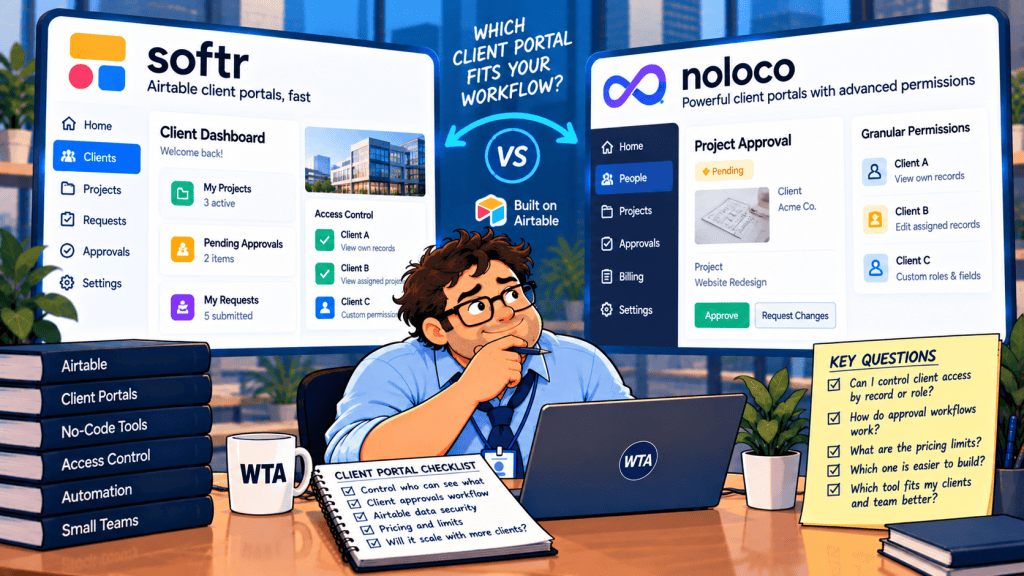
A client clicks Approve on a campaign mockup. That should move one deliverable forward, not give the client permission to change the internal budget, approve someone else’s work, or quietly create a second approval record.
If you’re comparing Softr vs Noloco for an Airtable client portal, both can put a signed-in workspace in front of existing records. The harder question is what happens after a client logs in: which rows can they reach, which fields can they change, and what does their approval actually trigger?
Short answer: Choose Softr when the priority is a polished, configurable client-facing experience and your team can carefully design role-based pages and record restrictions. Give Noloco a closer look when approvals require granular read/write rules across the same Airtable records, especially if you expect many external client accounts. Neither product should be treated as a substitute for an approval log or a real two-client permission test. For a 25-client team on monthly billing, the published Pro and Build base prices are $119 and $79 respectively; the right permission model matters more than that $40 gap.
This is a documentation-based buying guide, not a hands-on product test. Product plans and capabilities were checked on October 21, 2026; verify the live checkout and workspace settings before committing.
The decision in one table
| Decision point | Softr | Noloco |
|---|---|---|
| Airtable as the system of record | Connect an Airtable base to a custom portal with two-way updates | Connect Airtable as a synced data source on the paid Build plan |
| Who sees a client record | Custom user groups, conditional filters, and global view restrictions | Roles plus record-level permission rules |
| Who can change a particular field | Configure page, block, and action visibility; check plan-specific write restrictions carefully | Field-level create/read/update controls are documented |
| Client approval handoff | Configure an action and follow-on workflow; confirm what gets written to Airtable | Configure permitted record actions and workflows; confirm what gets written to Airtable |
| Billing pressure | App-user allowances and add-on seats, especially for many clients | Client seats are generous on Build; record volume is metered |
| Better starting point | A branded dashboard with a modest client audience | A multi-client approval workspace with differentiated roles |
These are starting points, not blanket security ratings. A product can have the right permission feature and still be configured incorrectly.
The permission difference that matters for approvals
Imagine a marketing agency with one Airtable base containing Clients, Projects, Deliverables, and Approval Events. The client contact needs the current deliverable and its deadline. The account manager needs comments and revision requests. Finance needs internal costs. Only an authorized client reviewer should be able to approve that client’s deliverable.
This creates three separate questions: can the person open the page, can they retrieve the record, and can they edit the field?
A hidden button answers only an interface question. It is not proof that the underlying record is inaccessible.
Softr: strong presentation controls, with a plan-level caveat
Softr supports custom user groups, page and block visibility, conditional record filters, and global data restrictions. Its official permission documentation distinguishes interface visibility from data permissions. That is the right distinction for a shared Airtable base.
For client isolation, a global view restriction tied to the signed-in user’s client identity is more robust than remembering to add a filter to every dashboard block. Softr’s global restrictions guide says view restrictions are available on all plans, while app-wide create, edit, and delete restrictions are available on Business and above. Custom user groups and action visibility require Pro or higher.
That matters if your workflow lets a client approve a deliverable but forbids changes to its budget or internal status. You can design a focused action rather than opening a general edit form, but do not assume that hiding a field in one block equals universal field-level permission enforcement. Softr’s public permission documentation describes app-wide field-level restrictions as a separate capability, so verify its current availability for your plan and data source before promising field-by-field control.
Noloco: record and field rules are closer to the data
Noloco’s field-level permission guide documents create, read, and update controls for individual fields, alongside record-level permissions. Its August 2026 Build plan announcement explicitly includes row- and field-based permissions and unlimited roles.
For the agency example, the client reviewer can be allowed to read the deliverable and update an approval decision while being denied read access to internal margin. An account manager can be allowed to update a revision note but not the final client approval. Those are rules to configure, not guarantees that every new app starts with them.
Noloco also describes approval actions that can trigger internal workflows. Treat those as a design option, not proof of an immutable audit trail. Its current pricing page lists audit logs under Enterprise, so a team with contractual evidence requirements should verify exactly what is retained on Build.
A client-approval workflow worth building
Start with the approval event, not the visual dashboard. The Airtable model can remain simple:
| Table | Minimum useful fields | Who should change it? |
|---|---|---|
| Clients | Client ID, name, active status | Internal administrator |
| Deliverables | Deliverable ID, Client ID, version, review status, link | Internal team; limited client actions |
| Client contacts | Email, Client ID, reviewer role, active status | Internal administrator |
| Approval events | Deliverable ID, version, reviewer, decision, timestamp, comment | Append through the approved workflow, not general editing |
The Approval Events table is a recommended design, not a built-in feature claim. It keeps a revision request distinct from a final approval and makes it easier to investigate a disputed sign-off. An ordinary Airtable row can still be edited or deleted by someone with sufficient access, so this is not an immutable compliance ledger. If you need a legally defensible record, verify retention and audit controls separately.
Use four states: Ready for review, Changes requested, Approved, and Superseded. When the team uploads version 3, mark version 2 as superseded. A client should not be able to approve version 2 through an old link after version 3 becomes current.
A safer handoff is straightforward: the authorized reviewer opens the current deliverable and selects a decision. The workflow checks ownership and version, writes one approval event, then alerts the assigned owner. If the workflow is retried, it should check whether that deliverable-version-reviewer-decision combination already exists before creating another event. That last check is a workflow requirement to implement, not a native deduplication promise from either vendor.
If your need is only a one-time correction rather than an ongoing portal, a record-specific form may be simpler. Our Fillout vs Airtable Portals guide explains why occasional edits and authenticated collaboration should not be treated as the same workflow.
<!– WTA_IN_ARTICLE_BOB_IMAGE –>
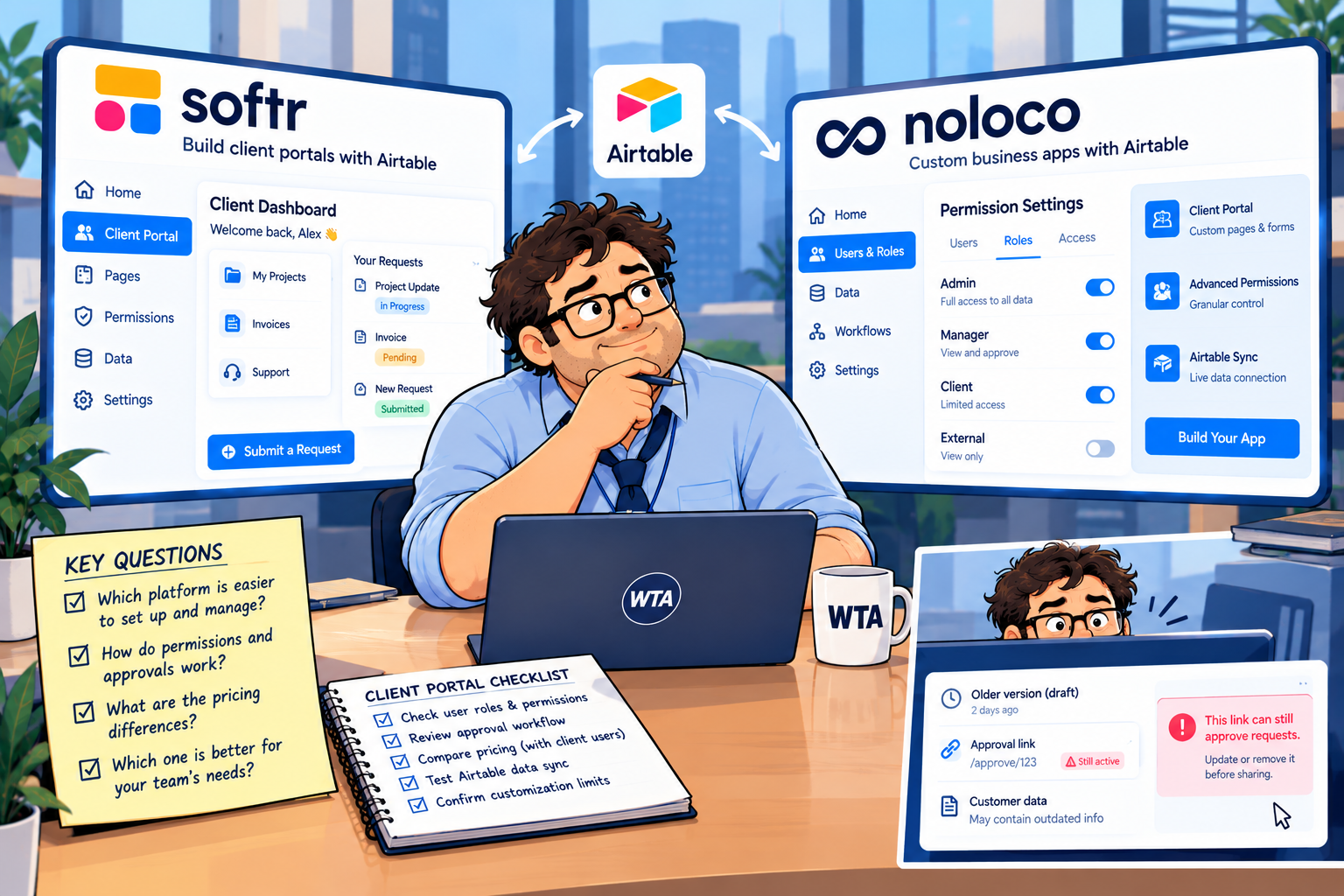
Bob’s field note: the old approval link is still open. A new version must invalidate the previous decision path.
What the 2026 prices mean for a real client roster
Both vendors changed their pricing presentation in 2026, so older comparison charts can be misleading. Noloco replaced its legacy Starter, Pro, and Business options for new customers with Build in August 2026. Existing customers may retain older plans; those are not the right basis for a new buyer’s quote.
At the time of this review, Softr lists Pro at $119/month paid monthly or $99/month on annual billing, including 10 team users and 50 client users. Its Basic plan is cheaper but includes only five client users, so it is not the sensible reference point for a 25-client portal. Softr’s pricing information and 2026 plan overview also describe additional Pro client users from $1 each, subject to plan limits.
Noloco’s live pricing page lists Build at $79/month paid monthly or $65/month on annual billing, including 10 team seats, 1,000 active clients, and 25,000 records. Additional records cost $25 per 25,000-record block. Airtable is a paid-plan data source; the Noloco Free tier uses Noloco Tables and CSV imports rather than a live Airtable connection.
Here are three illustrative subscription scenarios, not vendor quotes. They assume four internal team members, monthly billing, and no additional AI credits, premium services, or separate Airtable subscription:
| Portal size | Softr Pro | Noloco Build |
|---|---|---|
| 25 active clients; 20,000 records | $119/month base, within the included 50 client users | $79/month, within the included client and record allowances |
| 25 active clients; 75,000 synced records | $119/month base; verify external-data and Airtable limits separately | About $129/month: $79 base plus two $25 record blocks |
| 200 active clients; 20,000 records | $119/month base plus additional client-user charges or a different tier; obtain a quote | $79/month base, within the published 1,000-client allowance |
The second row assumes all 75,000 synced rows count toward Noloco’s record allowance. Softr’s advertised 500,000-record allowance relates to its own database offering and should not be treated as an equivalent Airtable sync quota. For the 200-client scenario, do not extrapolate a per-seat price without confirming Softr’s current add-on limits and the relevant plan.
This is why a price comparison should count people and records together. Noloco’s generous client allowance becomes attractive as your roster grows, while its synced-record meter deserves close attention. Softr’s client-user limits and action allowances create different pressure points. Neither table includes the cost of Airtable, which may be a separate subscription, or the labor needed to maintain permissions.
If your choice is still between a custom portal and Airtable’s own guest experience, read our Softr vs Airtable Portals comparison before adding a third product to the shortlist.
Six checks before inviting your first client
A polished demo tells you almost nothing about who can retrieve a record. Run the same checks in whichever product you shortlist, using two fictional client companies and at least one internal reviewer:
- Cross-client isolation. Sign in as Client A and attempt to open Client B’s deliverable through navigation, search, and a copied deep link. A should not retrieve B’s record.
- Sensitive fields. Put a harmless test value in an internal-margin field. Verify that the client cannot read it through details, forms, exports, or linked records. Do not use actual confidential data for this test.
- Approval authority. A normal client contact may comment; only the designated reviewer should be able to approve. Test both roles against the same record.
- Old-version behavior. Publish a newer deliverable, then try the previous approval link. The old version must not become approved again.
- Duplicate submission and sync. Submit the same decision twice, then inspect Airtable and downstream notifications. Confirm one intended outcome and measure the delay before each side reflects it.
- Offboarding. Disable one client contact and verify that saved links, sessions, and notifications no longer provide unintended access. Retest after any permission or data-source change.
Our Airtable client portal permissions checklist expands the negative tests, including what a second client must not be able to see. For the underlying record-update path, the Airtable client editing guide covers how accidental new records and overwritten fields can creep in.
One more boundary is worth spelling out: clicking an approval button is not automatically the same as a legally binding electronic signature. If your process needs formal sign-off, retention guarantees, or regulated records, validate those requirements separately and ask each vendor about the appropriate plan. This guide is not a legal or security certification.
WTA VERDICT
For an Airtable-backed client approval portal, start your shortlist with Noloco when the same record needs different read and write rights for clients, reviewers, and internal staff. Its current Build pricing also deserves attention when client logins will grow faster than database size.
Softr remains a strong candidate when presentation flexibility and a tailored client dashboard lead the decision. Just price the correct tier and verify the precise scope of record and write restrictions before inviting real clients. In either tool, the winning setup is the one that passes the negative tests, preserves a usable approval history, and leaves Airtable with one authoritative version of each decision.
3-Line Takeaway
- Permissions: Test record access and field editing separately; hidden controls are not sufficient evidence.
- Cost: Count client seats and synced records, not just the headline monthly fee.
- Launch: Pilot two clients, two roles, an outdated link, and a duplicate approval before going live.

Leave a Reply