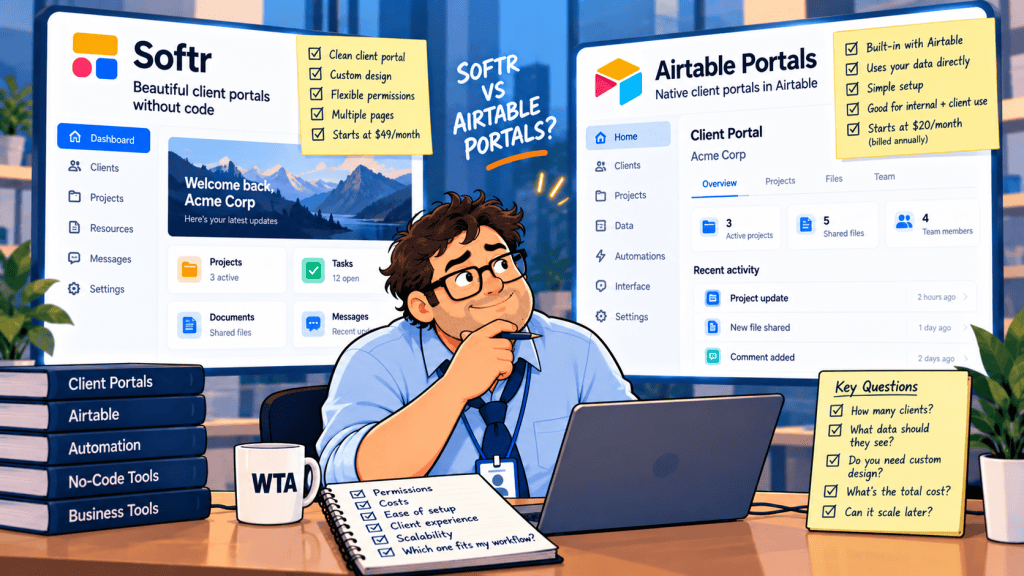
A client signs in to check a project milestone. They should see their own status, the latest deliverable, and an approval button. They should not see another client’s invoice, internal margin notes, or an approval intended for someone else. A tidy dashboard cannot tell you whether the permissions are right.
For agencies and small operations teams choosing Softr vs Airtable Portals, the important distinction is not whether either tool can display Airtable records. Both can support client-facing workflows. The choice is where you want to manage access, how much you need to customize the client experience, and what happens as the number of external editors grows.
Short answer: Choose Airtable Portals when your team already runs projects in Airtable Interfaces and needs a controlled way to invite clients into those interfaces. Consider Softr when the client-facing app needs its own navigation, multiple roles, or a more tailored experience with Airtable remaining the data source. Neither option makes cross-client isolation automatic.
Softr vs Airtable Portals: the client-dashboard decision
| Decision point | Airtable Portals | Softr on Airtable |
|---|---|---|
| Client experience | Guests sign in to selected Airtable interfaces | Clients sign in to a separately built Softr app |
| Data access model | Interface sharing levels and current-user filters | App user groups, conditional filters, and data restrictions |
| Approval actions | Interface edit or comment permissions, subject to layout configuration | Visible actions and permitted record updates, subject to plan and rules |
| Branding | Guest sign-in customization on Business and Enterprise Scale | App layouts and branding; plan-specific controls |
| External user billing | Portal add-on packs; read-only guests are not billable seats | Plan includes client-user allowance; overages can apply |
| Best starting point | Existing Airtable interface is already the operating workspace | Client-facing workflow needs a distinct app layer |
This is a documentation-based buying guide, not a hands-on product test. Plan details and support documentation were reviewed on October 18, 2026. Confirm the exact checkout terms and permission controls for your workspace before rollout.
Permissions: can Client A reach Client B’s data?
An Airtable Portal is an external-access layer for Airtable Interfaces. According to Airtable’s Portals documentation, a portal belongs to one base; within that base you can share multiple interfaces with eligible external guests. Those guests have interface-level permissions, not an invitation to your entire Airtable home. Giving that guest access to the underlying base or a second base can change both billing and the data they can reach.
The permission work is still yours. Airtable’s Interface Designer guide describes dynamic filters that show records assigned to the current user. If a page, detail view, or related record is missing the intended filter, the fact that a guest signed in does not make the data client-specific. A separate test account should try every route, not just the landing page.
Softr sits in front of Airtable as an application layer. Its user-group and permissions guide describes controls at page, block, action, and data levels. For a multi-client app, a practical pattern is to associate each user with a client company and restrict project records by that relationship. This is more maintainable than building a different user group for every customer.
There is an important plan caveat. Softr Pro ($99/month with annual billing) includes custom user groups and granular permissions, but Softr lists global data restrictions on Business ($329/month with annual billing). If you need an app-wide rule that restricts records across every page, budget for Business and verify the exact control in your workspace. On Pro, carefully test the conditional filters and action permissions you configure; hiding a button is not the same as protecting a record.
A small notification trap in Airtable Portals
Airtable documents a less obvious behavior: an external portal user may see an @mention of someone at a different external email domain, but the notification can be silently dropped. Its portal help article explains the domain-based restrictions and recommends using an internal collaborator for reliable cross-domain mentions. For agencies coordinating multiple client companies, test notification delivery rather than treating the visible @mention as proof that someone was alerted.
That is not evidence that Softr notifications are automatically reliable. If you build notifications through Softr workflows or a separate automation service, test delivery, recipient mapping, and retries there too. A successful-looking screen is not a delivery receipt.
Pricing for 12 or 40 external client editors
The bill depends on people who need to edit, not just the number of client companies. Twelve client organizations with three approvers each mean 36 external users. Count actual logins and permissions before comparing plans.
Consider a deliberately narrow example: an agency has two internal Airtable editors, one base, and either 12 or 40 external client users who need to review and update their own projects. Assume Airtable Team is billed annually at $20 per editor per month. Softr Pro is $99 per month billed annually with 50 included client users; Business is $329/month billed annually and adds global data restrictions. These are published list-price inputs, not quotes.
| Illustrative requirement | Airtable Portals route | Softr + Airtable route |
|---|---|---|
| 2 internal editors + 12 client editors | Airtable Team $40/month equivalent + Portals from $120/month for 15 seats = from $160/month equivalent | Airtable Team $40 + Softr Pro $99 = from $139/month equivalent; Business with global data restrictions: from $369/month equivalent |
| 2 internal editors + 40 client editors | Airtable Team $40/month equivalent + a 50-seat Portals pack; price requires a workspace quote | Airtable Team $40 + Softr Pro $99 = from $139/month equivalent (40 of 50 included client users); Business: from $369/month equivalent |
| Clients only viewing | Read-only portal guests do not count as billable portal seats; the add-on and base plan still need evaluation | Client logins count against Softr’s plan allowance even if they only view |
The 12-user figures above are illustrative monthly equivalents, not a guaranteed apples-to-apples invoice. Airtable publishes the Portals add-on starting at $120/month for 15 guests on Team and $150/month on Business, while Softr’s $99 rate assumes annual billing. Billing cadence, taxes, legacy plans, extra builders, app-user overages, and other add-ons can change the result. Airtable offers packs of 15, 25, 50, 100, and 200 portal seats. Its support article does not publish a universal 50-seat price. Request a quote rather than multiplying the 15-seat rate.
Softr changed its pricing structure on August 5, 2026 to separate team users from client users and charge for overages after a grace period. The $139 Pro scenario does not include the Business-only global data restrictions; that stronger access model starts at an illustrative $369/month equivalent including two Airtable editors. That makes older reviews with much larger “external user” allowances especially risky for budgeting. Confirm whether your account is on a legacy or current plan.
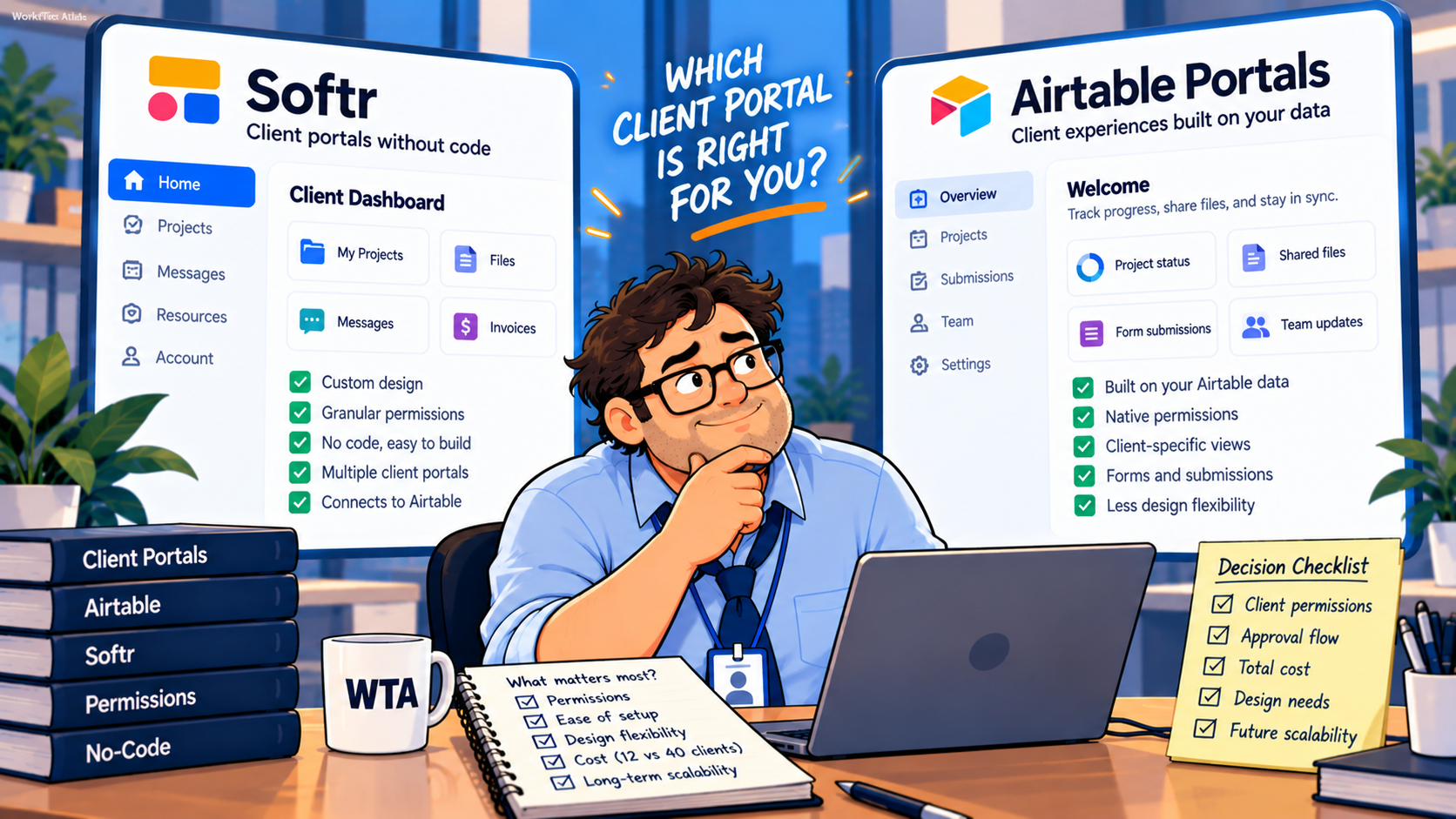
Design the approval flow before choosing the tool
A portal should not let a client change a final delivery status simply because an edit button is convenient. Define which action the client owns and which status the internal team owns. A useful four-step model is Draft → Ready for client → Client reviewed → Internally finalized. The client can approve or request changes, but the internal finalization field remains controlled by staff.
In Airtable Portals, make the approval a specific interface action or editable field, and check which interface permission level it requires. In Softr, configure action visibility and the underlying record permission for the client group. For either route, record who approved and when if the workflow needs traceability. Do not promise an immutable audit log unless your plan and implementation actually provide one.
If the team already routes intake and approvals in Airtable, our Airtable Automations vs Zapier client-intake guide explains when the review should stay native and when an external handoff becomes useful. One approved request should not become two competing project records.
A seven-test pilot before inviting real clients
Use two fictional companies, Harbor Studio and Pine Works, each with a project, a file, an invoice placeholder, and a different approval state. Create separate accounts you control. This is a proposed acceptance test, not a claim that WorkTech Atlas has tested either vendor.
- Isolation: Sign in as Harbor and search every list, detail page, and related record for Pine’s canary label.
- Direct-link access: Paste a Pine detail-page URL into Harbor’s signed-in session; it should not reveal the record.
- Edit scope: Try to change an internal-only field, not merely a visible client field.
- Approval state: Approve once, refresh, and try again. Confirm that duplicate approvals do not produce duplicate tasks.
- Files and exports: Open linked attachments, downloads, and export controls with the wrong account.
- Notifications: Trigger a client comment or approval and verify actual delivery to the intended person, including cross-domain @mentions in Airtable.
- Offboarding: Revoke one client login, test an old bookmarked link, and verify any shared-file or automation access is also closed.
Our nine-test Airtable client portal permissions checklist provides a more detailed negative-testing matrix. If the customer only needs to correct one field occasionally, you may not need a portal at all; compare the smaller-scope option in Fillout update links vs Airtable Portals.
Which should you choose?
Stay with Airtable Portals if the internal team already maintains the right interfaces, clients need controlled access to those same records, and the guest-seat model fits your real editor count. It reduces the number of front-end systems to administer, but it does not eliminate filter checks or external-guest billing.
Choose Softr on Airtable if client navigation, company-level roles, distinct actions, and branded self-service matter enough to justify a separate app layer. Treat the Softr Pro feature set and client-user allowance as the starting budget for a serious multi-client permission model, not the free or Basic tier.
Use neither yet if the client’s only job is to submit an intake form or make rare corrections. Our Fillout vs Softr form-or-portal comparison helps identify the point at which repeated client visits make a persistent workspace worthwhile.
WTA VERDICT
Airtable Portals is the more direct choice when the interface already lives in Airtable. Softr makes sense when clients need a separate app experience, but its Business-only global restrictions can reverse a simple Pro-vs-Portals price comparison. Decide with a two-company permission test and a real external-editor count, not a prettier demo.
3-Line Takeaway
- Access: Test every record path, action, and attachment with two separate client accounts.
- Cost: Count external editors; 40 Airtable portal guests require a larger pack whose price needs confirmation.
- Workflow: Keep one source of truth and verify approval notifications and offboarding.

Leave a Reply