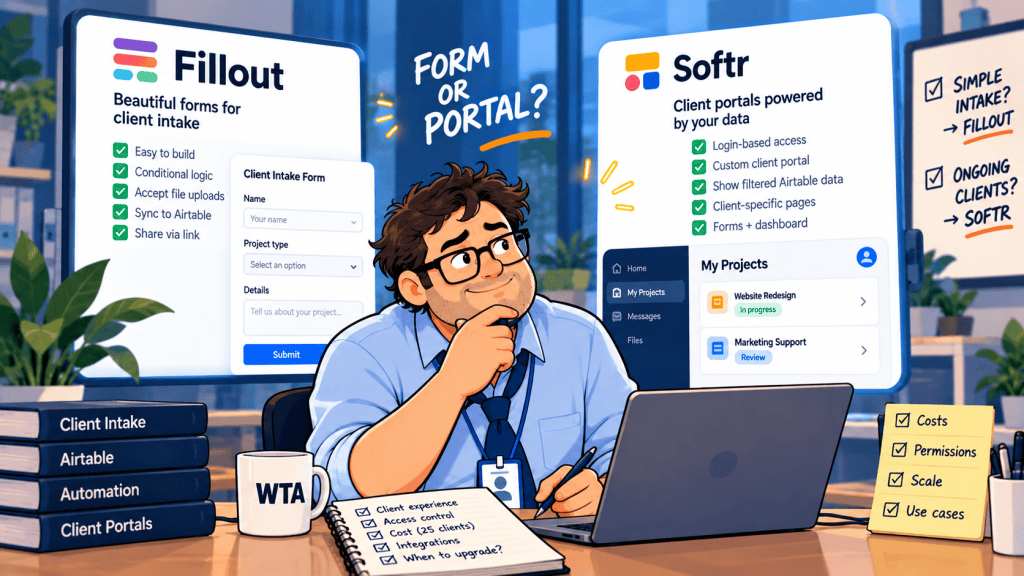
A client completes an onboarding form on Monday. On Thursday, they ask whether their updated brief was approved. Next week, they want to replace an attachment and see the current project status. The form did its first job. The next three requests are where a client portal may begin to earn its cost.
For teams comparing Fillout vs Softr for client intake, this is a comparison of Fillout Forms as an intake layer and Softr as a signed-in client workspace, not a claim that either company only makes one kind of product. Fillout now sits alongside Zite apps and databases, while Softr includes forms inside its app builder. What matters is the job your client expects the interface to do next.
Quick answer: Choose Fillout when clients mostly submit or correct specific information and your team manages status internally. Consider Softr when clients repeatedly return to see their own projects, files, and approvals. If you need a portal but already use Fillout, evaluate Zite before assuming you must change vendors.
The decision is about client access, not the form builder
Start with the action a client expects to take after pressing Submit. That is more revealing than comparing field types or page templates.
| Client needs to… | Better starting point | Reason |
|---|---|---|
| Send a new request once | Fillout form | Low-friction intake link; no persistent workspace required. |
| Correct a particular record | Fillout update form | A targeted edit flow can work without exposing the whole project list. |
| See the latest status of several requests | Softr portal | A signed-in, client-specific view is the product, not just the submission. |
| Review files and approve deliverables repeatedly | Softr portal | Ongoing access, actions, and record-level visibility become central. |
| Submit now, check status occasionally | Either; pilot both | Frequency, sensitivity, and identity checks determine the trade-off. |
If your real requirement is choosing among several form builders rather than offering a client dashboard, start with our Notion Forms vs Tally vs Fillout intake comparison. This article addresses the next decision: when collecting a response is no longer enough.
What each approach gives the client
Fillout: a narrow action can be the safer experience
Fillout supports multi-page forms, conditional logic, file uploads, and integrations including Airtable. Its Airtable update-form documentation describes record-specific links that prefill and update an existing record. It also warns that omitting the record ID can create a new record instead. That makes link construction and missing-ID handling part of the workflow design, not a cosmetic detail.
A link that identifies a record is not, by itself, proof of the respondent’s identity. Treat an unprotected, forwardable update URL as potentially accessible to whoever receives it. Fillout also offers login pages with email verification or password options on paid plans, so the choice is not simply “anonymous form versus authenticated portal.” Still, authenticating one form does not automatically provide a browsable history of every project and approval.
For a one-time billing-contact correction or a fresh design brief, that narrower scope is often desirable. Clients do not need another account just to send one answer. For an ongoing relationship, the team must decide how to communicate status outside the form.
Softr: the workspace is the feature
Softr lets teams build a logged-in application on a database, including client-facing pages, forms, and actions. Its permissions guidance distinguishes page and block visibility from global data restrictions, which control which underlying records a user can retrieve. That distinction matters: hiding a navigation item is not a substitute for restricting records.
For example, an agency can link users to their client company and restrict projects and invoices to that company. This is an architectural pattern, not a guarantee that any newly built portal is safe. Each linked table, attachment, action, and newly published page still needs review. Our nine-test client portal permissions checklist gives a more detailed two-client audit.
A client login is not free operationally: someone must invite users, maintain their company association, handle departures, and decide which fields clients can edit. A portal that saves five status emails but introduces a confusing access process may be a poor trade.
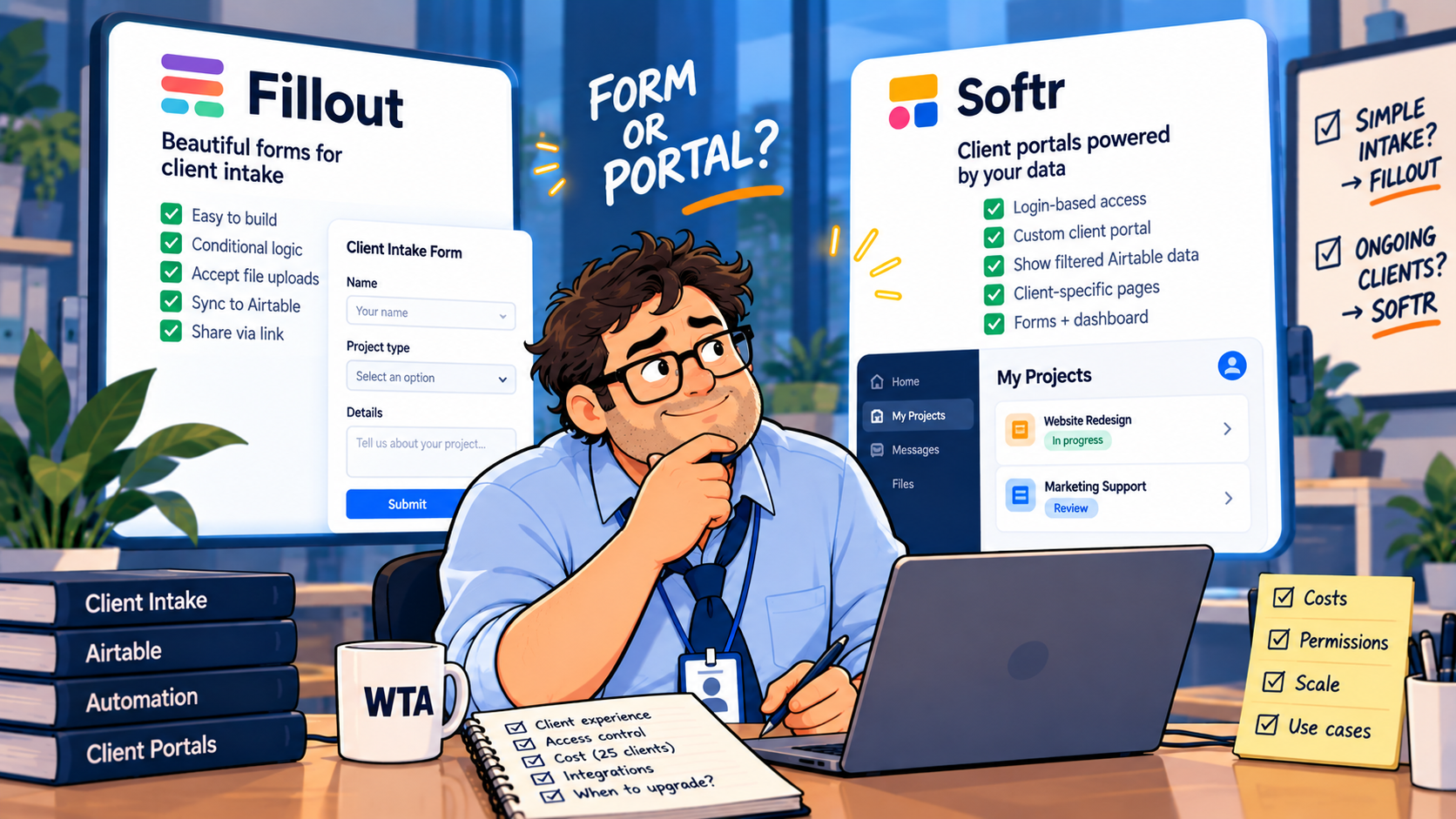
Pricing: a 25-client example, without pretending the products are identical
Prices below are public US-dollar monthly equivalents when billed annually, checked October 16, 2026; taxes, add-ons, database subscriptions, and monthly-billing premiums are excluded. Confirm the live Fillout pricing page and Softr plan details before purchase.
| Plan used in this example | Published annual-billing equivalent | Relevant allowance |
|---|---|---|
| Fillout Starter | $15/month ($180/year) | 2,000 form responses/month; login forms; unlimited internal seats. |
| Softr Basic | $19/month ($228/year) | 5 team + 5 client app users: not enough for 25 distinct client logins. |
| Softr Pro | $99/month ($1,188/year) | 10 team + 50 client app users; advanced portal capabilities. |
Illustrative workload: three internal coordinators serve 25 individual client contacts, each submitting two requests a month. That is roughly 50 submissions, well below Fillout Starter’s listed response allowance. Softr Basic’s five-client-user allowance would not cover all 25 if each needs a login; Pro’s 50-client-user allowance would. At those published annual rates, the subscription difference is $1,008 per year. That is not a like-for-like savings estimate: a form does not deliver the same client dashboard, and your backend, storage, integrations, or extra users may change the bill.
The better cost question is whether a signed-in view replaces enough manual status updates, file requests, and approval follow-ups to justify the additional subscription and maintenance. If not, the smaller system may be the more economical system.
A practical path from form to portal
You do not have to replace the intake layer the day clients begin asking for updates. A gradual design keeps one authoritative request record and changes the client-facing surface only when necessary.
- Keep one source of truth. Store each request under a stable request ID and a client-company ID. Distinguish a new request from a revision to an existing one.
- Separate intake from approval. Let a submission enter a review queue; do not automatically mark it approved or overwrite unrelated client fields.
- Use targeted corrections first. If a client only needs to change one item, send a scoped edit path and verify its record identity. Our Airtable record-update guide explains the overwrite and duplicate risks.
- Add a portal for repeated visibility. When clients need a request history, current status, or shared deliverables, make the logged-in workspace the new front door. Restrict data by client company before adding more pages.
There is also a third route: Zite now positions Fillout forms alongside apps, databases, and workflows. Teams already committed to Fillout should evaluate that ecosystem as a portal option. We are not treating Zite as feature- or price-equivalent to Softr without a separate plan-by-plan review.
This staged approach is especially relevant if your current process already uses Airtable. Our Fillout vs Airtable Portals comparison addresses the more specific choice between a record-edit link and Airtable’s own guest workspace.
Four failure tests worth running before rollout
These are proposed checks, not results of hands-on testing by WorkTech Atlas. Use fictional client data and two separate test identities.
- Wrong recipient: Forward a correction link or invite from Client A to Client B. Confirm what B can see or change, and whether access can be revoked.
- Missing record ID: Remove the identifier from an update URL and submit a harmless change. Confirm that the system rejects or quarantines an unexpected new record instead of silently duplicating work.
- Cross-client navigation: In a portal, open a linked detail page, attachment, and approval action as each client. A clean homepage is not enough.
- Offboarding: Remove a test client’s access, then retry old links and saved sessions. Document which access paths actually stop working.
If the first two tests fail, fix the intake workflow before paying for a portal. If the last two are essential to the client relationship, a persistent access model deserves serious consideration. Either way, an attractive interface is not evidence of correct permissions.
WTA VERDICT
Use Fillout Forms for the transaction; use a client portal for the relationship. A form is a strong default when clients mainly submit or correct a request. Softr becomes more compelling when clients need a secure, recurring view of their own work. The trigger for upgrading is not the number of form questions. It is the need for ongoing identity, visibility, and controlled actions.
3-Line Takeaway
- Choose a targeted form when the client only needs to send or amend information.
- Budget for a portal when clients need repeat logins, status history, and scoped actions.
- Test cross-client access, missing IDs, and offboarding before launch.
Editorial note: Product capabilities and public annual-billing prices were checked against vendor documentation on October 16, 2026. No hands-on product testing or affiliate relationship is claimed. Verify plan entitlements before purchasing.

Leave a Reply