Last checked: October 29, 2026. A three-person agency has one client inbox. An account manager writes a reply about a delayed deliverable, a specialist needs to verify the promise, and the owner wants to approve the wording. Everyone can see the email. But who is allowed to change the draft, and who decides it is ready to send?
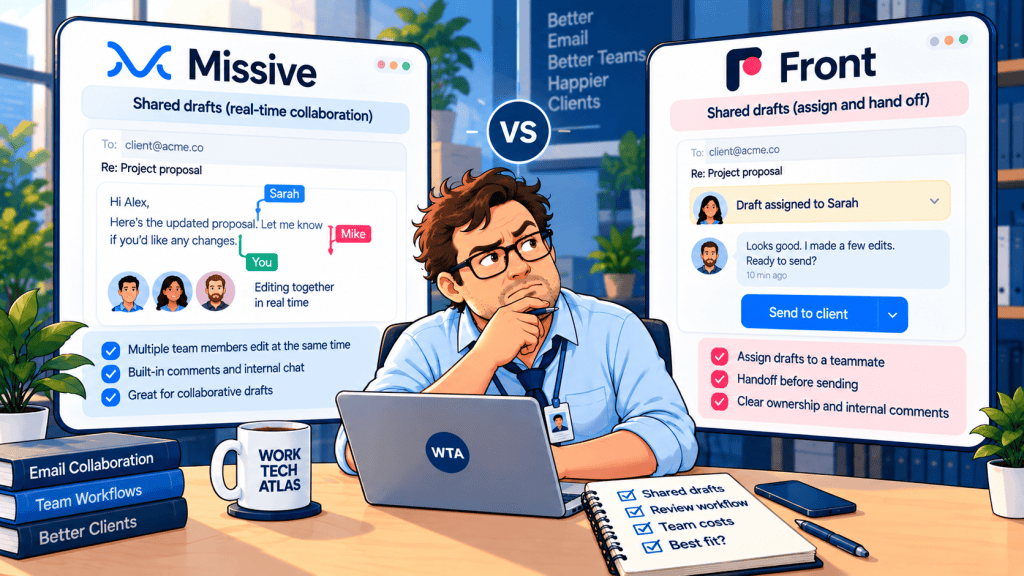
That is the useful way to compare Missive vs Front. Both let teammates discuss client emails without forwarding chains. The difference is how they share editing, how visible a draft is to other people, and how much workflow structure the team wants to pay for. Neither product should be treated as a guaranteed manager-approval lock merely because it supports shared drafts.
This is a documentation-based comparison, not a hands-on test. Prices are in US dollars, based on each vendor’s published annual-billing rates; features and plan terms can change.
The short answer: choose the review workflow, not the inbox logo
| Your situation | Missive | Front |
|---|---|---|
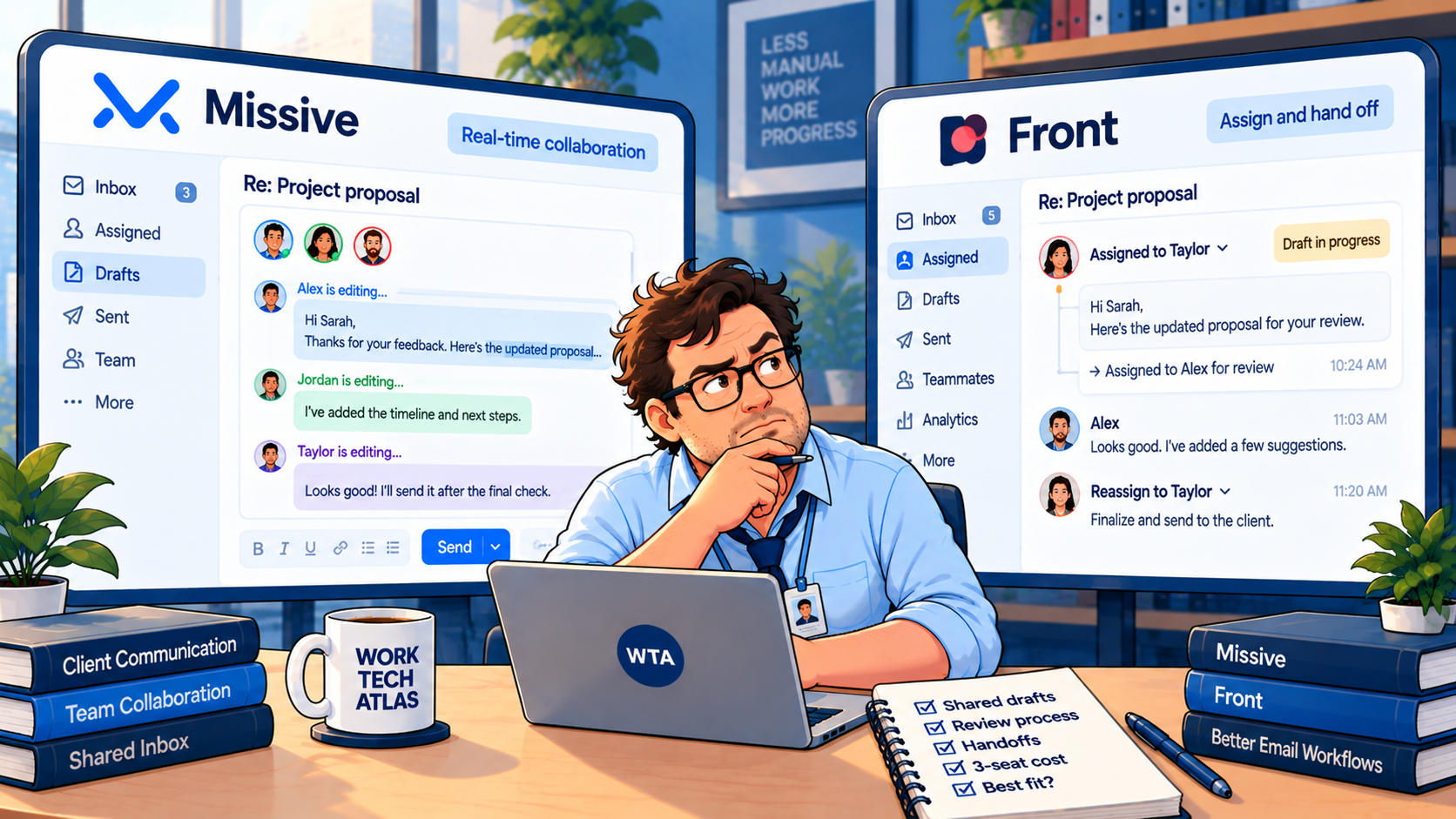
| Two teammates need to write in the same reply | Better fit: simultaneous collaborative drafting | Shared draft editing is passed between teammates; one editor at a time |
| A reviewer needs to see a draft and comment | Internal threads and collaborative drafts | Shared drafts, comments and @mentions |
| The team wants a shared queue with clear ownership | Team inbox, assignment and tasks | Shared inbox, assignment and ticket-oriented workflows |
| Three seats, simple email-first workflow | $504/year on Starter | $900/year on Starter |
| Three seats, workflow rules or broader operations | $864/year on Productive for Missive rules | $2,340/year on Professional for Front omnichannel and advanced reporting |
Those prices are illustrative subscription totals, not quotes: 3 × the published per-seat monthly rate × 12, excluding taxes, add-ons and any negotiated terms. The right-hand column is not a like-for-like feature match with the left; each plan unlocks different capabilities. See Missive’s pricing page and Front’s pricing page.
What actually happens to a draft awaiting review?
Imagine a client asks whether a website launch can move forward despite an unresolved accessibility issue. The account manager can draft the response, but should not promise a date until the delivery lead checks it. The owner must then approve the final wording. A useful inbox needs to make three different jobs visible: writer, subject-matter reviewer and sender.
In Missive, the team can discuss the conversation in an internal thread and work together on the email draft. Its product documentation describes real-time collaborative drafting, assignments and an audit trail. This makes it attractive when the reviewer is not merely commenting but actively rewriting a sentence with the account manager. Missive’s official feature description explains these collaboration tools.
In Front, a draft in a shared inbox is automatically visible to teammates who have access to that inbox. They can comment and @mention the reviewer. Front’s help center says only one person can edit a shared draft at a time: a teammate uses Take over to become the editor, and changes then appear in real time to the others. That is a different workflow from two people typing in the same draft simultaneously. See Front’s shared draft instructions.
Neither approach is universally better. Simultaneous editing is convenient when two people need to compose together. A single active editor can be easier to reason about when a team deliberately passes a sensitive reply from writer to reviewer. The product still needs a clear human process for the final decision.
A shared draft is not an approval gate
Here is the distinction that gets lost in generic shared-inbox comparisons: “My manager can see this draft” is not the same as “the system will prevent sending until my manager approves.” The official shared-draft documentation establishes collaboration and review, not a universal, mandatory two-person sign-off rule across all plans and configurations.
For a small client team, start with a lightweight convention before buying a complex workflow:
- Owner: one person is accountable for the conversation and the outgoing reply.
- Review state: use a visible tag, task or internal comment such as “Review requested”; do not mistake an unread mention for approval.
- Decision: the reviewer writes a specific “Approved to send” comment after checking the latest draft, recipient and attachment.
- Final check: the sender rereads the current version immediately before sending, especially if someone edited it after approval.
- Exception: a changed price, new client reply or missing reviewer returns the message to review rather than allowing a silent send.
This is a recommended team policy, not a claim that either app automatically enforces all five steps. If contractual or regulated correspondence requires a technical prohibition on unapproved sends, ask each vendor to demonstrate the exact permission or approval control on the plan you intend to buy. Test it with a non-admin user; do not infer enforcement from a marketing phrase.
For a broader framework, see where human approval belongs in an automated workflow.
The quiet risk: two people editing or replying at once
A shared inbox should reduce duplicate work, but its design does not eliminate every collision. Front documents real-time indicators when another teammate is replying, and its shared draft model gives one teammate editing control at a time. That is a useful signal, not a replacement for assigning ownership. Front’s collision detection guide describes the behavior.
Missive’s team inbox is built around triage: unassigned messages appear in a shared queue, and assigning, closing or archiving removes them from that queue for the team. Collaborative drafts and internal discussion keep work in context. These are different mechanisms, so compare the whole handoff rather than checking whether a feature list contains the word “collision.” See Missive’s team inbox guide.
Run one awkward scenario in either tool: the writer has a draft open, the reviewer is adding a comment, and the client sends new information that makes the draft wrong. Does the owner notice the new reply? Is the draft still safe? Can anyone send it without checking the update? Your process should answer those questions before the first real client escalation.
If duplicate responses are the bigger problem than review itself, our duplicate-reply prevention workflow provides an ownership-first starting point.
Three-seat costs: the $36 gap that can mislead you
The headline entry-price comparison is unusually close for a three-person team if Missive needs its Productive plan: $864/year for Missive Productive versus $900/year for Front Starter. That is only a $36 annual difference. But these tiers are not interchangeable. Missive Productive adds rules, integrations and basic analytics, while Front Starter includes shared inbox and ticketing with up to 10 automation rules and single-channel support.
| Annual-billing plan | Published rate | Three users / year | What matters for this use case |
|---|---|---|---|
| Missive Starter | $14/user/month | $504 | Shared inboxes and collaborative drafting; up to 5 users |
| Missive Productive | $24/user/month | $864 | Adds rules, integrations, API and basic reporting; up to 50 users |
| Front Starter | $25/seat/month | $900 | Shared inbox, ticketing, up to 10 rules; single channel type; up to 10 seats |
| Front Professional | $65/seat/month | $2,340 | Omnichannel, more rules, advanced analytics and additional administration |
The published rates above were checked on October 29, 2026 against Missive and Front. They assume annual billing for all three seats for 12 months. They do not include tax, usage-based AI, add-ons or discounts. A team using only email should not automatically compare Missive Productive with Front Professional just because both are called mid-tier plans.
A useful buying question is: Are we paying for better draft collaboration, or for a more structured customer-support operation? If your workload is still three people answering one shared address, that distinction can matter more than a small difference in sticker price.
Who can see the draft? Check access before inviting anyone
Draft visibility is a feature and a risk. Front says shared inbox drafts are visible to everyone with access to that inbox, even without an individual invitation. That can be convenient for coverage during vacations, but too broad for confidential client negotiations. Front’s documentation also distinguishes shared-inbox drafts from personal drafts that must be explicitly shared.
Missive supports team spaces, shared conversations and guest access, but that does not mean every external client should be invited into an internal email discussion. Treat guest permissions, internal comments and customer-facing replies as separate surfaces. Before using either tool for sensitive client work, verify who can see attachments, comments, draft revisions and previous messages.
Use three test accounts: the account manager, the reviewer and a teammate who should not see the conversation. Confirm visibility with each account, not just from the admin’s screen. In Front, check workspace membership and inbox access; the official inbox access guide identifies both as reasons a teammate may or may not see an inbox.
This also matters when intake emails turn into approvals. A receipt should not imply that the underlying work is approved; our guide to receipt, approval, and update emails explains how to keep those messages distinct.
A 20-minute trial that tells you more than another feature grid
Before committing to annual billing, ask each vendor for the right trial configuration and repeat the same small test with three people. You do not need to import your entire customer history to learn whether the review handoff works.
- Minutes 0–4: connect a test shared address and give two teammates access; keep the third user outside the inbox.
- Minutes 4–8: assign a message to the writer and draft a reply containing a deliberately incorrect delivery date.
- Minutes 8–12: ask the reviewer to correct it, comment on the change and hand the draft back; note whether editing is simultaneous or taken over.
- Minutes 12–16: have the client send a follow-up while the draft remains open; check how obvious that new information is.
- Minutes 16–20: verify the excluded teammate cannot view the draft, then check the sender identity, attachment and approval comment before sending to a test mailbox.
Record the result in plain language: “reviewer saw the new message,” “owner was obvious,” “third user could not view the draft,” and “we needed a manual approval comment.” Those observations are more actionable than a score out of ten. They are suggested test criteria, not results from a WorkTech Atlas product test.
Which should a small client team buy?
Choose Missive if the team’s core problem is co-writing client replies, privately discussing them and handing off ownership in an email-first workspace. Its Starter price is attractive when you do not need automation rules; Productive becomes the more realistic comparison if routing and integrations matter.
Choose Front if the shared inbox is growing into a customer-operations queue where ticketing, routing, reporting and potentially multiple channels are central. Front Starter can suit a small email-only team; Professional is a much larger commitment, so confirm which features you will actually use.
If the team refuses to leave Gmail, compare a different axis before choosing either one: Missive vs Hiver for Gmail shared inboxes focuses on that migration and handoff decision.
Source note: Feature descriptions and prices were verified from vendor documentation on October 29, 2026. No hands-on testing or affiliate partnership is claimed. Check vendor terms before purchasing.
WTA VERDICT
For a three-person agency reviewing client email, start with the handoff. Missive is the stronger candidate when two people actively write a reply together. Front is the stronger candidate when the inbox is becoming a structured support operation. Both can support a human review habit; do not assume either product enforces manager sign-off without testing the exact plan and permissions.
3-Line Takeaway
- Shared drafts enable review; they do not automatically prove an enforced approval gate.
- Missive supports simultaneous drafting; Front hands editing control between teammates.
- For three annual-billed seats, compare $504/$864 Missive tiers with $900/$2,340 Front tiers before adding extras.

Leave a Reply