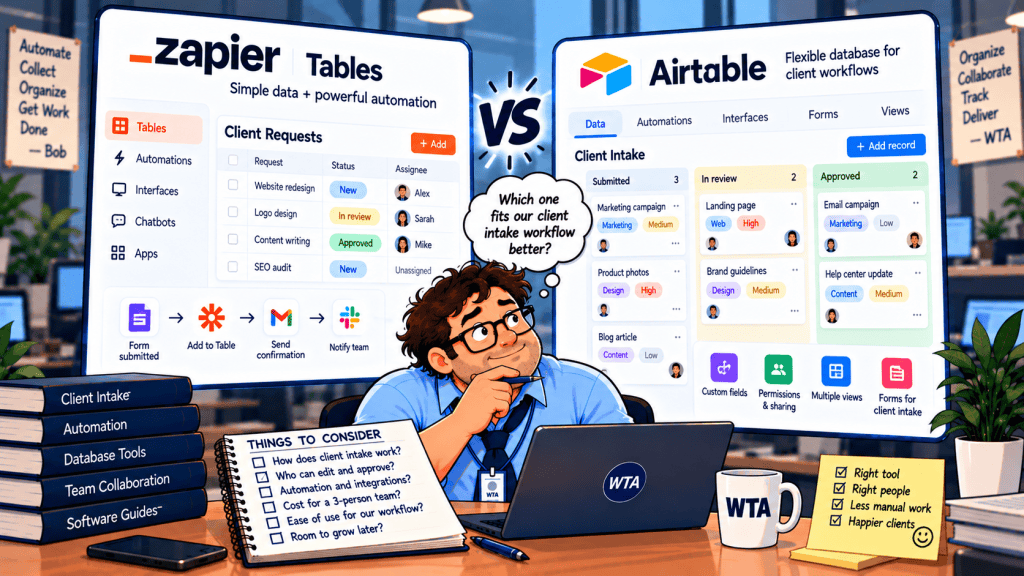
A three-person agency has a familiar problem: a client submits a request, an account manager checks the scope, and a project lead decides whether work can begin. The team needs one trustworthy record of the request. It also needs to prevent an accidental click, an overly broad sharing link, or an automation from turning received into approved.
For Zapier Tables vs Airtable for client intake, the spreadsheet comparison misses the real purchase decision. Both can store structured requests and connect them to workflows. What matters is who can edit the request, who can approve it, and what happens next.
Quick answer: Choose Airtable when several staff members must review the same requests and you need fine-grained controls over approval fields. Consider Zapier Tables when intake is primarily a trigger for cross-app automation, especially if one owner maintains the system and other people interact through carefully configured forms. Do not treat a public table link as a secure client approval portal in either product.
This is a documentation-based buying guide, not a hands-on test. Features and published U.S. starting prices were reviewed on October 25, 2026. Verify your own plan and permissions before inviting real clients.
The decision in one table
| The question your team should ask | Airtable | Zapier Tables |
|---|---|---|
| Can three teammates work directly in the system? | Free includes up to five Editor/Creator collaborators, subject to plan limits; paid editor seats are billed individually. | Free and Professional are single-user plans; direct team collaboration belongs to Team or Enterprise. |
| Can you protect the approval field? | Paid Team and higher plans offer field/table editing restrictions; interfaces add controlled editing surfaces. | Tables offer owner/editor/view-only sharing on eligible plans and record-specific buttons; test whether the exact approval action is restricted to the right role. |
| Can a client submit without an account? | Public forms collect requests; an authenticated interface or portal is a separate access decision. | Zapier Forms can collect submissions and expose selected table interactions; form permissions must be configured explicitly. |
| Where does automation feel most natural? | Record-based processes and internal review in a base. | Sending approved records across apps through Zaps. |
| What can surprise you on the bill? | Paid editor seats, automation/API capacity, record and attachment limits. | Team-seat tier, task usage, table record capacity and advanced feature availability. |
The table is a decision aid, not a security certification.
Start with the approval rule, not the form builder
Imagine a website redesign request. The client supplies a budget range and a launch date. An account manager can correct the brief, but only the project lead should change the status from Under review to Approved. Once approved, a workflow creates an Asana task and sends a client email.
A useful minimum record has request_id, client_id, submitted_at, request_summary, requested_budget, status, reviewer, approved_at, approval_note, and delivery_task_id. The status might progress through Received → Under review → Approved / Declined → In progress. These are proposed workflow states, not product defaults.
Before polishing the form, set three rules. First, an external submission must not write directly to the approval status. Second, the approval action must be limited to an authorized reviewer. Third, downstream automation must check the request’s stable ID and current status before creating work.
That last safeguard is covered in our <a href=”https://worktechatlas.com/2026/10/21/prevent-duplicate-client-requests-airtable-asana-2026/”>duplicate-safe Fillout → Airtable → Asana workflow</a>. Changing the database does not eliminate the need for a stable request key.
Airtable: stronger controls around internal approval fields
Airtable’s <a href=”https://support.airtable.com/articles/2296468758-airtable-field-and-table-editing-permissions”>field and table editing permissions</a> are available on Team, Business, and Enterprise Scale plans. Owners and Creators can restrict who changes values in a field, including a status field that drives an automation. These restrictions also apply when a user edits through an interface or API. A visible field is not automatically an editable field.
In practice, that supports a two-role setup: account managers update the brief, while the project lead controls the approval status. Use an interface record-detail page to show reviewers only the information they need. Airtable also lets creators configure whether inline editing or record-detail editing is available. However, an interface layout alone is not the same as an authorization policy: test the underlying base permissions as well.
The catch is cost. Airtable Free can support a small number of editors, but field-level edit restrictions are not a Free-plan feature. If the entire purchase decision depends on locking an approval field, budget for a qualifying paid plan rather than relying on the free tier.
Zapier Tables: good action buttons, different collaboration limits
Zapier Tables supports a <a href=”https://help.zapier.com/hc/en-us/articles/15720961080717-Use-the-Button-field-in-Zapier-Tables”>Button field</a> that can trigger or continue a Zap for a specific record. This is appealing for a clear action such as Send approved request to delivery. Zapier says Tables steps do not count toward Zap task usage; other actions in the workflow may consume tasks.
But a button is not, by itself, proof of who was allowed to approve. Decide whether your design uses a reviewer-updated status, a button, or both. Then check who can access the table, edit its fields, press the button, and modify the Zap. On Zapier’s Free and Professional plans, direct account collaboration is limited to one user; sharing a public table view provides view-only access, not a role-specific approval interface.
Zapier’s <a href=”https://help.zapier.com/hc/en-us/articles/16021760381453-Manage-permissions-and-sharing-in-Zapier-Tables”>Tables sharing guide</a> says table-member editing is associated with Team or Enterprise. Zapier Forms can provide a separate editing surface for non-Zapier users. That may suit a simple client update process, but permissions for create, edit, and delete must be deliberately configured. Never assume a hidden form field is protected from unauthorized updates without testing the full flow.
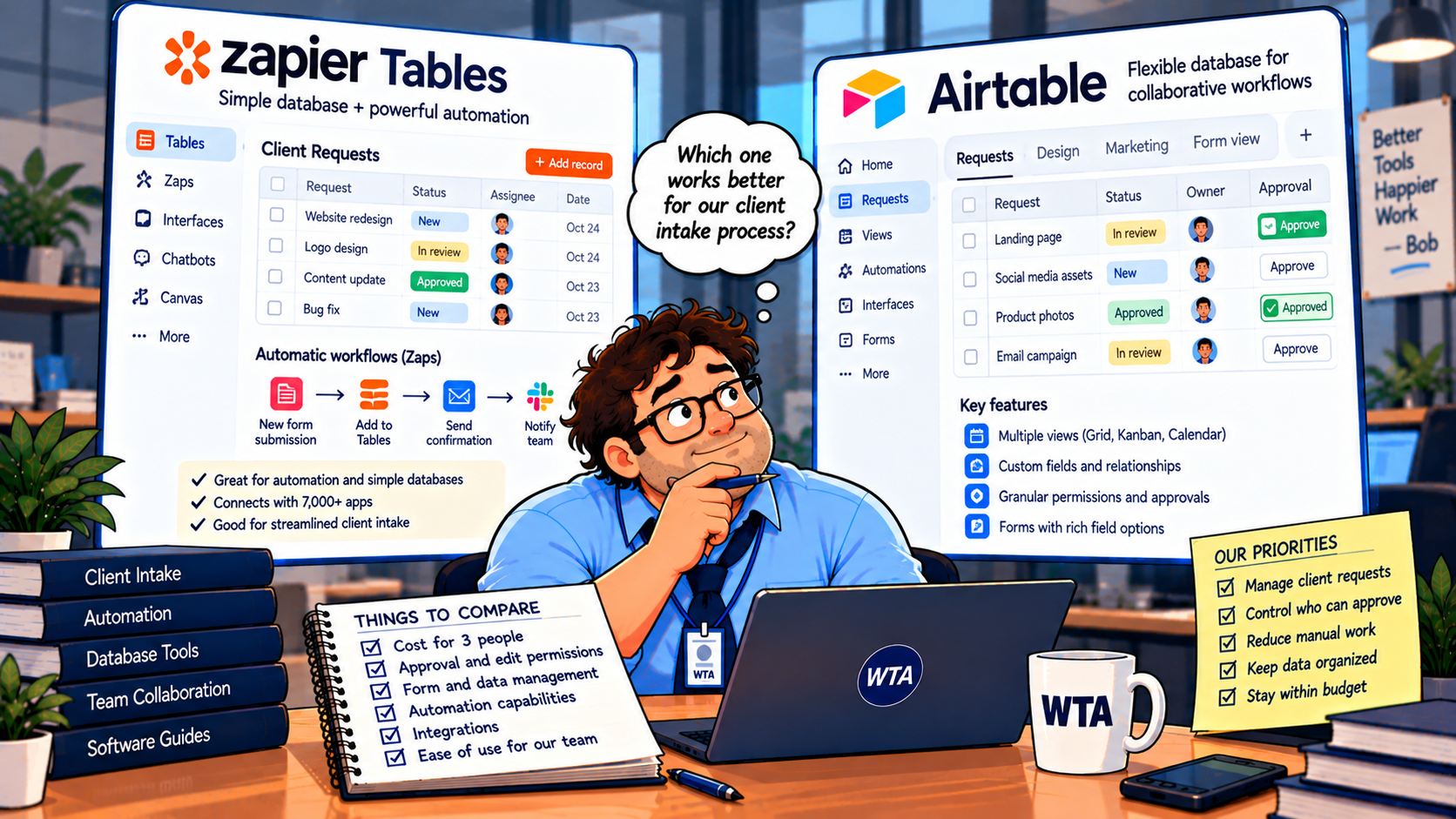
Bob’s field note: If someone can see the request but should not approve it, give them a viewing or editing surface that excludes the approval action. Do not solve that problem by hiding a column in a shared table and hoping nobody finds another route.
What three-person teams actually pay
There are two very different three-person setups: three staff who need to edit records and one operator who runs automation while colleagues submit or review through forms. They should not be priced as if they are the same team.
Airtable lists $20 per billable editor per month on annual Team billing, or $24 per editor on monthly billing. For three billable editors, that is $60 per month equivalent with annual billing or $72 on month-to-month billing. Free includes up to five Editor/Creator collaborators but caps the base at 1,000 records and lacks the paid field restrictions discussed above. A client submitting a public form is not automatically a paid editor.
Zapier lists a Free plan with one user, 100 tasks per month and 2,500 Tables records, Professional from $19.99 per month, and Team from $69 per month at the advertised starting rate. Team is the relevant comparison when three employees need to manage the platform together; it supports up to 25 users at the starting tier. Professional remains a one-user plan, even though it supports more complex Zaps.
Those are starting prices, not total cost estimates. Zapier’s monthly task requirement, annual-versus-monthly billing selection, and advanced Tables/Forms features can change the quote. Airtable’s paid editor count, API usage, attachment storage and automation runs can change its effective cost. See <a href=”https://airtable.com/pricing”>Airtable’s current pricing</a> and <a href=”https://zapier.com/pricing”>Zapier’s current pricing</a> before purchasing.
The price comparison is not simply $60 versus $69. If your existing Zapier subscription already runs ten client handoffs, Tables may avoid another data-storage subscription. Conversely, if the agency already pays for Airtable and only needs an internal approval queue, migrating records to Zapier Tables may create more work than it saves.
One detail deserves extra caution: Some Zapier help articles and pricing materials present linked-record availability differently. Before basing a migration on linked records, formulas or specific editing roles, confirm the capability in the plan selector and your account. A screenshot of a feature in a tutorial is not proof that it is included in your tier.
The client-facing trap: viewing is not approving
Suppose the agency wants the client to log in and approve a final design. That is a different workflow from staff approving a new job. Client-facing approvals require identity, record-level visibility, an explicit approval event, and an audit-friendly trail of what was approved.
With Airtable, public forms can collect new requests, while interfaces and Airtable Portals involve separate sharing and permission rules. A public interface or view should not be mistaken for a signed-in client workspace. Before granting external access, use two test client identities and try to reach each other’s records. Our <a href=”https://worktechatlas.com/2026/10/15/airtable-client-portal-permissions-checklist/”>nine-test Airtable client portal permissions checklist</a> walks through the negative tests.
With Zapier, a public Tables sharing link is view-only. If you want an external person to update data, a configured Zapier Forms project is the relevant surface. Its permission switches can allow record creation, editing or deletion, so the form must be tested as an actual external user. A public view should not expose other clients’ details, even if no editing is possible.
For client approvals involving several organizations, neither database alone should be assumed to provide the full portal experience. The choice may shift toward an authenticated portal on top of the database. Our <a href=”https://worktechatlas.com/2026/10/21/softr-vs-noloco-airtable-client-approvals-2026-2/”>Softr vs Noloco approval comparison</a> examines that separate decision.
A six-test pilot before you move real requests
Build a sandbox with two fictional clients, one account manager, and one approver. Use non-sensitive sample data. Run these tests before deciding whether to migrate:
- Submit twice. Send the same request twice and verify that your design recognizes a correction versus a new job. Neither platform magically deduplicates a badly designed process.
- Try the wrong role. Ask the account manager to change
statusto Approved. A failed attempt should leave the original value intact, not merely hide a button. - Try the wrong client. Open Client B’s record or form URL while signed in as Client A. Verify visibility, editing, attachments and any export route.
- Break the handoff. Temporarily disconnect the destination app. Check the failure alert and what happens when the workflow is retried. A retry must not create a second delivery task.
- Change the request after approval. Edit the budget or due date. Decide whether the approval must be revoked, repeated or preserved with a change log.
- Export and rebuild. Download representative records and identify which views, automations, relationships and permissions would need manual recreation. A CSV export is not a portable workflow.
For the fourth test, keep a delivery_task_id on the request and look it up before creating a new task. For the fifth, define an explicit rule such as “material scope change returns the request to Under review.” This is process design, not a built-in platform guarantee.
If you are already using Airtable, consider running a parallel pilot instead of migrating immediately. Zapier’s August 2026 guide to <a href=”https://zapier.com/blog/import-airtable-records-into-zapier-tables/”>importing Airtable records into Tables</a> says the import reads the source rather than changing it, but also warns that certain lookup and comment behavior will not map directly. The importer is described as available on Team and Enterprise for direct app imports; CSV import is a separate route. Rebuild and test every approval trigger before retiring the old base.
Choose by the job your database has to do
Choose Airtable if the core job is a shared request database with several internal editors, linked clients and projects, and a reviewer-only status field. The ability to configure field restrictions and focused interfaces matters more than a small difference in headline price. Its Free tier can help prototype, but don’t confuse prototype access with paid permission controls.
Choose Zapier Tables if your database is relatively lightweight and the main value comes from moving an approved request into other apps. It is especially worth considering if the team already pays for Zapier and one owner can govern the automation. Check collaboration and record/feature limits before promising everyone direct table editing.
Keep Airtable and add Zapier when the review needs Airtable’s structure but the approved work must travel to multiple tools. There is no need to replace a working approval system just to automate its handoffs. Our <a href=”https://worktechatlas.com/2026/10/17/airtable-automations-vs-zapier-client-intake-2026/”>Airtable Automations vs Zapier guide</a> covers the automation-layer decision without requiring a database migration.
WTA VERDICT
For a three-person service team whose biggest risk is the wrong person approving a client request, start with Airtable’s paid field-level restrictions and test an internal review interface. For a small operation whose bottleneck is moving approved work between apps, test Zapier Tables and Forms against the same six scenarios. The winner is the setup that preserves the approval boundary, not the one with the prettiest form or the lowest advertised monthly figure.
3-Line Takeaway
- Protect the approval field: visible is not the same as editable.
- Price the actual roles: three editors and one automation owner are different purchases.
- Pilot the failure cases: wrong user, duplicate submission, broken handoff and changed scope.
Source check: <a href=”https://support.airtable.com/articles/2277136852-airtable-plans-overview”>Airtable plan limits</a>, <a href=”https://support.airtable.com/articles/2296468758-airtable-field-and-table-editing-permissions”>Airtable field permissions</a>, <a href=”https://help.zapier.com/hc/en-us/articles/32337438839565-What-s-included-in-Zapier-s-Free-plan”>Zapier Free-plan limits</a>, <a href=”https://help.zapier.com/hc/en-us/articles/16021760381453-Manage-permissions-and-sharing-in-Zapier-Tables”>Zapier Tables sharing</a>, and both official pricing pages. Checked October 25, 2026.

Leave a Reply