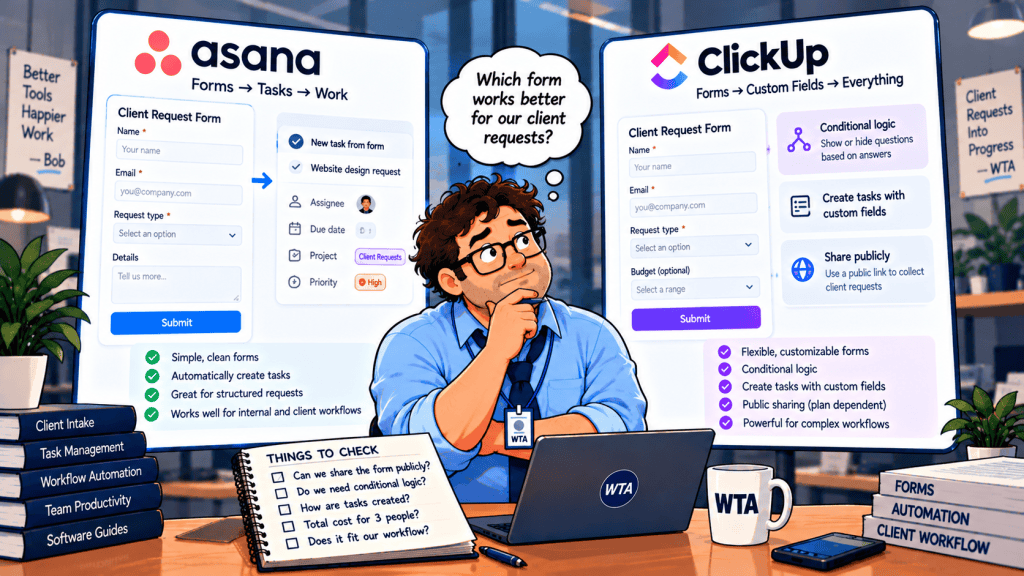
A three-person design studio receives client requests through a web form. One client needs a new landing page; another uploads a revised brief; a third wants a deadline changed. The team already uses a project manager, so a form that creates tasks sounds like the simplest answer. But the first surprise often comes before the first submission: the form exists, yet the public link or the questions you need may be locked behind a different plan.
For Asana Forms vs ClickUp Forms for client requests, the decisive question is which paid plan enables the intake process your clients will actually use. Both can turn submitted information into work in their own task systems. The difference is which subscription unlocks the intake experience your clients will actually use.
Short answer: Choose Asana Starter if your delivery team already works in Asana and a straightforward public form is enough. ClickUp Unlimited is worth considering when your team wants client intake inside ClickUp and its plan-specific public-sharing controls fit the job. Neither entry paid plan is the right assumption for a branching questionnaire: Asana lists branching on Advanced, while ClickUp’s plan matrix places form logic on Business Plus and higher. Verify your exact ClickUp plan because its pricing rollout is changing.
This comparison is based on vendor documentation, not hands-on testing or measured performance. Plan details and limitations were checked against the vendors’ official pages on October 24, 2026; prices are US-dollar list rates before tax, with annual billing where indicated.
Asana Forms vs ClickUp Forms: quick comparison
| Client-intake question | Asana Forms | ClickUp Forms |
|---|---|---|
| What happens after submission? | Creates a task in the Asana project containing the form. | Creates a task in the selected ClickUp List. |
| Can outsiders submit? | Yes, with an “Anyone can access” form link; no Asana account required. | Anyone with an available public form link can submit; verify plan sharing rights. |
| First straightforward paid option | Starter includes forms. | Unlimited supports form sharing under the published plan matrix. |
| Conditional questions | Branching on Advanced and higher. | Form logic on Business Plus and Enterprise in the current matrix. |
| Attachments | Attachment questions add files to the created task. | Form uploads are capped at 25 MB per file. |
| What the form does not decide | Whether a request is approved or ready for delivery. | Whether a request is approved or ready for delivery. |
The useful distinction: can a client send a complete request, will the right teammate see it, and can the team distinguish submitted from accepted? For a broader comparison of the workspaces themselves, see our Asana vs ClickUp guide for small teams.
Public links: can a client submit without an account?
Asana: the link is designed for external requesters
Asana’s sharing guide says forms are organization-only by default and can be changed to Anyone can access. The resulting link can be filled out by someone without an Asana account. Clients can send the brief without seeing the team’s internal project.
Asana Starter includes forms according to its current pricing page. The Personal free plan does not include them. After publishing, test the link in a private browser window while signed out; do not assume the access toggle was set correctly.
ClickUp: “one free form” is not the same as a shareable client intake
ClickUp’s form availability matrix lists one Form or Form view on Free Forever, but marks share, embed, and export Forms as unavailable there. It lists sharing for Unlimited and above. ClickUp also has a general sharing guide describing public links. Read those pages together rather than assuming that creating a free form guarantees a usable public intake link.
The same matrix says anyone with a form link can submit a response, but the ability to distribute that link is plan-dependent. If your purchase decision rests on a free external form, verify the link from the exact workspace and plan during your trial. This is a documentation discrepancy worth resolving before you invite clients, not a reason to guess.
A public form is also not a client portal. The submission creates a task for the team; it does not automatically grant the requester access to that task or a running status dashboard. If clients must return later to edit records or review approvals, our Asana Forms vs Fillout comparison explains when a separate intake layer may be more appropriate.
Conditional questions, attachments and routing
Imagine one intake form for design changes, new work, and billing questions. A flat form can ask for a request type, a short description, a deadline, and an attachment. A conditional form can go further: a design change asks for a revised asset, while a billing question asks for an invoice reference. That extra convenience is where the plan boundary matters.
Asana documents branching for Advanced and higher, not Starter. It also places multiple forms per project, custom confirmation messages, and default-assignee form settings on Advanced and higher. Starter remains useful for a single simple intake lane, but do not budget Starter pricing for an Advanced-only form design.
ClickUp’s published matrix puts conditional logic on Business Plus and Enterprise. Its logic documentation explains that rules can show follow-up questions or affect task fields based on selected answers. ClickUp also documents a 25 MB limit for each uploaded file in a Form, regardless of plan. If clients routinely send large design files, test that limit with a realistic attachment before committing.
Do not confuse conditional questions with routing ownership. A form can capture “urgent,” but the team still needs an intake owner, a review status, and a rule for who may accept a deadline. In Asana and ClickUp, a new task is evidence of a request, not proof of authorization. Our human-approval workflow guide offers a practical way to keep that decision with a person.
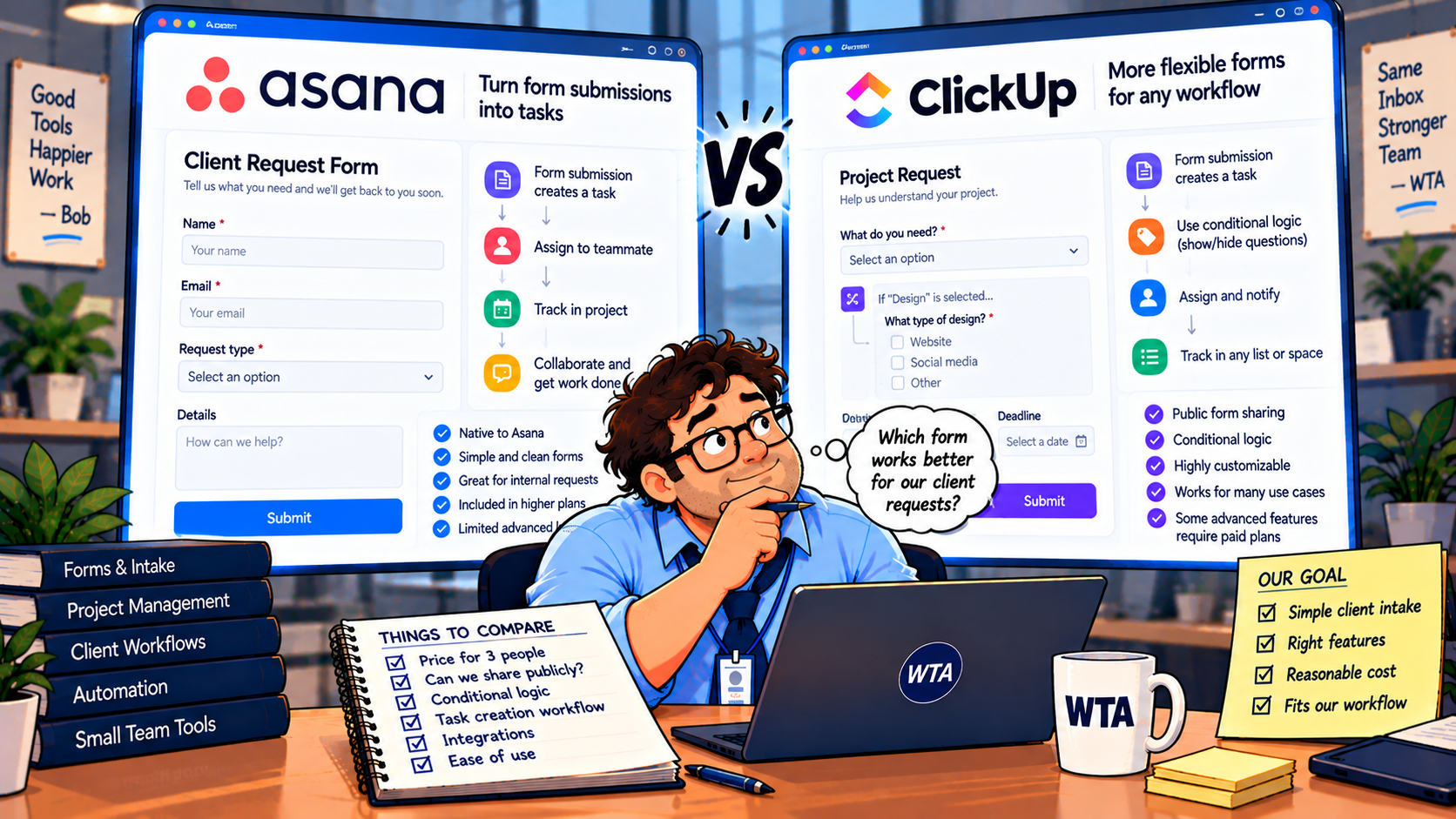
3-person pricing: the plan that actually works
Published per-seat prices are only useful if they unlock the feature you need. The figures below assume three paid internal members, annual billing, and no taxes, discounts, AI add-ons, or additional integrations. They are arithmetic illustrations, not quotes from either vendor.
| Plan and reason to consider it | Published USD rate | Three-member illustration |
|---|---|---|
| Asana Starter — flat public intake | $10.99/user/month, billed annually | $32.97/month equivalent; $395.64/year |
| Asana Advanced — branching and advanced form settings | $24.99/user/month, billed annually | $74.97/month equivalent; $899.64/year |
| ClickUp Unlimited — shareable basic forms | $7/user/month, billed annually | $21/month equivalent; $252/year |
| ClickUp Business Plus — form logic | Confirm in the current workspace/checkout | Do not substitute Business pricing for Business Plus |
The Asana pricing page and ClickUp pricing page supply the published rates. Asana explicitly offers a three-seat paid subscription, so there is no need to round this example to five seats. ClickUp’s new-plan notice says some workspaces see Core and other AI-inclusive plans during a limited rollout, with packaging subject to change. If your checkout shows a different plan lineup, use the displayed entitlement and price rather than treating the older Unlimited/Business Plus matrix as a guaranteed offer.
The budget question is: What is the least expensive plan that lets our actual clients submit the information we need? A $21 monthly equivalent for a flat ClickUp intake is meaningful; it is not evidence that ClickUp form logic costs $21. Likewise, Asana Starter’s $32.97 monthly equivalent does not include Advanced branching.
Run these six tests before moving client requests
Use a temporary project or List with fictional clients. Do not expose real customer data during a trial. A passing test should leave a complete task, a visible reviewer, and a clear next action.
- 1. Anonymous submission: Open the public form on a signed-out phone. Can a client submit without joining your workspace? Check the confirmation they actually see.
- 2. Missing brief: Submit without a required attachment. Does the form block incomplete requests, or does a teammate have to chase the file?
- 3. Two request types: Submit a design change and a billing question. Can each collect the right fields on the plan you would buy?
- 4. Ownership: Confirm where each new task lands, who reviews it first, and what happens if that person is absent.
- 5. Correction versus new job: Send an updated deadline for an existing request. Does your process create a second task? If so, define a reference-ID and manual merge or update rule.
- 6. Oversized file and privacy: Try a realistic attachment and inspect the task’s visibility. Can unrelated clients see anything? Is a rejected file explained clearly?
Test five is especially important. Neither product’s basic form-to-task behavior guarantees duplicate-safe corrections. The failure mode is the same one described in our duplicate-safe Fillout → Airtable → Asana workflow: a second submission is not necessarily a second job. A reference number and a clear update route matter more than an extra automation rule.
Record the result of each test as pass, fail, or needs a paid plan. A small team does not need an elaborate scoring model. It needs to know whether its first real client request will reach the right person without a follow-up apology.
Which one should a small service team choose?
Choose Asana Forms when your work already lives in Asana, clients need a straightforward request link, and the team values keeping intake in the same project as delivery. Starter is the practical entry point for a flat form. Move to Advanced only when branching or another Advanced feature is genuinely required.
Choose ClickUp Forms when ClickUp is already your operational home, the public sharing capability is available in your plan, and you want a lower published entry rate for simple intake. Treat the Free Forever form as a feature to verify, not an external-facing promise. If conditional logic is essential, check the Business Plus entitlement and the new-plan checkout before calculating savings.
Choose neither as the whole client system if requesters must repeatedly revise submissions, approve deliverables, or track work without being exposed to internal tasks. A form is a front door. The approval queue, client communications, and update path are separate design decisions.
Sometimes the answer is simpler: if you receive five requests a month, a well-managed shared mailbox and a human triage step may be enough. Pay for form automation when missing details, routing errors, or repeated follow-ups are a recurring problem, not merely because a comparison table has more checkmarks.
WTA VERDICT
WTA VERDICT: For a three-person agency already using Asana, start with Asana Starter and one clearly owned intake project. For a team already in ClickUp, evaluate Unlimited for a flat public form. If you need branching, compare Asana Advanced against the exact ClickUp plan that enables form logic, not against ClickUp’s entry price.
3-Line Takeaway
- Public link first: confirm anonymous submission on the plan you will actually pay for.
- Logic costs extra: Asana Advanced and ClickUp Business Plus are the documented branching tiers in the checked plan matrices.
- Submission is not approval: give each request an owner and a safe way to correct an existing job.

Leave a Reply